Add a new employee
8 Jul 2026 · 2 min read
Add someone to your team in under a minute and start their compliance record.
Every person you add gets a record that ties together their right to work, documents, time off and pay. You only need a few details to begin, and you can fill in the rest later or let the person add their own from the app.
- 1
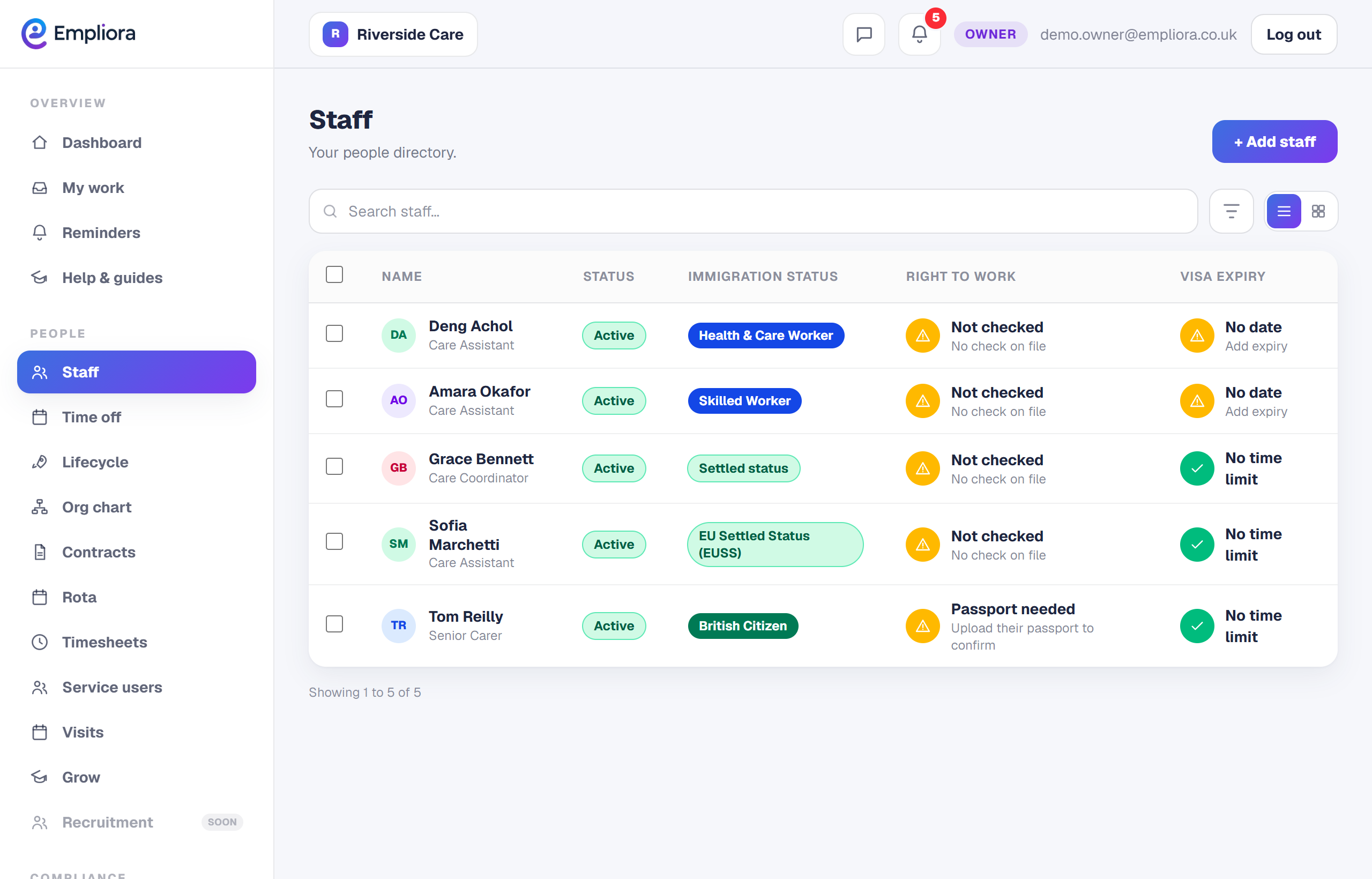
Open Staff
Go to Staff from the menu. This is your team directory, with a compliance status against each person.
- 2
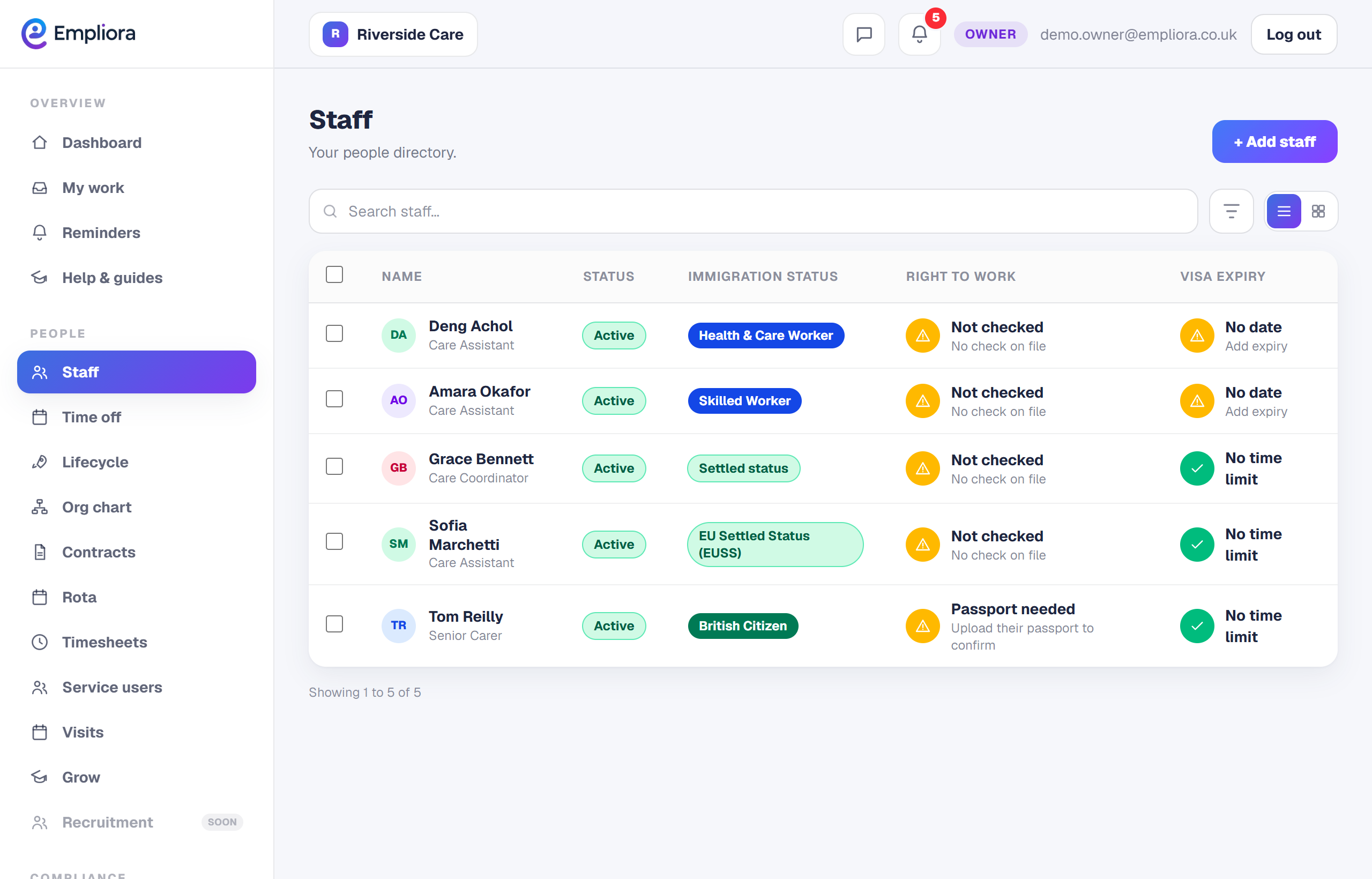
Choose Add someone
Select Add someone, top right.
- 3
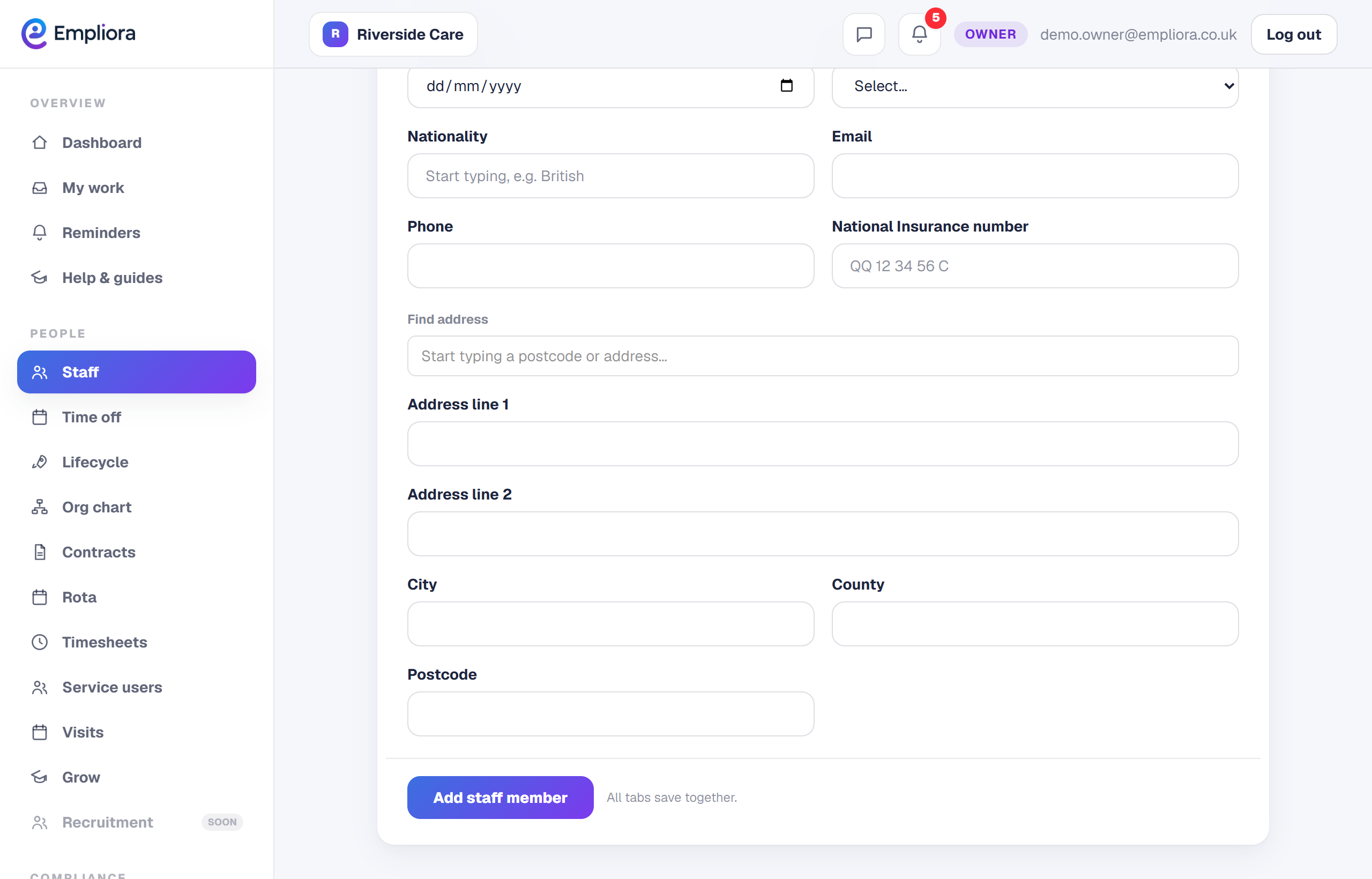
Enter the essentials
Fill in their name, job title and start date. That is enough to create the record. Everything else can wait.
- 4
Choose how they are paid
Set the pay basis to salaried, hourly or self employed. This shapes what they see in the app. For example, salaried staff do not get a clock in button, while hourly and care staff do.
- 5
Save, then add more later
Save the record and the person appears in your directory. Open them any time to add their National Insurance number, date of birth and bank details, which Empliora uses to file payslips to the right person automatically. With someone on the system, a natural next step is to run their right to work check.