Build your org chart
8 Jul 2026 · 1 min read
Set who reports to whom and see your whole structure at a glance.
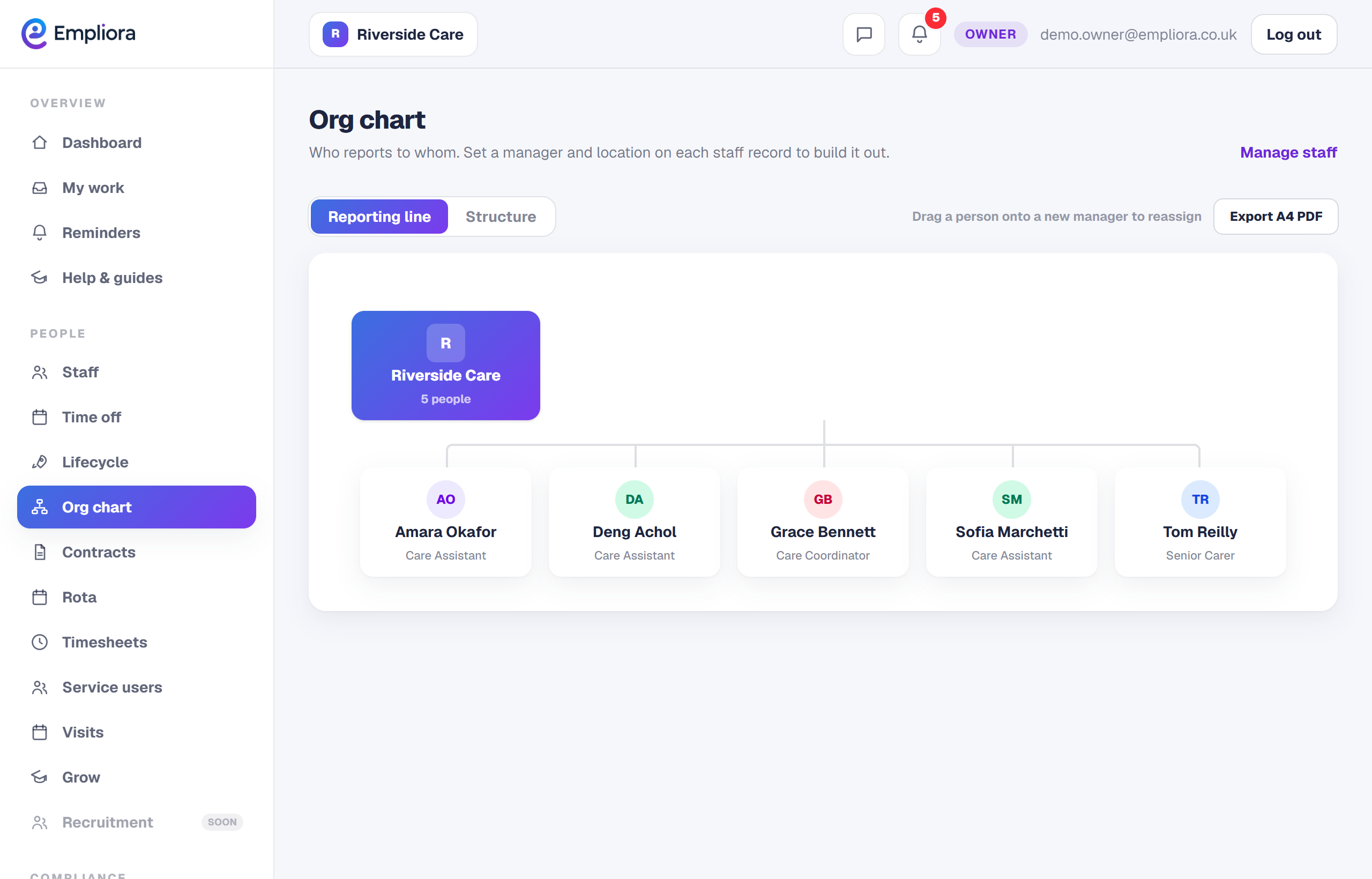
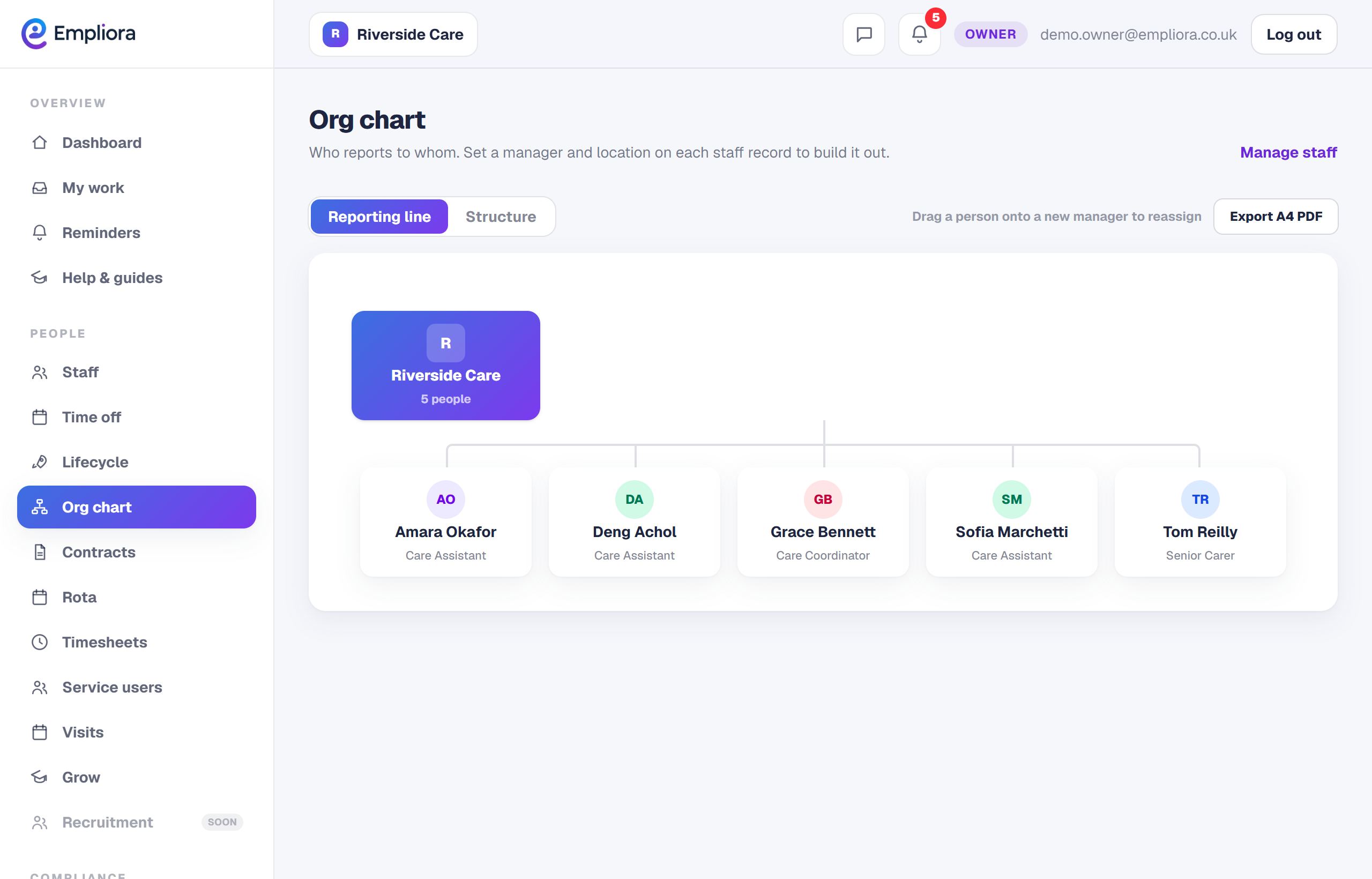
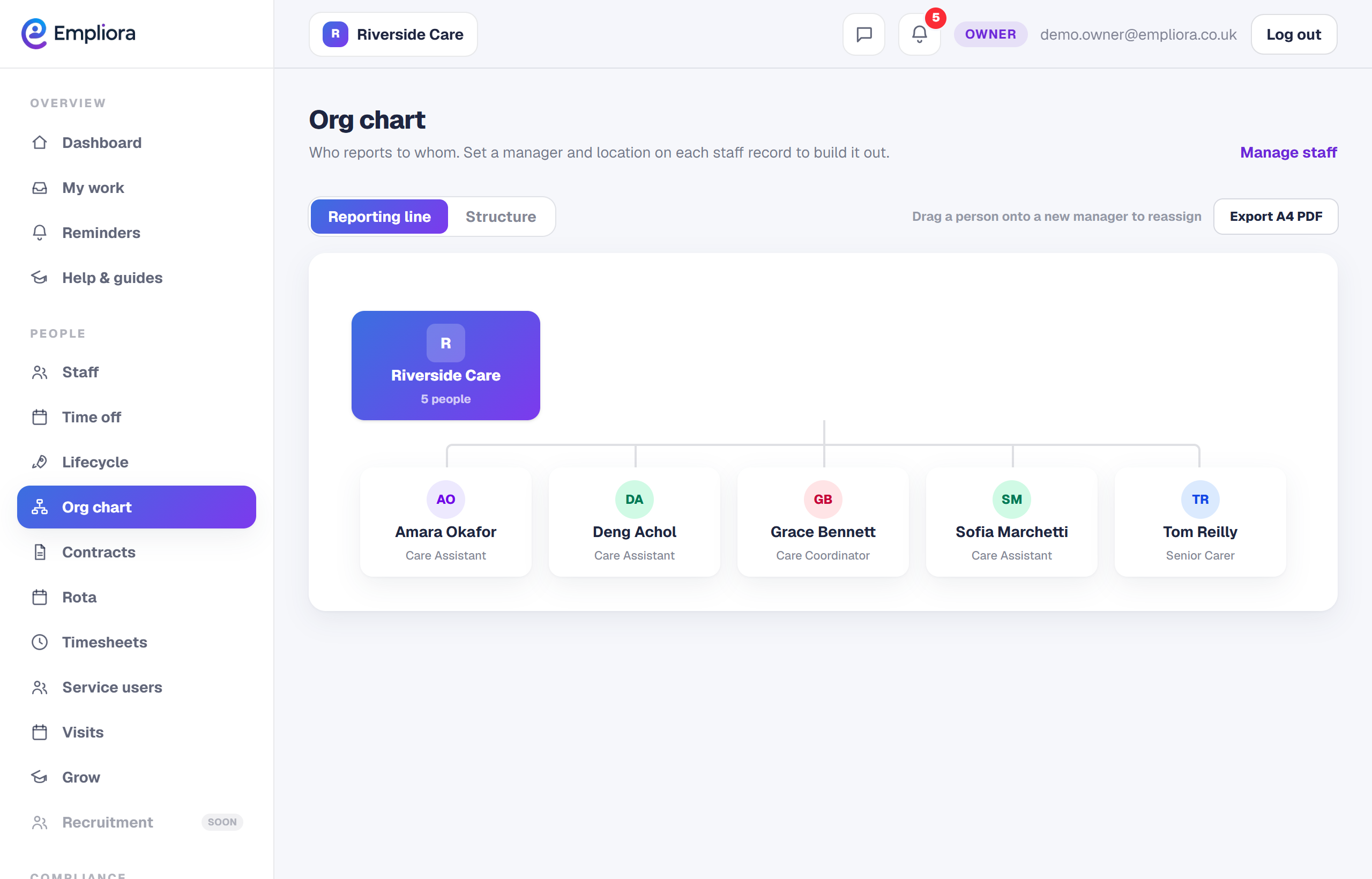
The org chart turns your team list into a picture of who reports to whom. Set each person's manager once and Empliora draws the structure, which you can rearrange as your business changes.
- 1
Set a person's manager
On someone's record, set their manager. As you do this across the team, the reporting lines build up.
- 2
View the chart
Open Org chart to see the structure as a tree, from the top of the business down. It is the quickest way to spot gaps or people without a manager.
- 3
Switch views
Use the Structure view to collapse levels and take in a larger business without scrolling forever. Where you use locations, the chart can group people by where they work.
- 4
Rearrange by dragging
As an owner or HR manager, you can drag a person onto a new manager to change the reporting line there and then. The record updates with them. Keeping the chart current means new managers and joiners always see the right structure.