ArticleYour people
Create and sign employment contracts
8 Jul 2026 · 1 min read
Draw up a contract, send it to be signed, and keep the signed copy on file.
Empliora turns a contract into a few clicks: create it, send it to be signed, and the signed copy is kept against the person's record. No printing, posting or chasing paper.
app.empliora.co.uk
Start a new contract
1 / 3- 1
Start a new contract
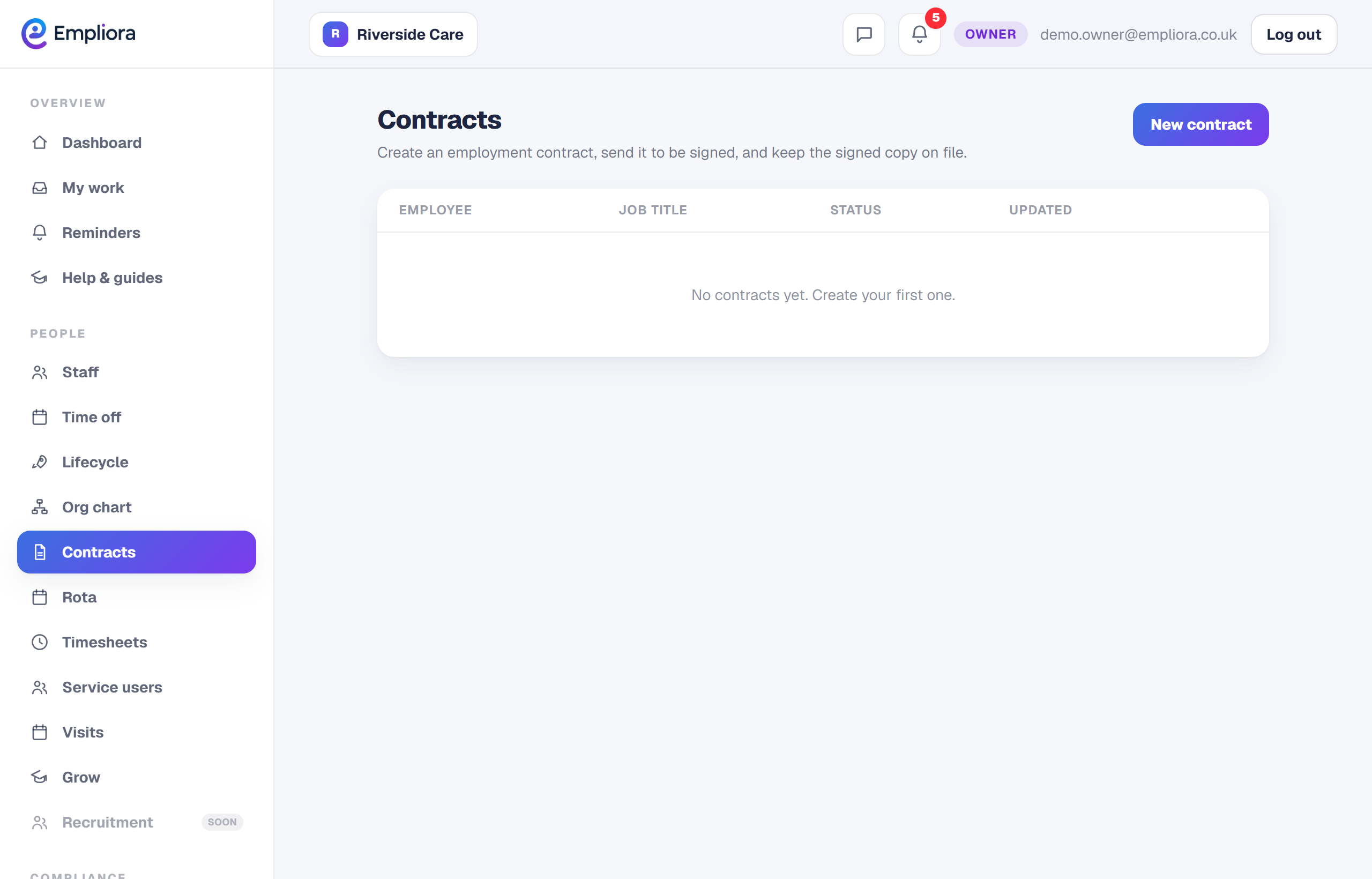
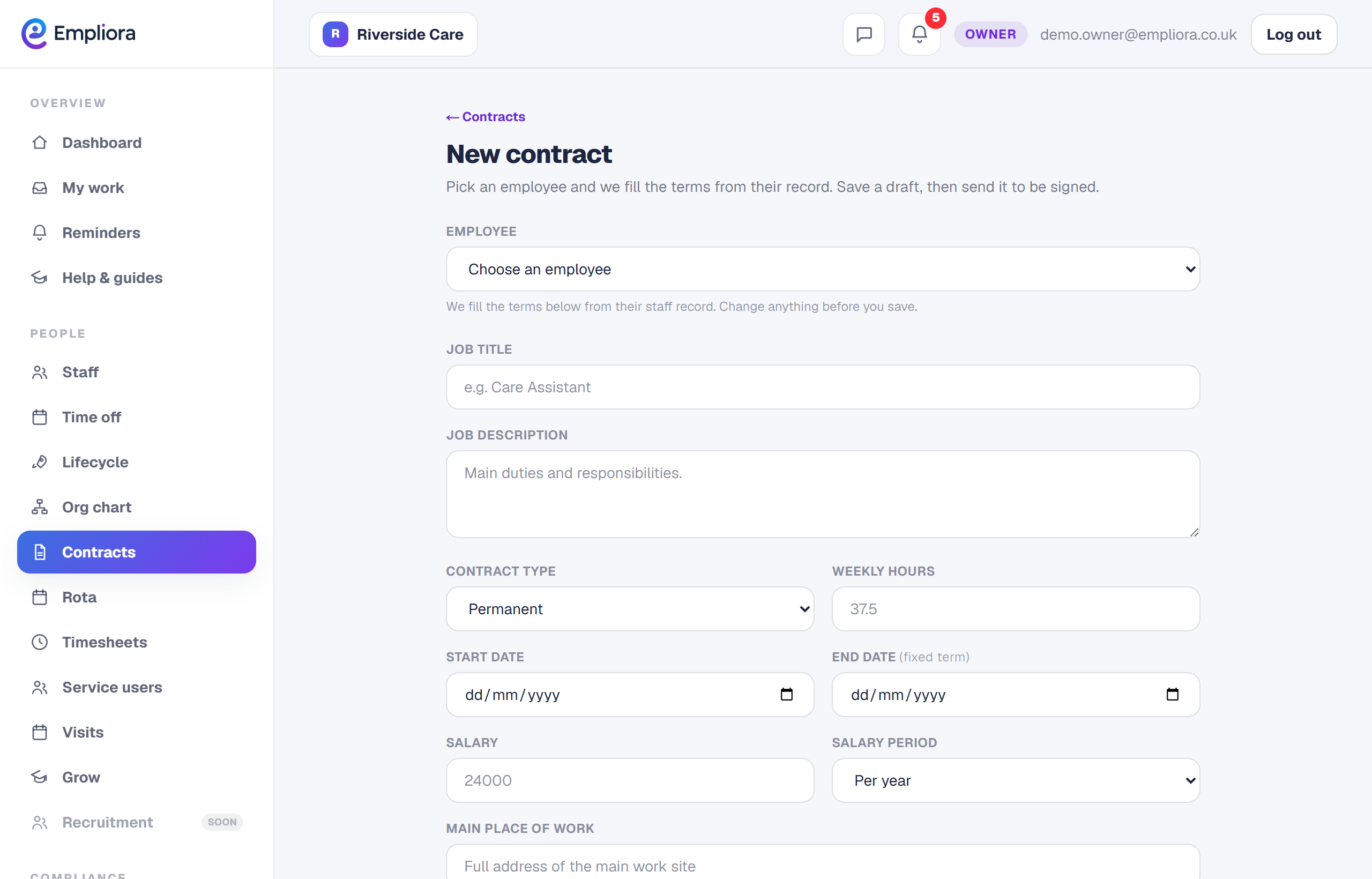
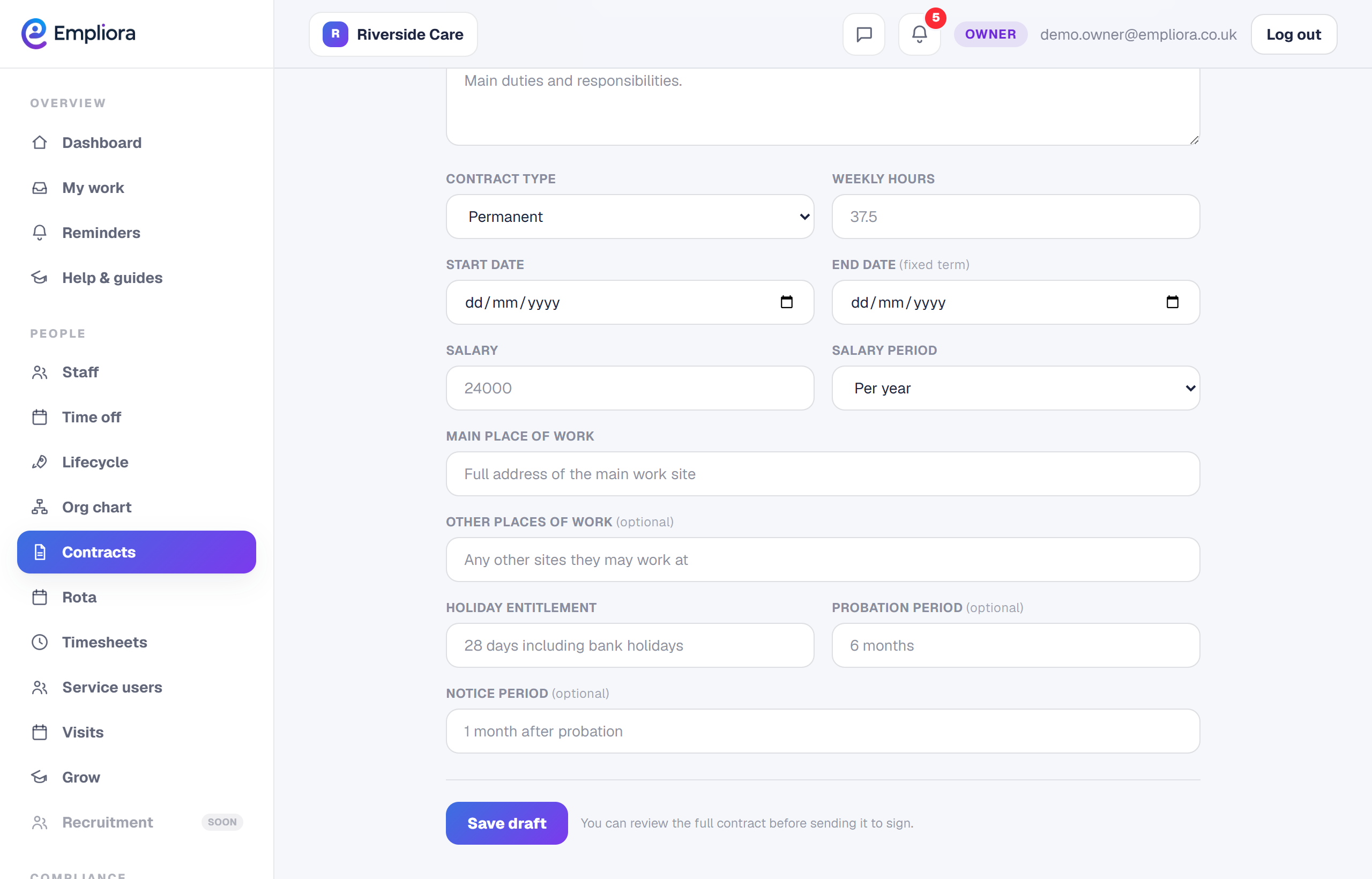
Open Contracts and choose New contract. Pick the employee and set the job details.
- 2
Send it to be signed
Once the contract is ready, send it to the employee to sign. Its status moves to sent, so you can see at a glance what is still waiting.
- 3
Keep the signed copy
When the employee signs, the status moves to signed and the signed copy is kept on file. You always know who has a contract in place and who does not. A clear record of signed contracts is one less thing to worry about at review time.