ArticleYour business
Organise people into departments
8 Jul 2026 · 1 min read
Group your team by department to make bigger businesses easier to run.
Departments are an optional way to group your team, such as Care, Kitchen or Office. They make a larger business easier to read across your org chart and reports.
app.empliora.co.uk
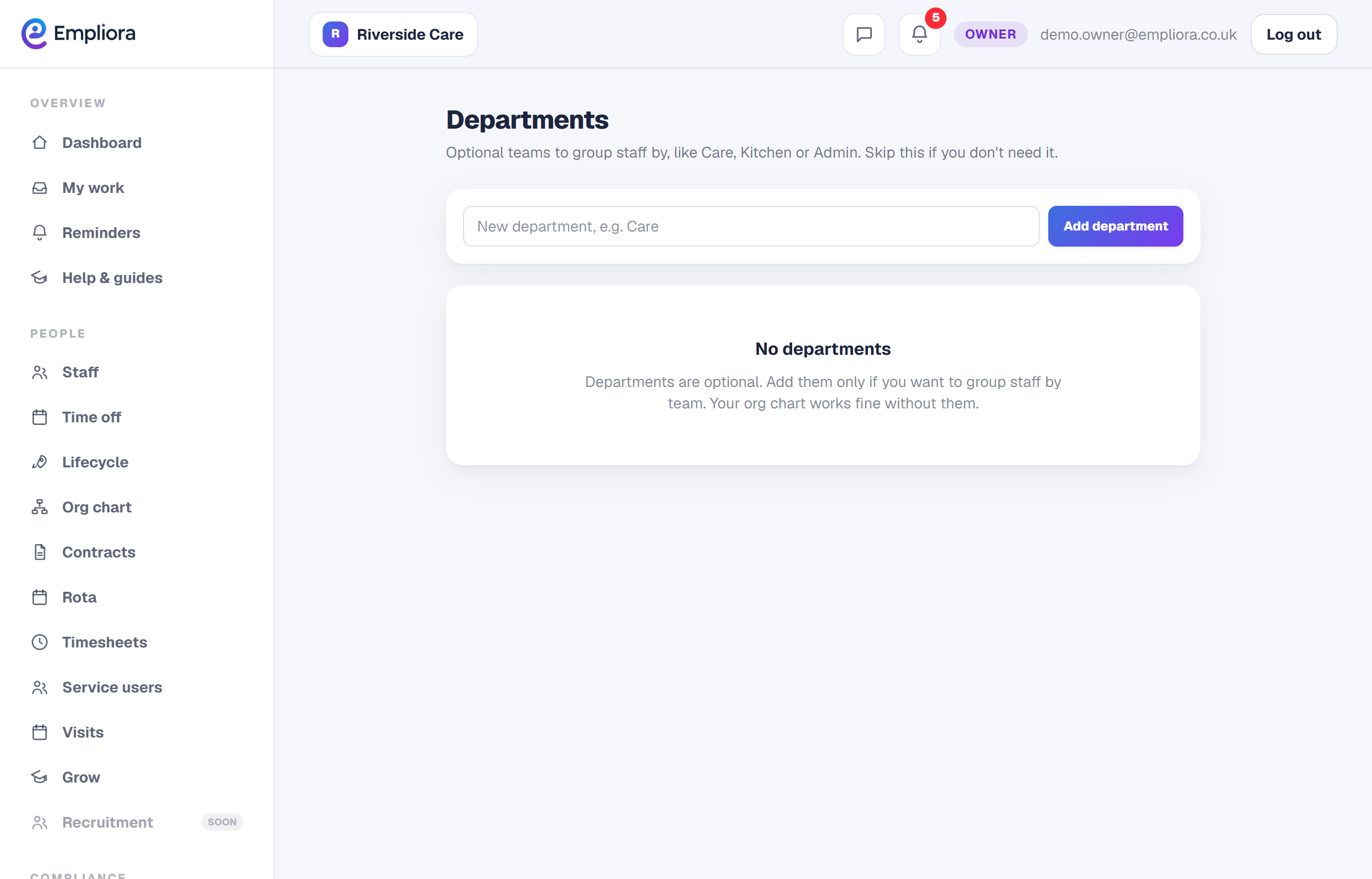
Name a department, keep them simple and few
1 / 3- 1
Create your departments
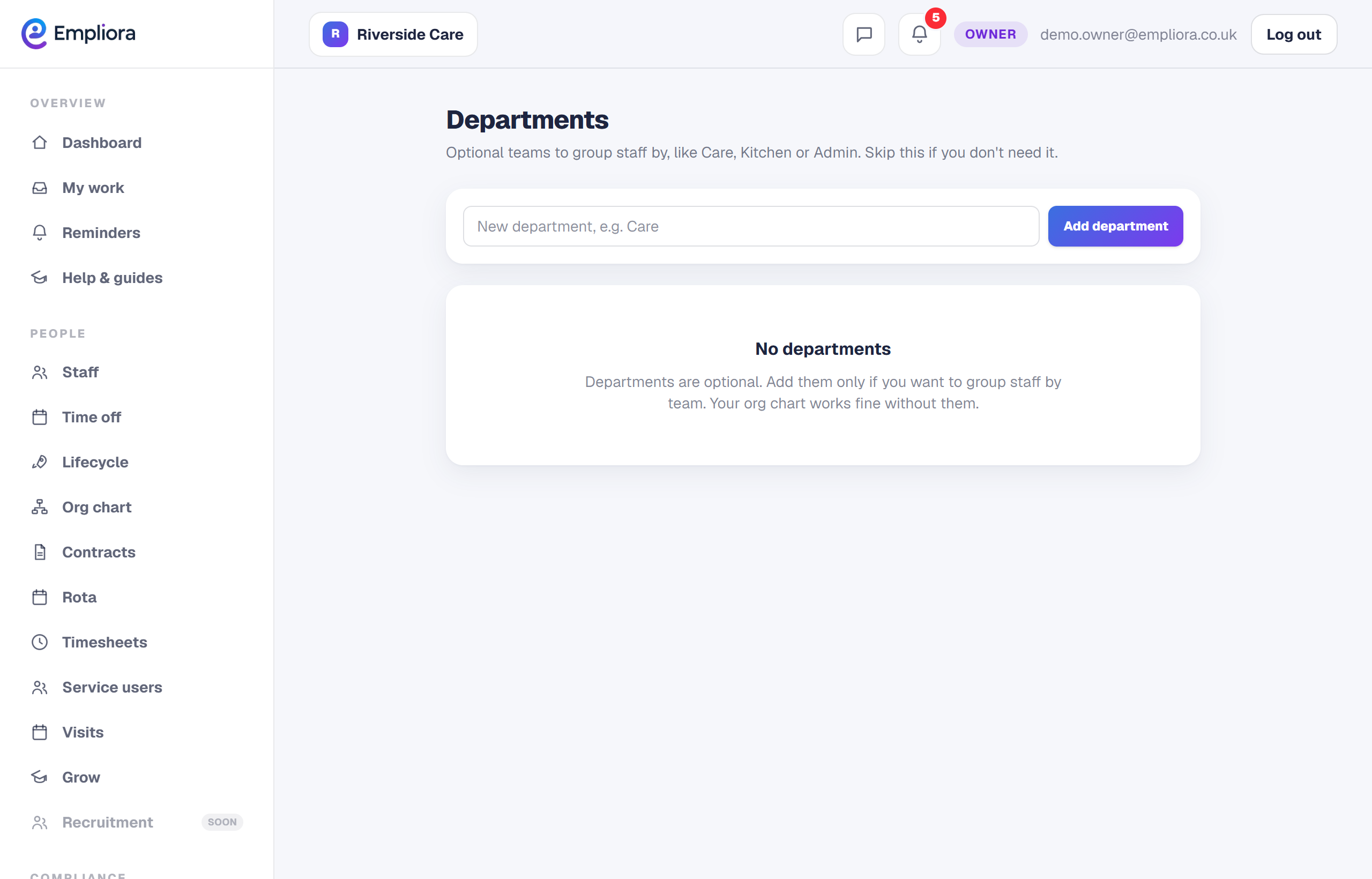
Open Departments and add the ones you use. Keep them simple and few, so they stay useful.
- 2
Assign your people
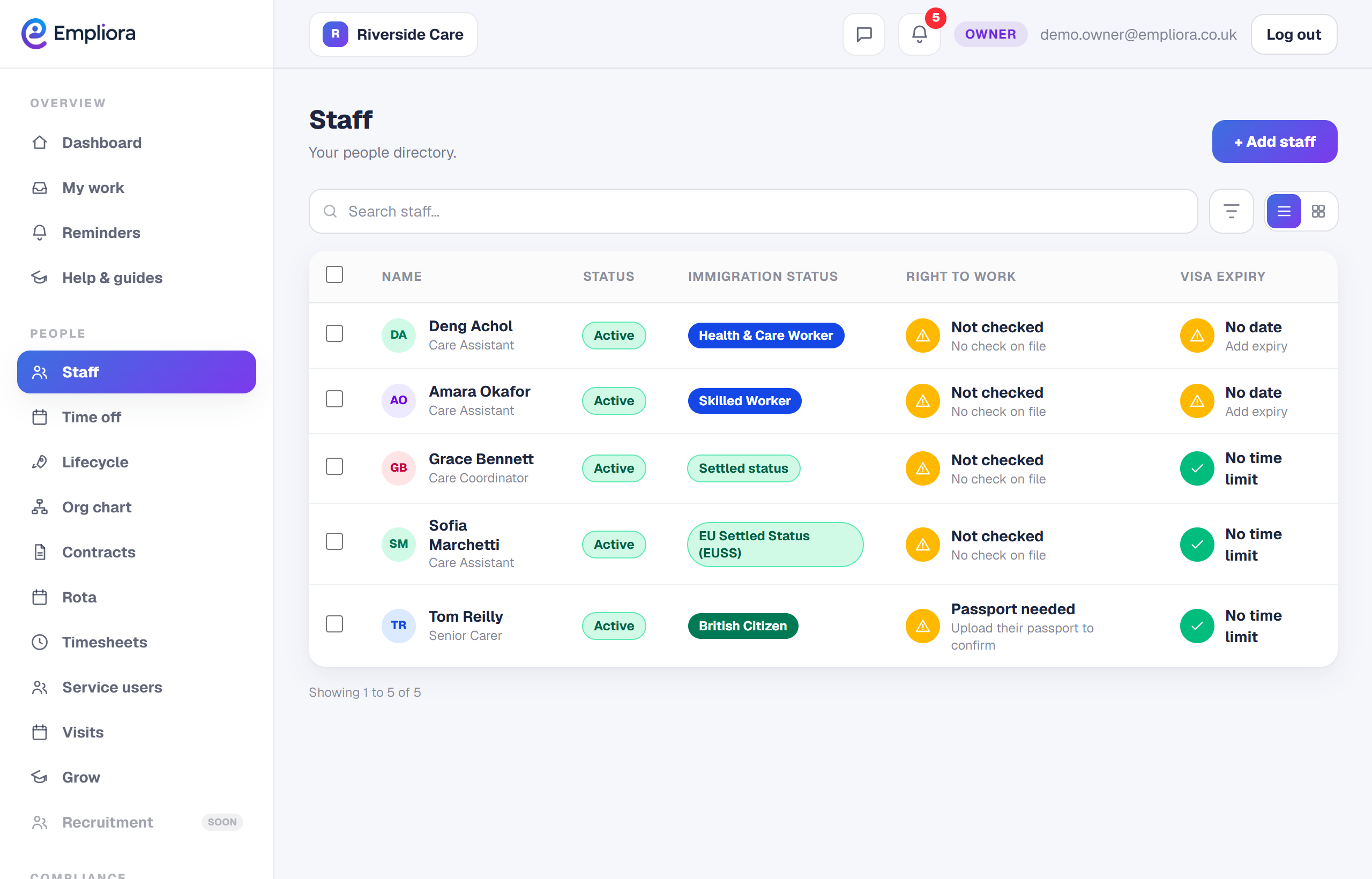
On a person's record, set their department. Over time this gives you a clean split of your team by area.
- 3
Read your business by department
With departments set, your org chart and reports can be read by area, so you can see, for example, how many people are in Care versus Office. Departments are optional. Turn them on only if grouping your people helps you run the business.