Service users and visits, for care
8 Jul 2026 · 1 min read
Set up the people you care for and schedule visits, with clock in at each address.
If you provide care in people's homes, Empliora supports it directly. Set up the people you care for, schedule visits, and your carers clock in at each address from the app. This guide is for domiciliary care.
- 1
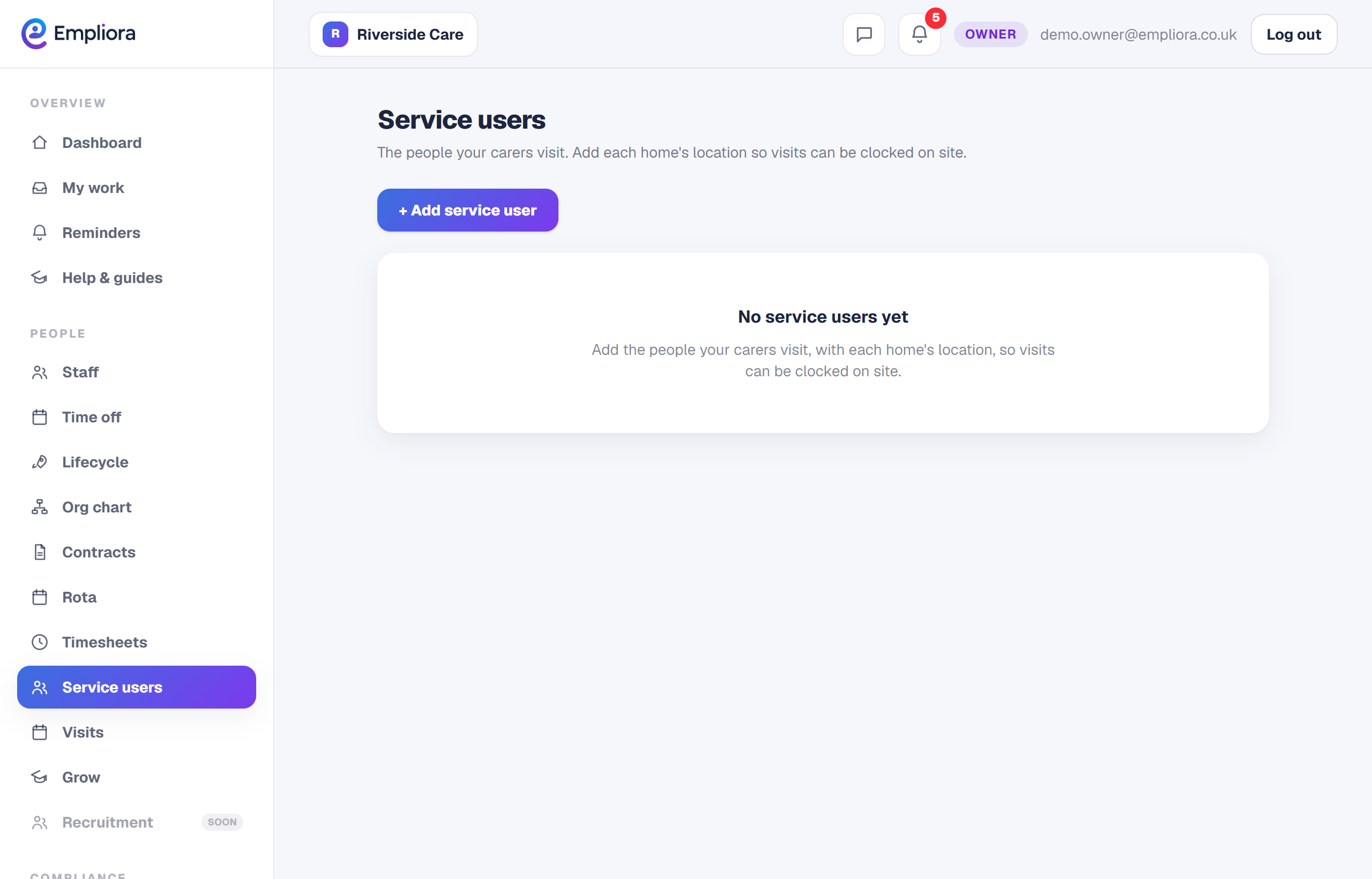
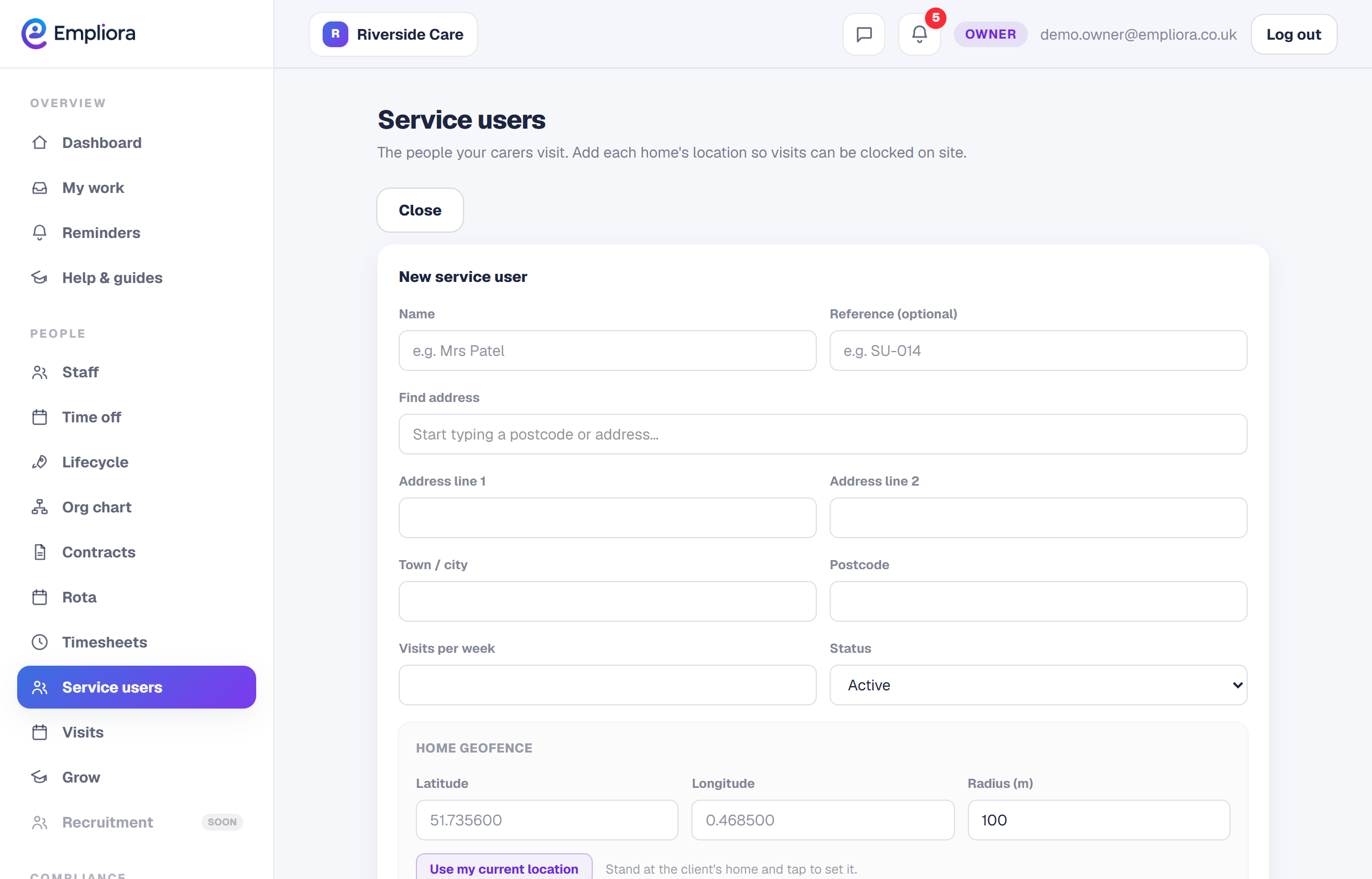
Add a service user
Open Service users and add each person you provide care for, with their address and any details your carers need.
- 2
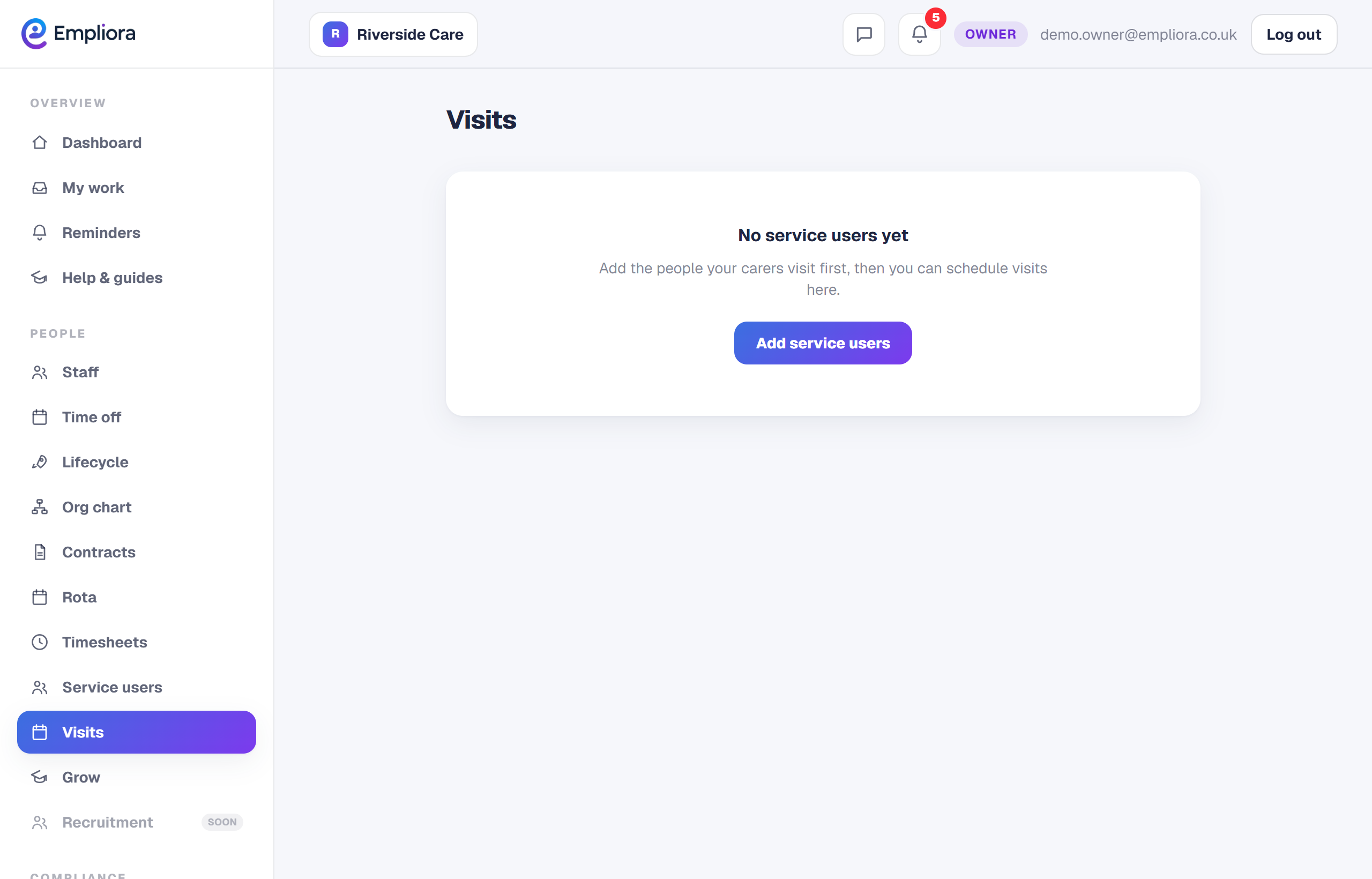
Schedule a visit
Open Visits and schedule a visit: who, which service user, and when. Your carer sees it in their app for the day.
- 3
Carers clock in at the address
At the visit, the carer clocks in from their app, locked to the service user's home using the phone's location. So you know the visit happened, where and when it should.
- 4
See the day
Your team's visits and travel are recorded as they go, so you can see what has been done and what is still to come. Travel between visits is recorded so you have the full picture, without it being paid automatically.