Add colleagues and set their roles
8 Jul 2026 · 1 min read
Invite the people who help you run Empliora and control what each can do.
You do not have to run Empliora alone. Invite colleagues such as an HR manager or a line manager, and give each the right level of access, so people see what they need and no more.
- 1
Invite a colleague
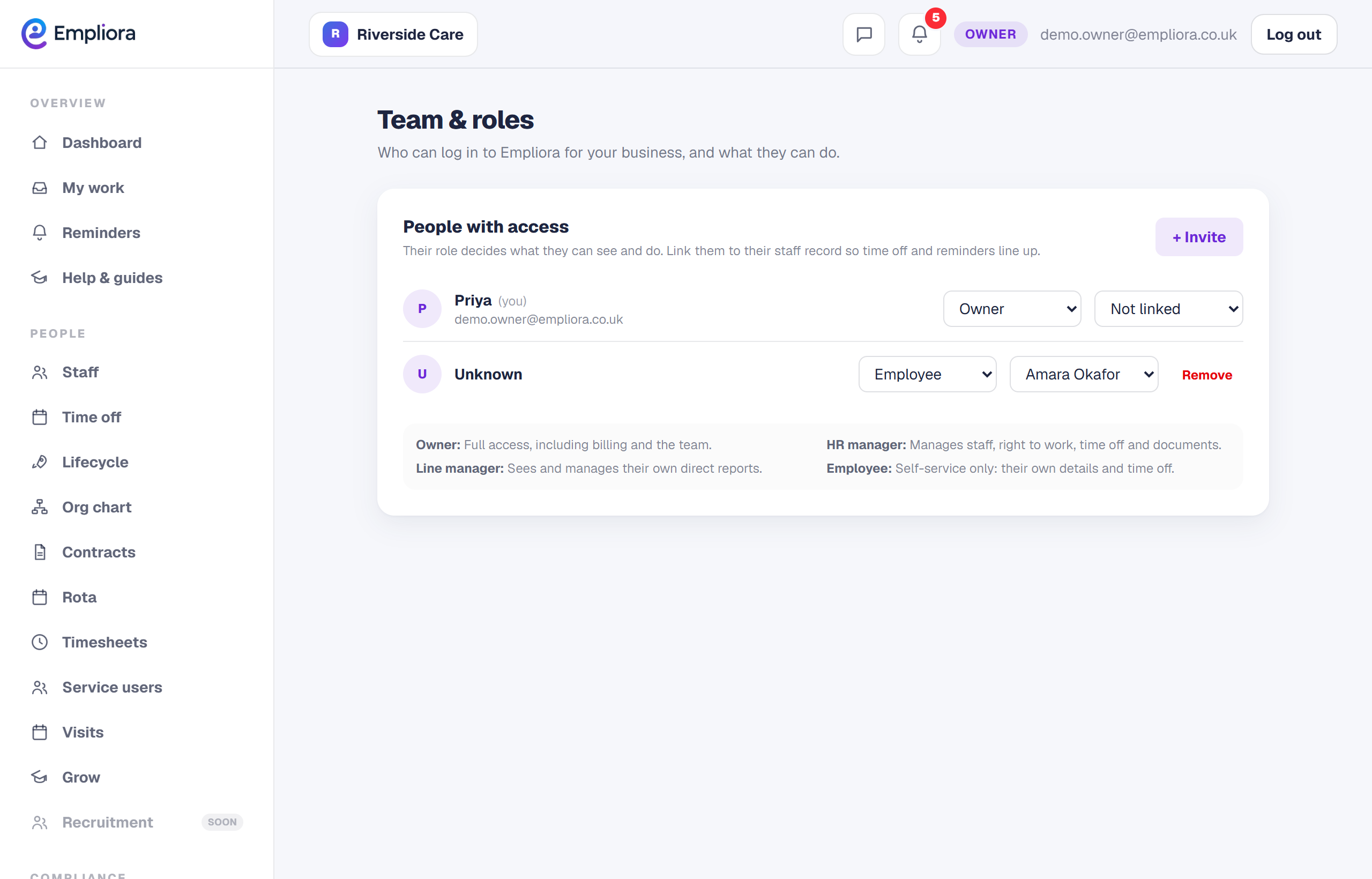
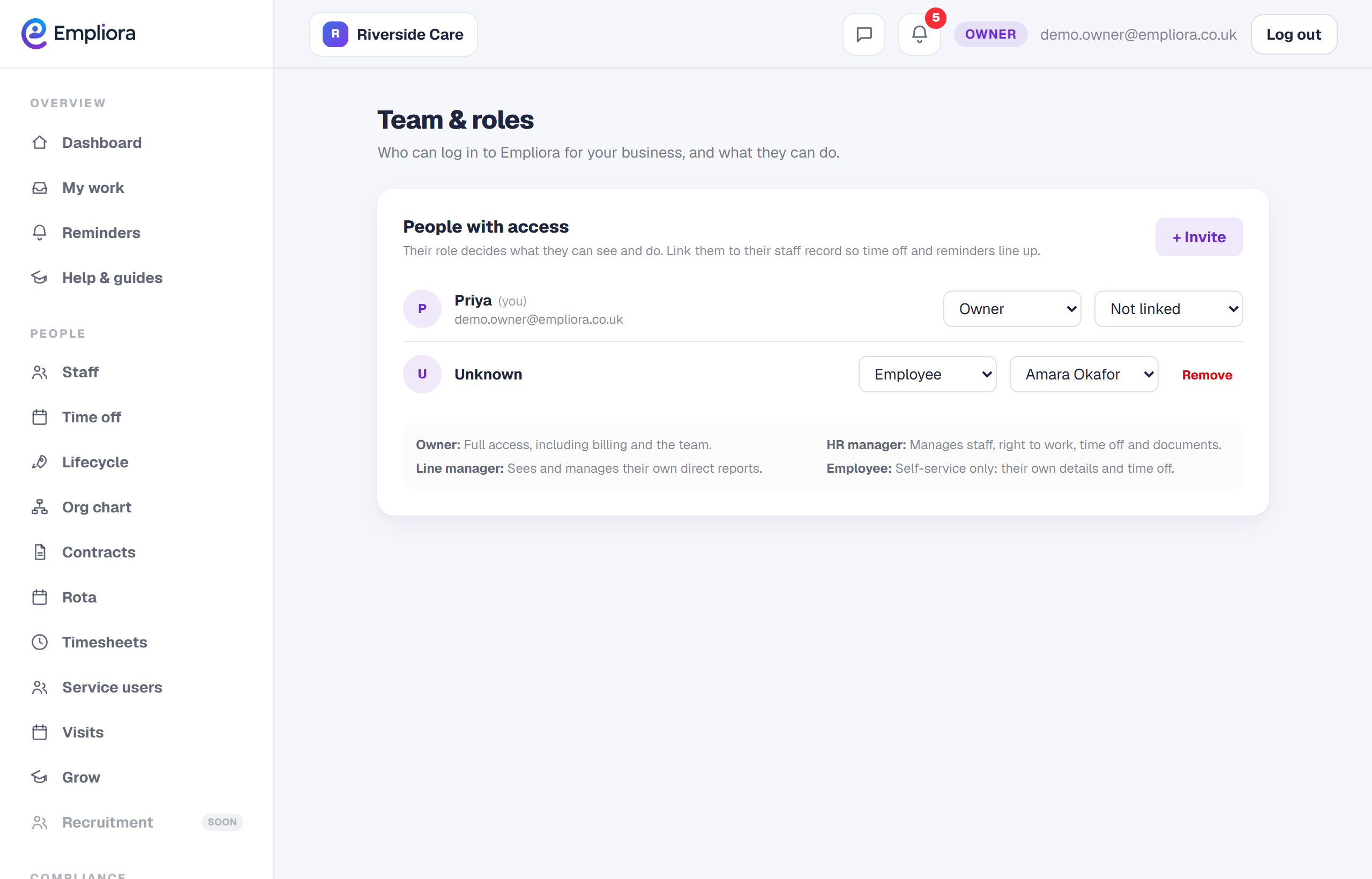
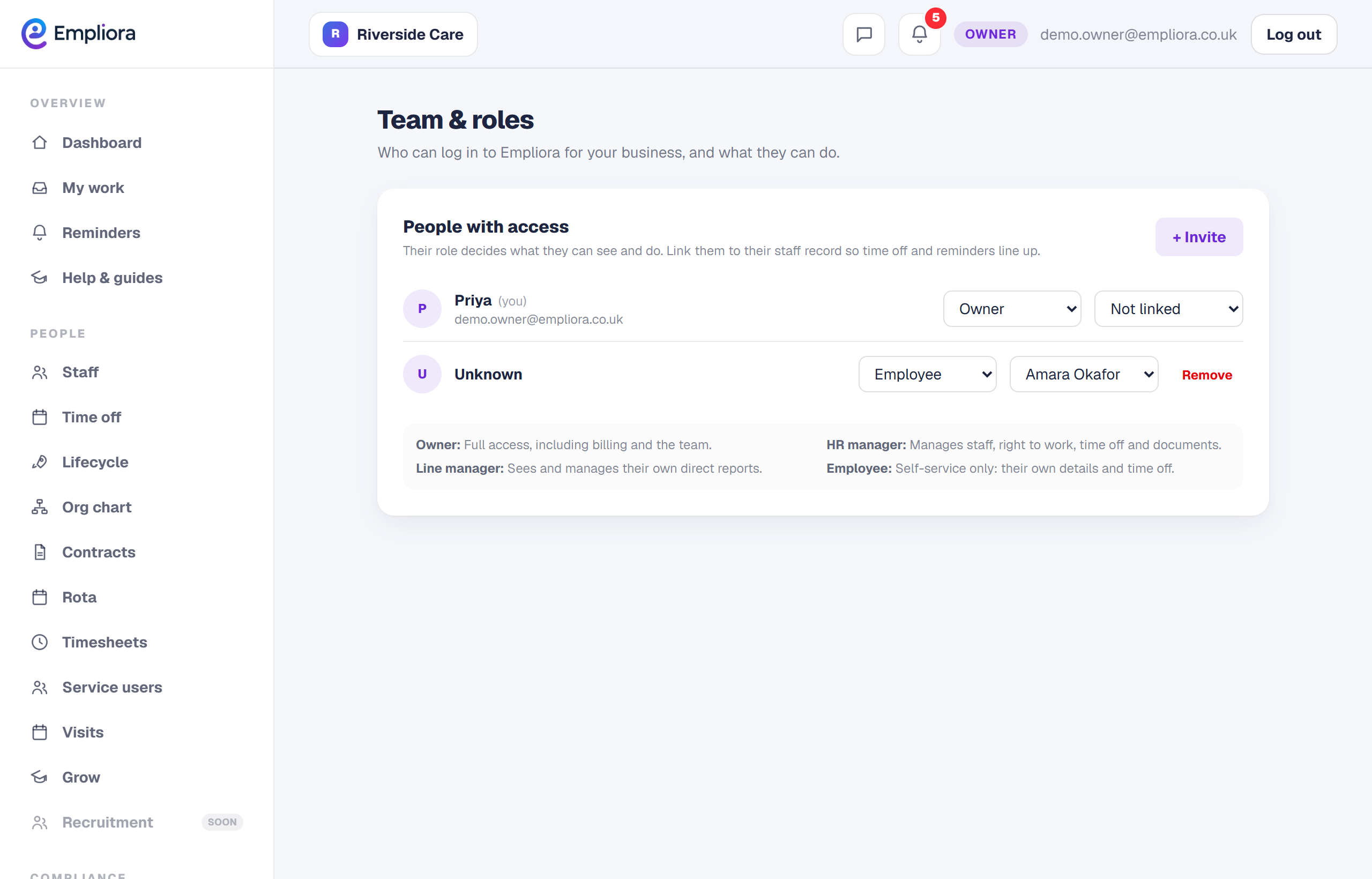
Open Team and roles and invite a colleague by email. They get a link to set up their sign in.
- 2
Set their role
Choose their role. An owner can do everything, an HR manager runs people and compliance, and a line manager sees and approves for their own team. Pick the least access that lets them do their job.
- 3
Adjust as things change
You can change a colleague's role, or remove their access, at any time from the same page. When someone leaves, remove them so your access list stays tidy. Keeping roles tight is good practice, and it is one of the things an inspector likes to see.