Timesheets and clocking in
8 Jul 2026 · 1 min read
Staff clock in from their phone, locked to the site, and you approve the hours.
Empliora records hours from the phone in your team's pocket. Staff clock in and out on site, you review the hours and approve them. Where you need to, you can add or adjust hours by hand.
- 1
Staff clock in on site
Hourly and care staff see a clock in button on their app home. For roles tied to a place, clock in is locked to the site using the phone's location, so hours are recorded where the work happens.
- 2
Review the hours
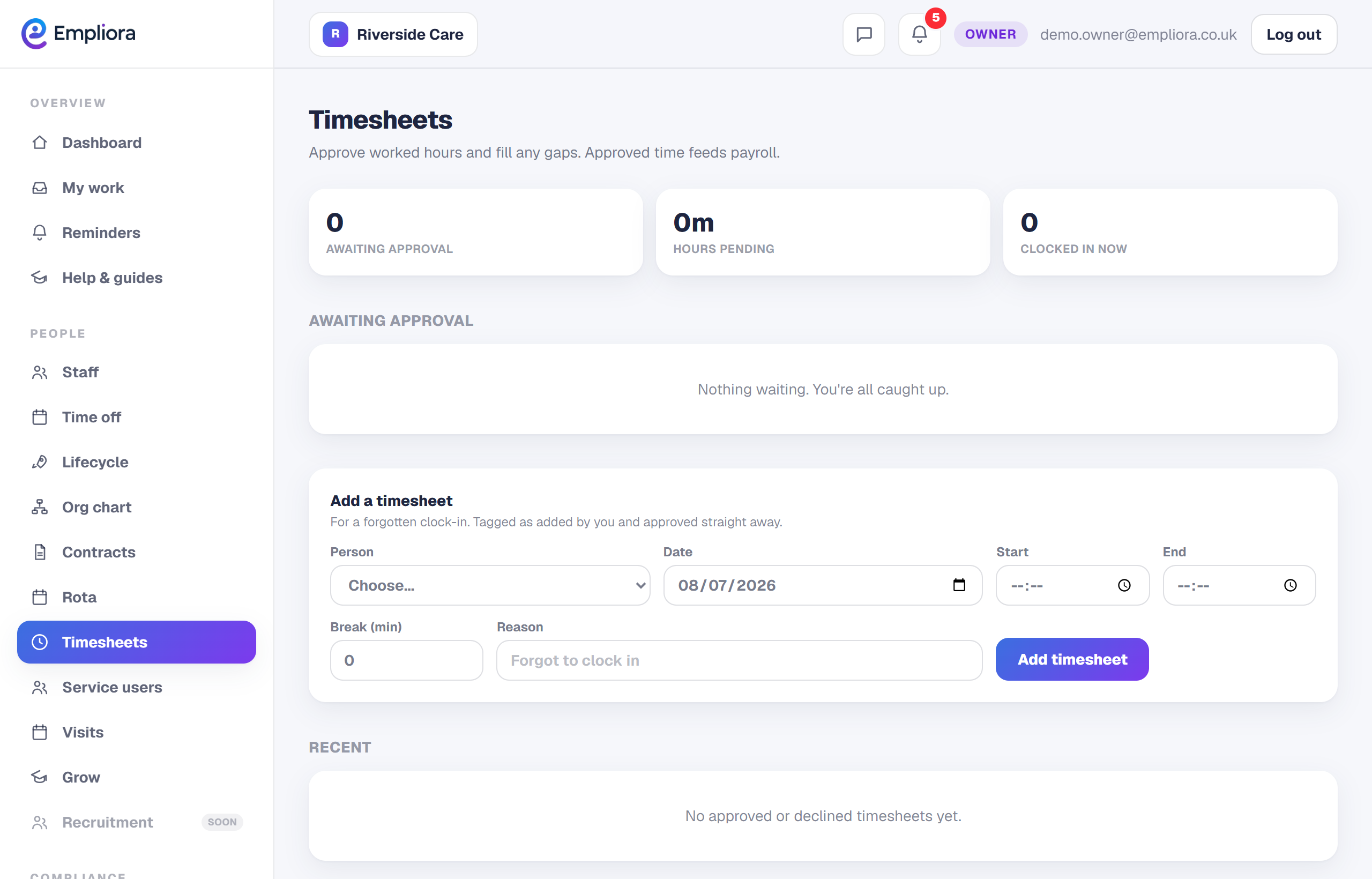
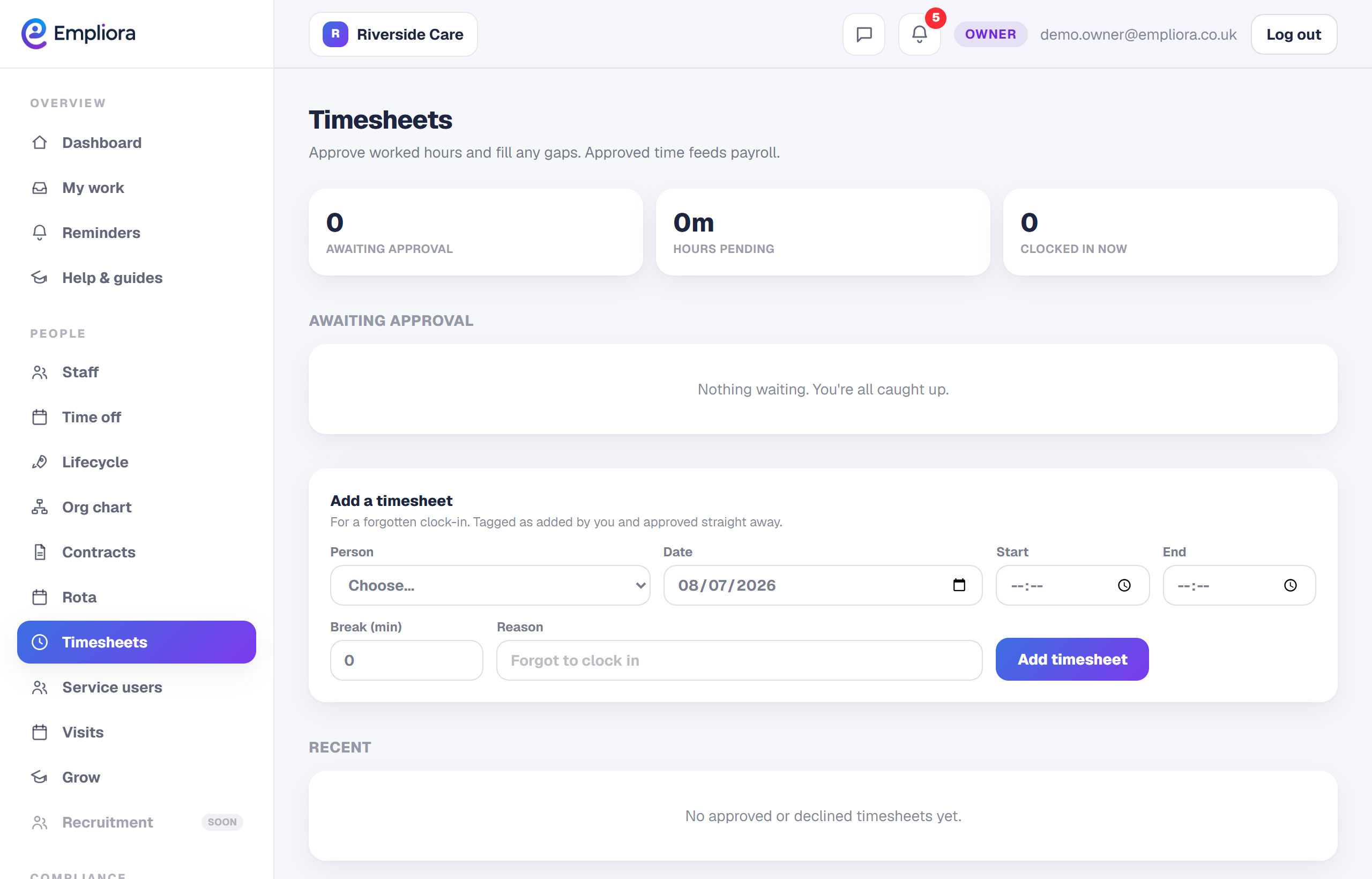
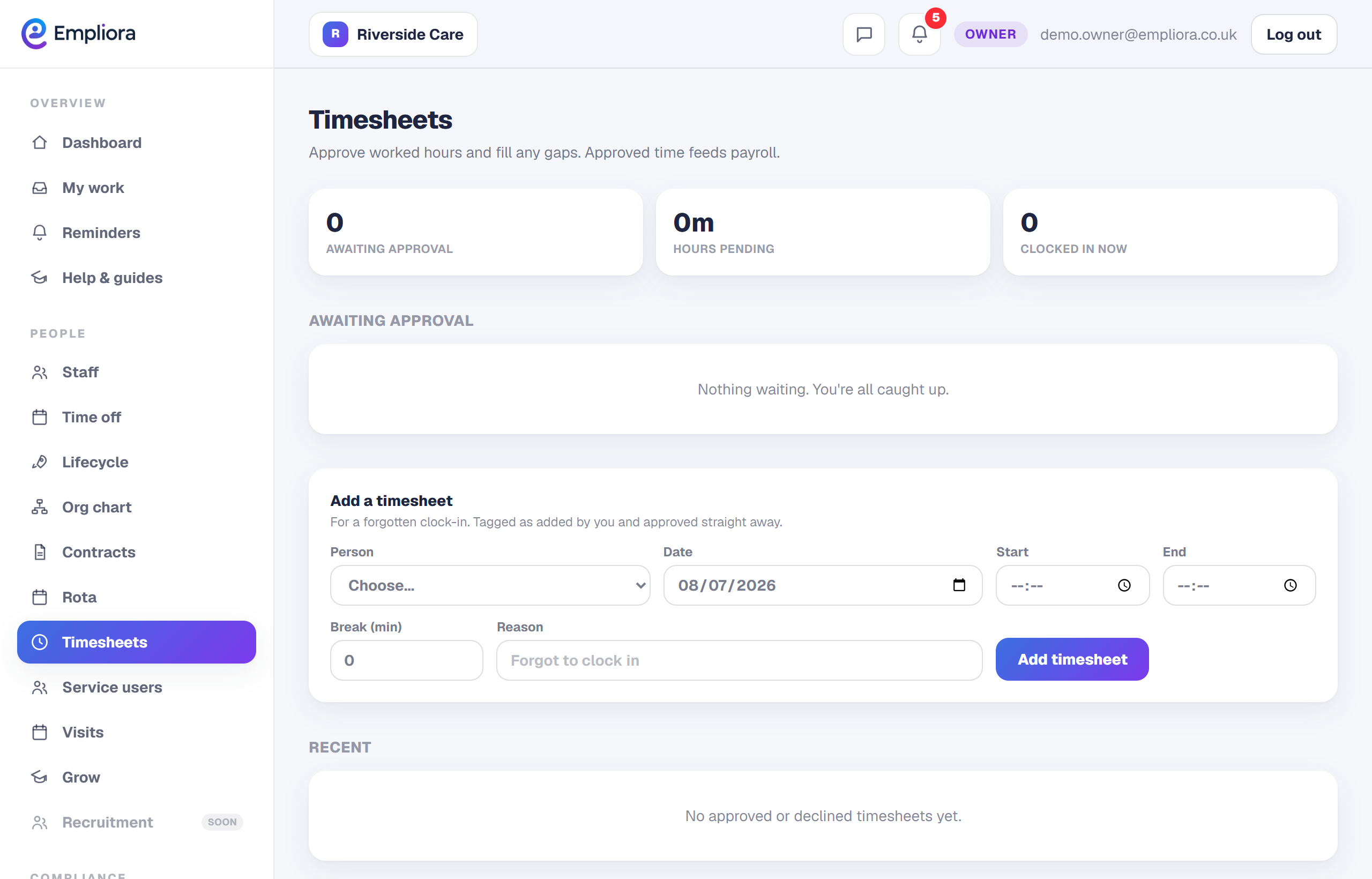
Open Timesheets to see the hours coming in. Each entry shows who, when and where, so you can check at a glance before approving.
- 3
Approve, or fix by hand
Approve the hours that are right. Where something needs a correction, or a shift was worked without a clock in, add or adjust the hours by hand and note why. Approved hours flow into your reports, so the numbers are ready when you run payroll.