ArticleYour business
Set up your trading locations
8 Jul 2026 · 1 min read
Add each site you trade from and assign your people to where they work.
If you work from more than one site, locations let you say where each person is based. That flows into your org chart and into clock in on site, so everything lines up with the real world.
app.empliora.co.uk
Add each site you trade from
1 / 3- 1
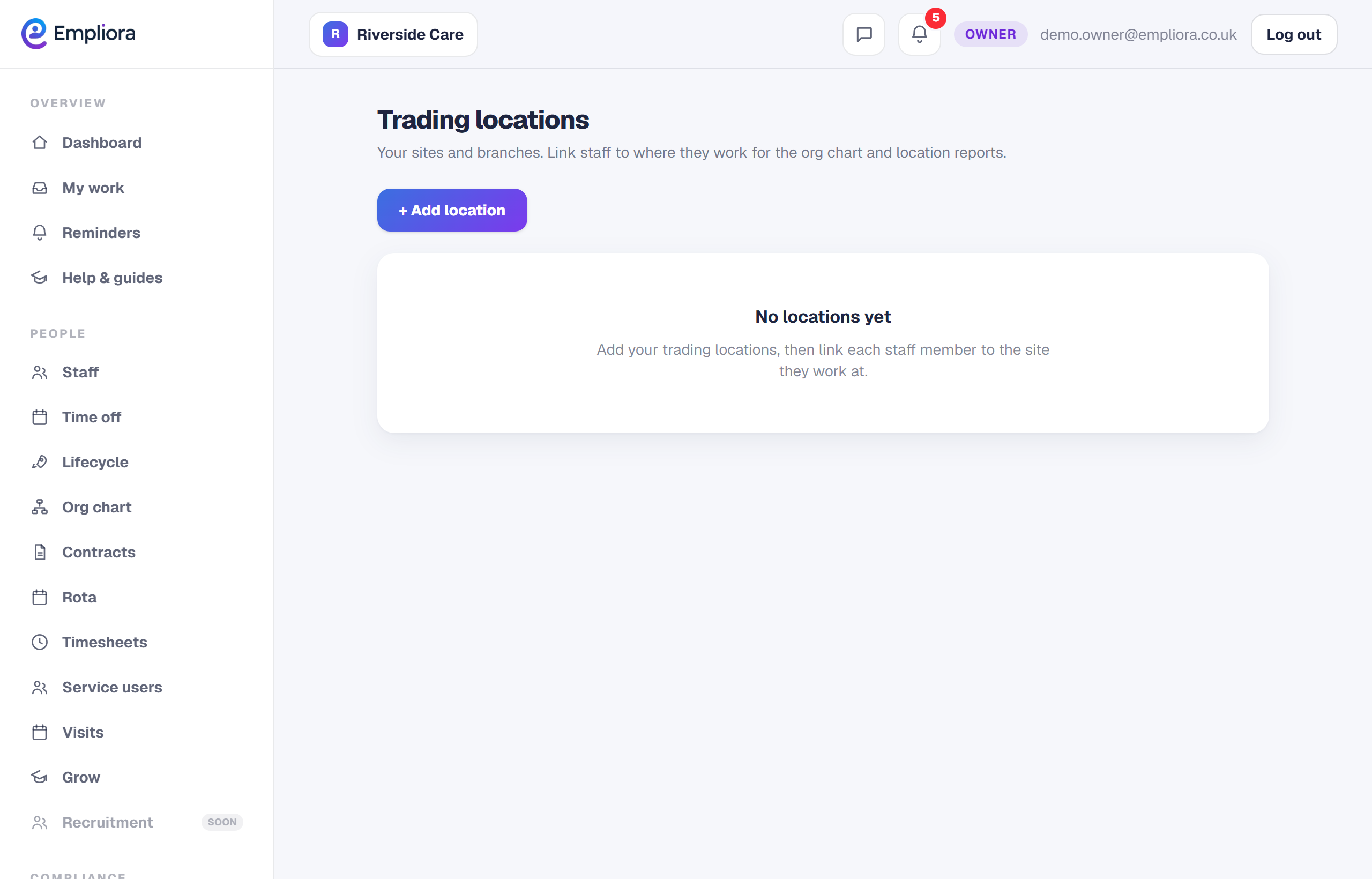
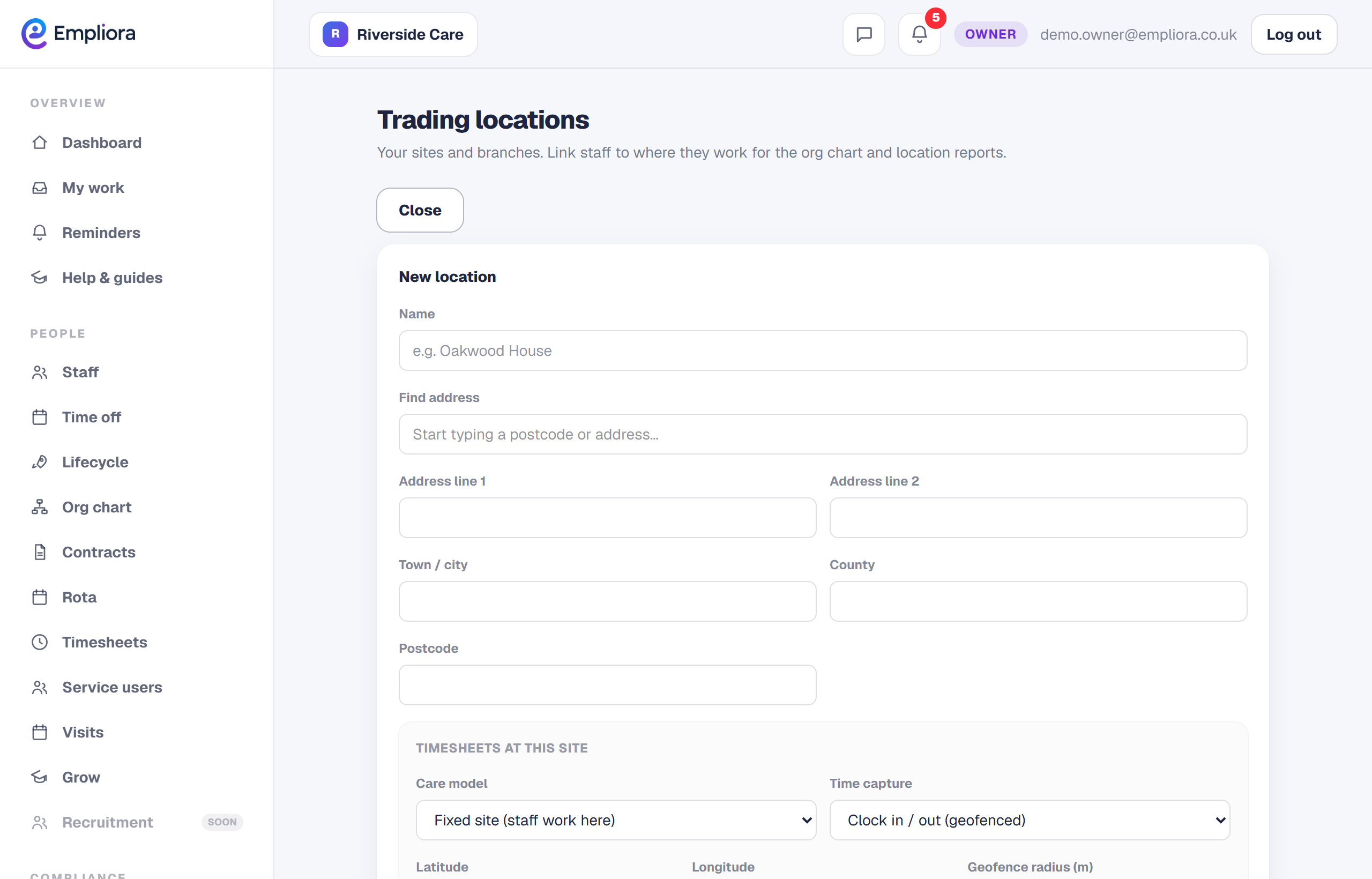
Add a location
Open Trading locations and add each site, with its address. This is the list your team is assigned to.
- 2
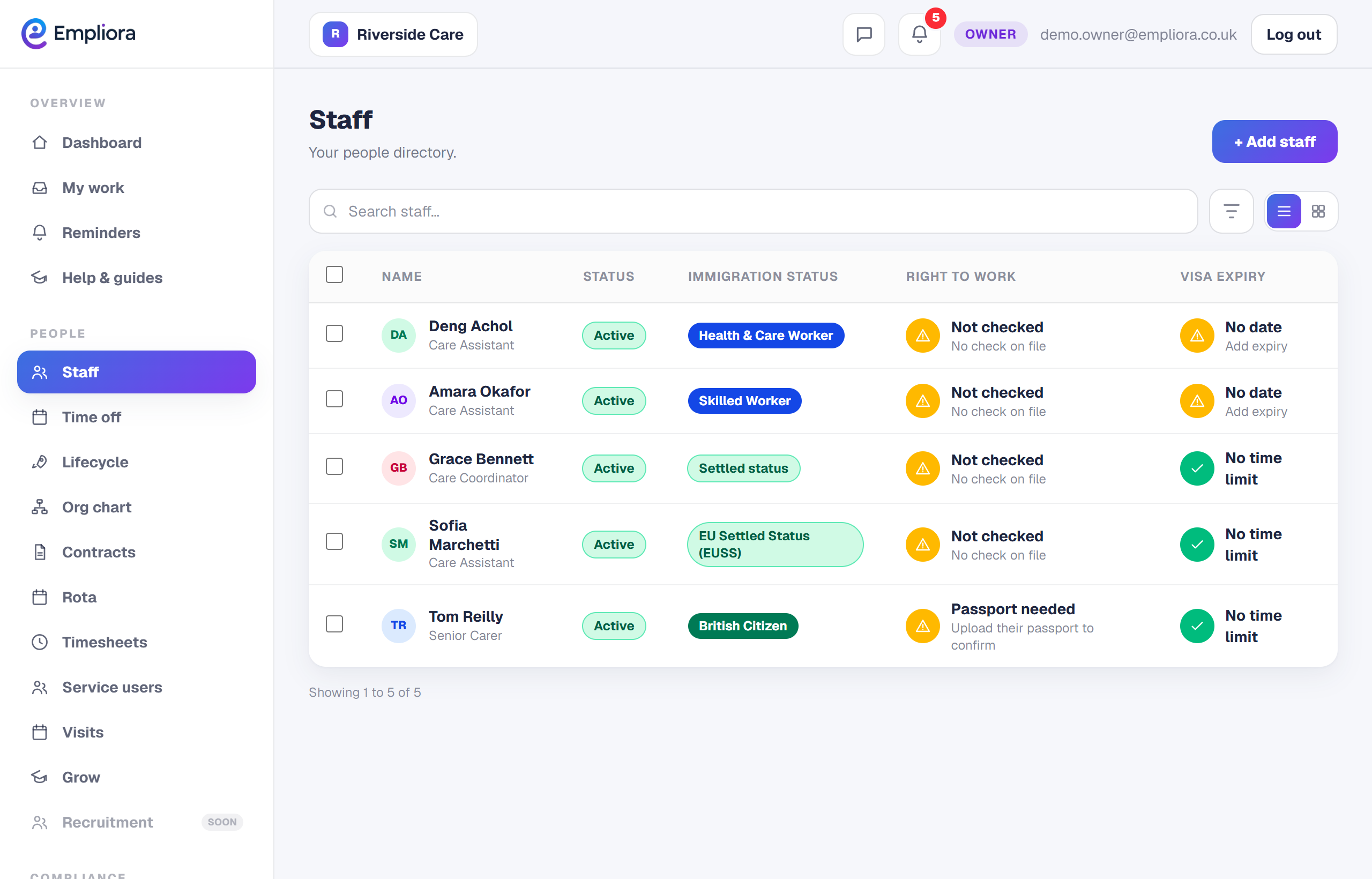
Assign your people
On a person's record, set their location. As you do this, you build a clear picture of who works where.
- 3
See it flow through
Locations feed your org chart, where you can group people by site, and they anchor clock in on site for the staff based there. Locations are a switchable feature. If you only trade from one place, you can leave it off.