Verify your business with Companies House
8 Jul 2026 · 2 min read
Confirm your legal details in seconds and set up the record Empliora uses across compliance.
Your business profile is the master record Empliora draws on everywhere else. Verifying it with Companies House fills in your legal details automatically and marks your account as confirmed. It takes about a minute.
- 1
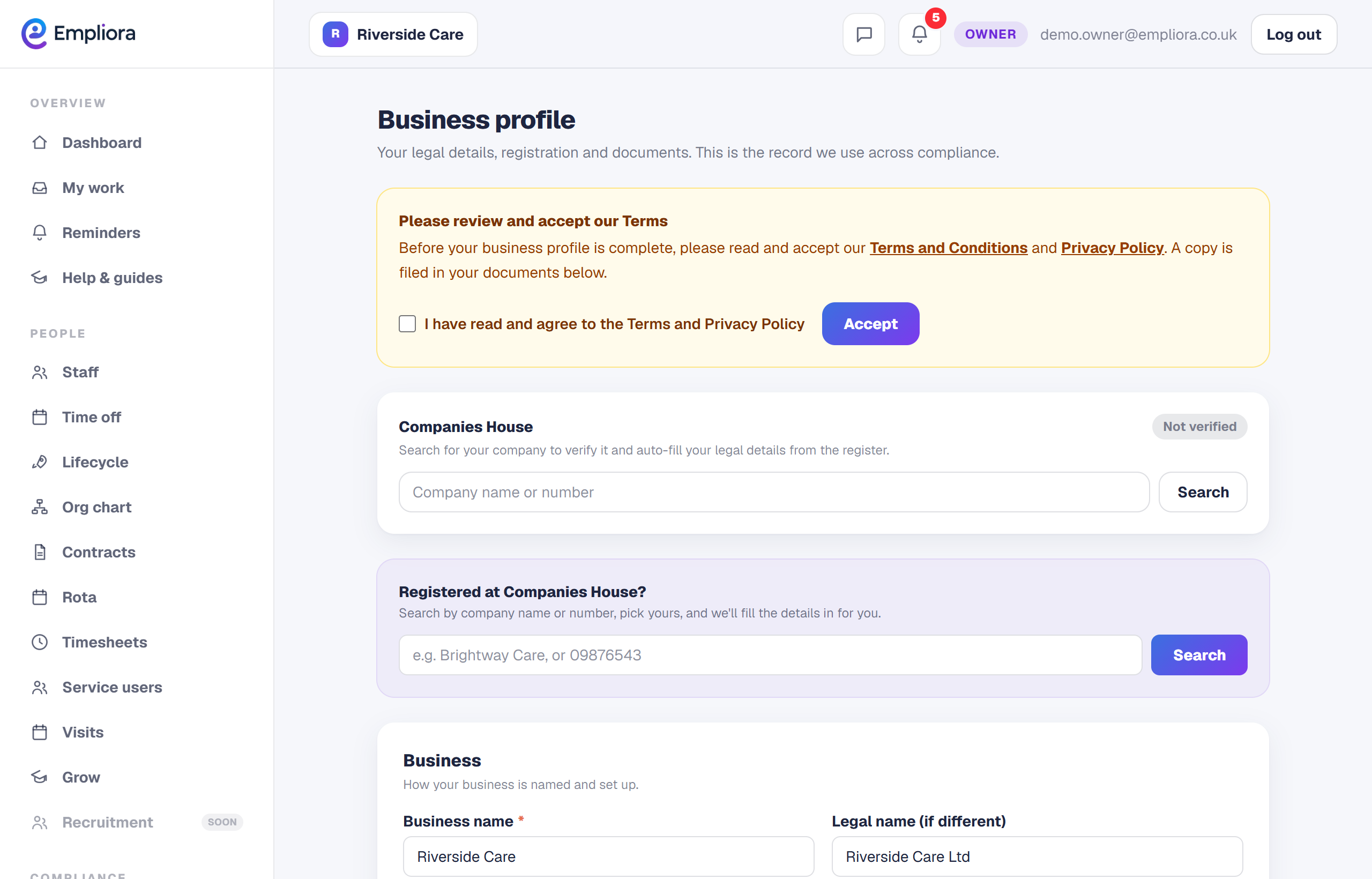
Open your business profile
Go to Business profile from the menu. This is where your legal name, registration, addresses and references live.
- 2
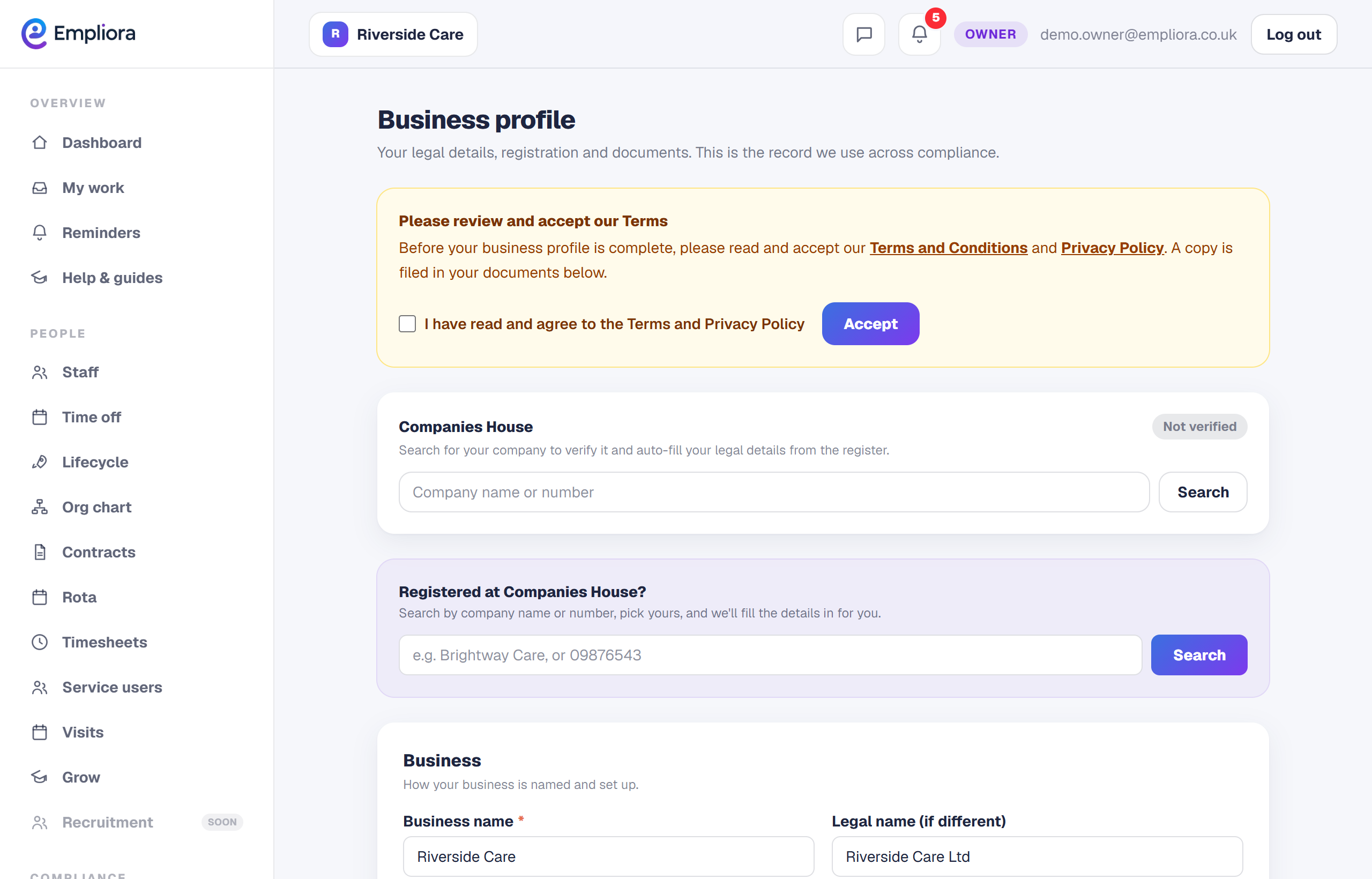
Search for your company
In the Companies House box, type your company name or registration number and press Search. Pick your company from the results.
- 3
Confirm and let it fill in the details
Choose Use this on the right company. Empliora pulls your legal name, registration number, registered address and status straight from the register, and marks your profile verified.
- 4
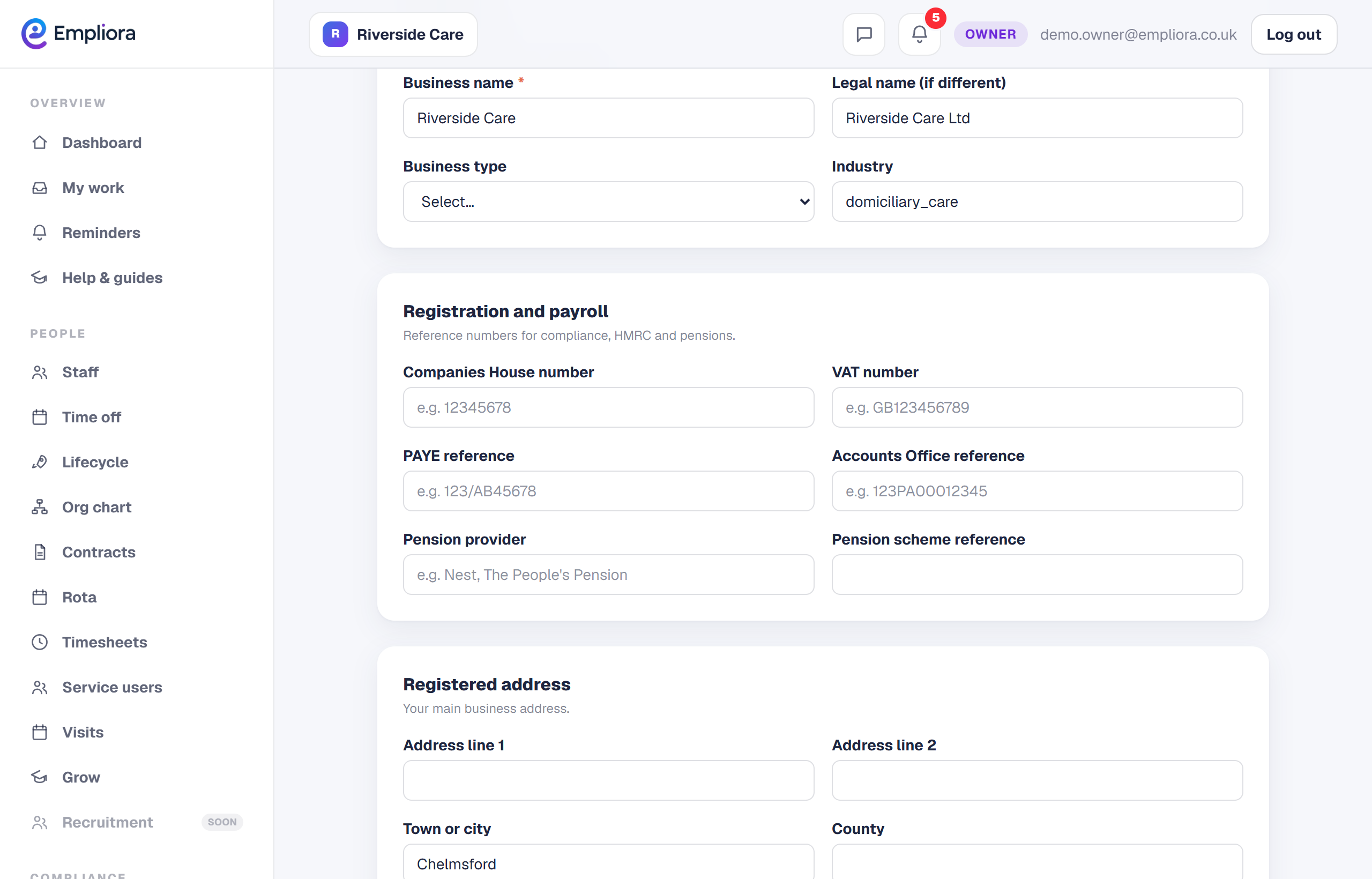
Add your tax and pension references
Fill in your PAYE reference, Accounts Office reference and pension scheme details. These sit alongside your legal details, so everything a payroll provider or an inspector might ask for is in one place.
- 5
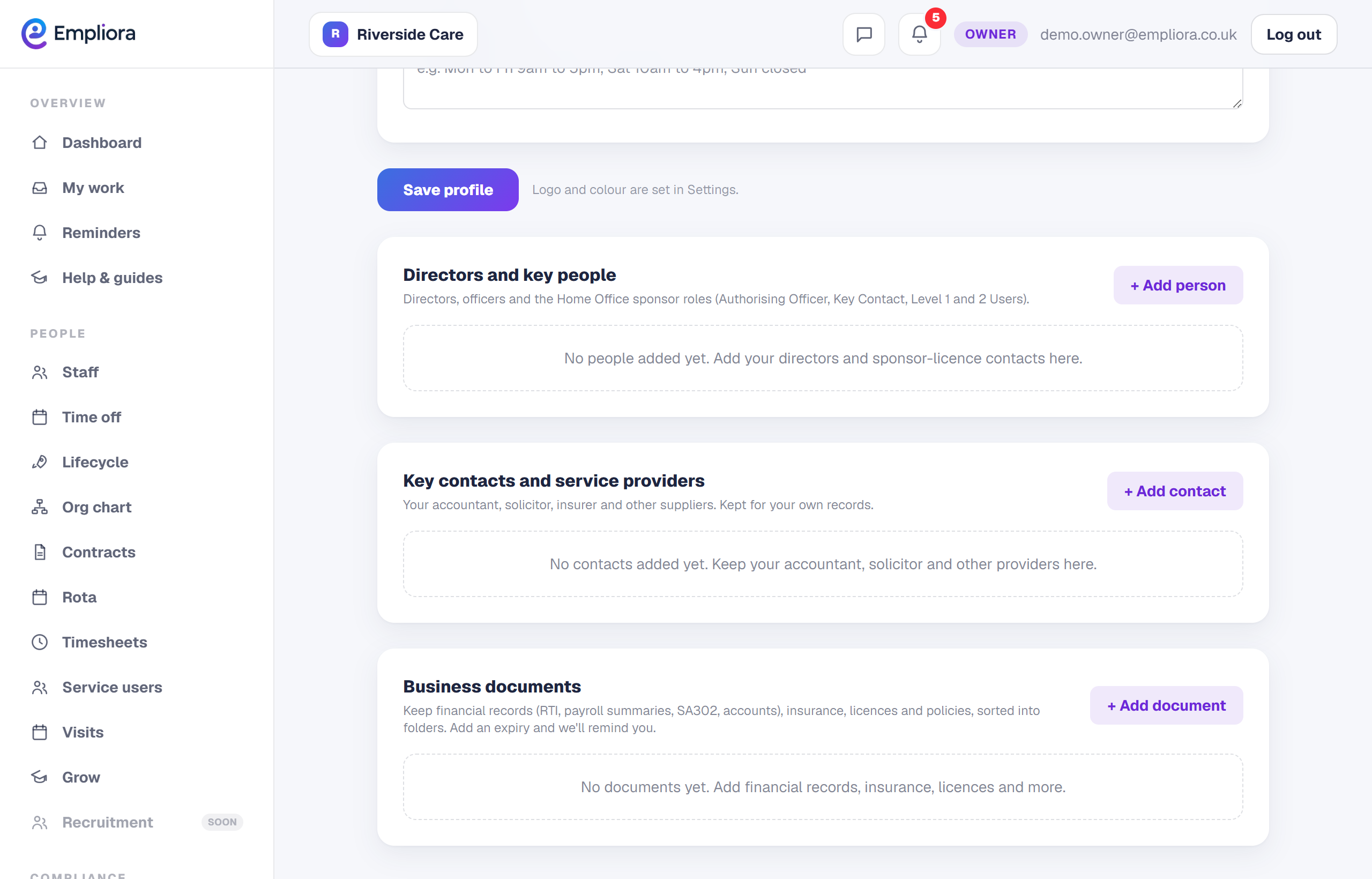
Add your key contacts
Under Key contacts, save the people you work with, such as your accountant, insurer or solicitor. Adding your accountant here is what lets you send them a payslip upload link later. Your business record is now set up. Next, add your team.