The staff mobile app
8 Jul 2026 · 2 min read
What your team can do from their phone, and how to get them started.
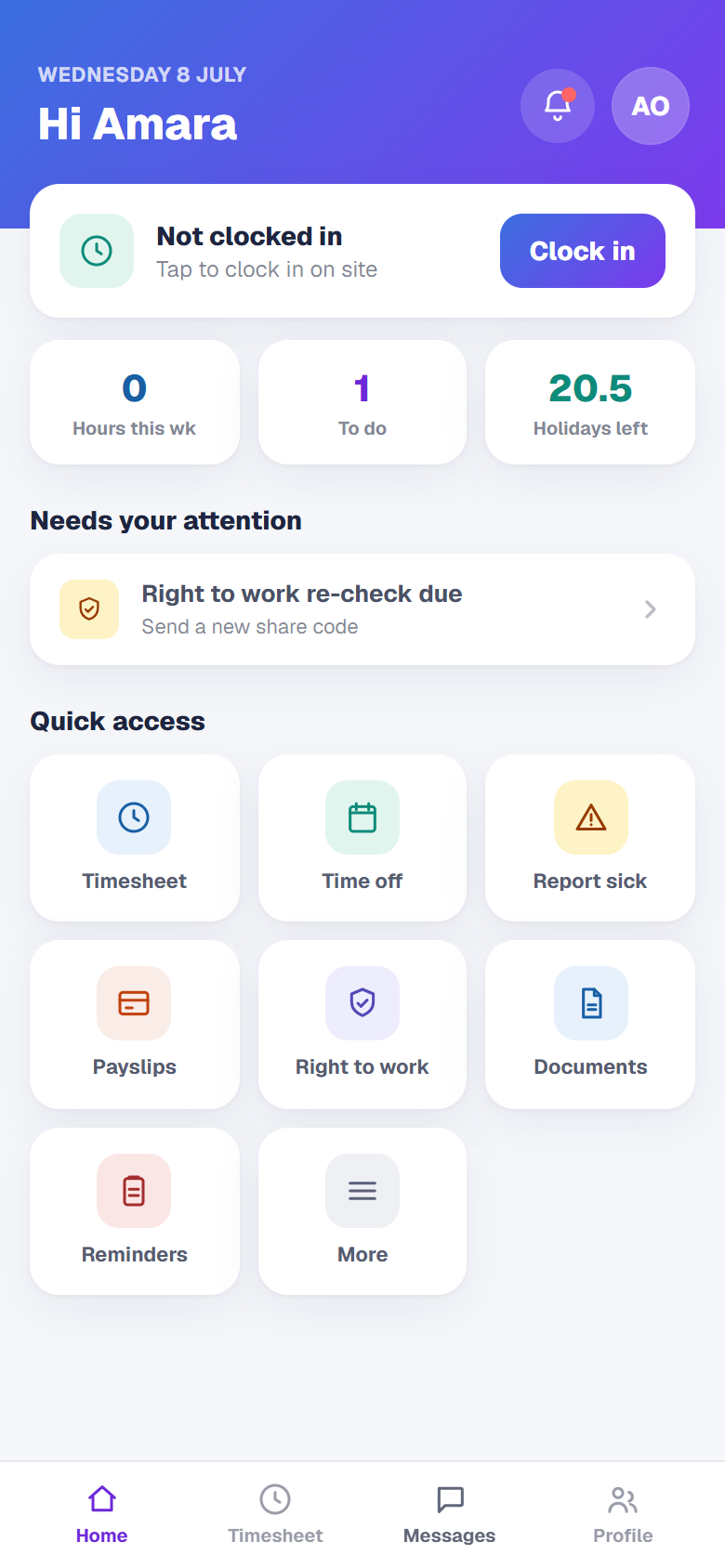
Every member of your team gets their own app at app.empliora.co.uk. It works on any phone, with nothing to download. Here is what they can do and how to roll it out.
- 1
Share the app
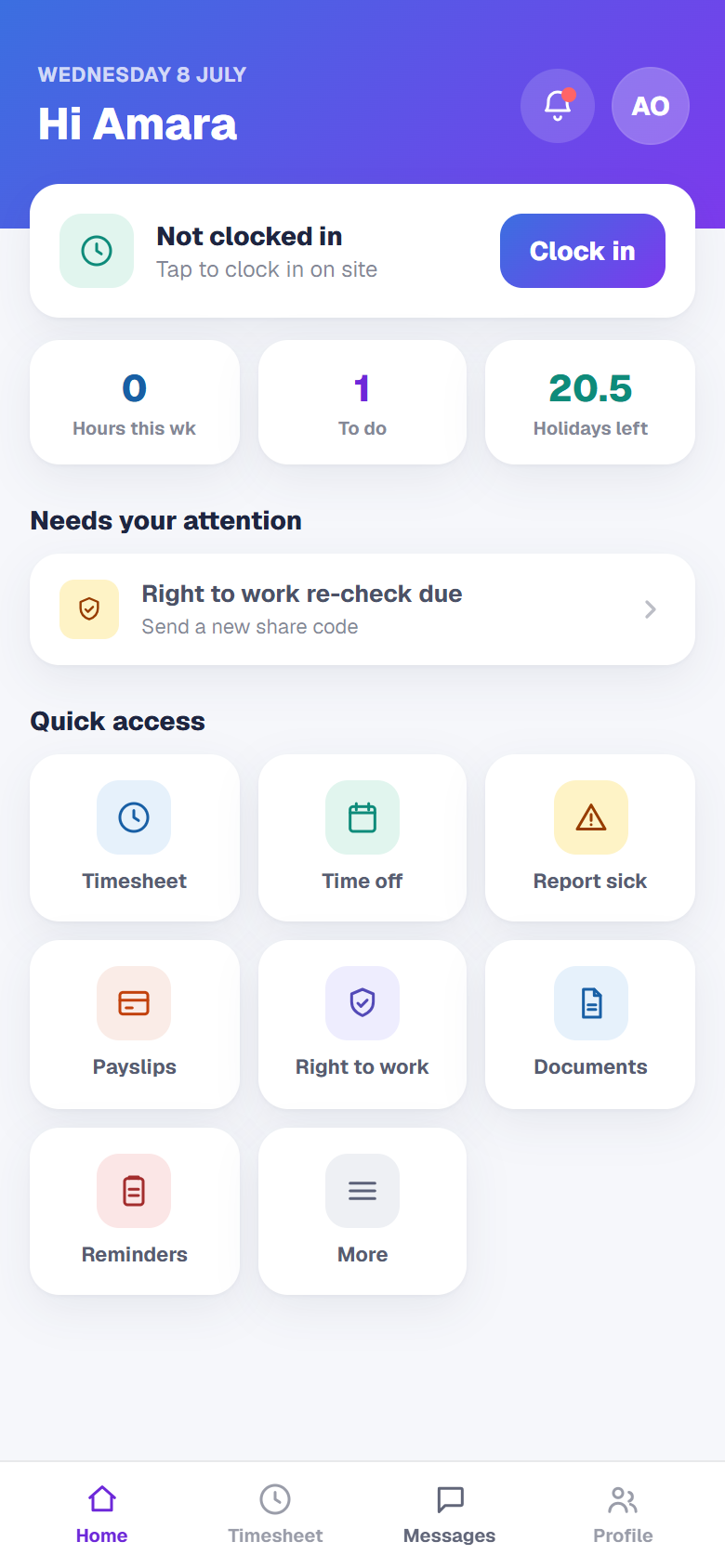
Send your team the address app.empliora.co.uk with their sign in details. They open it in their phone browser and can add it to their home screen so it feels like a normal app.
- 2
Clock in on site
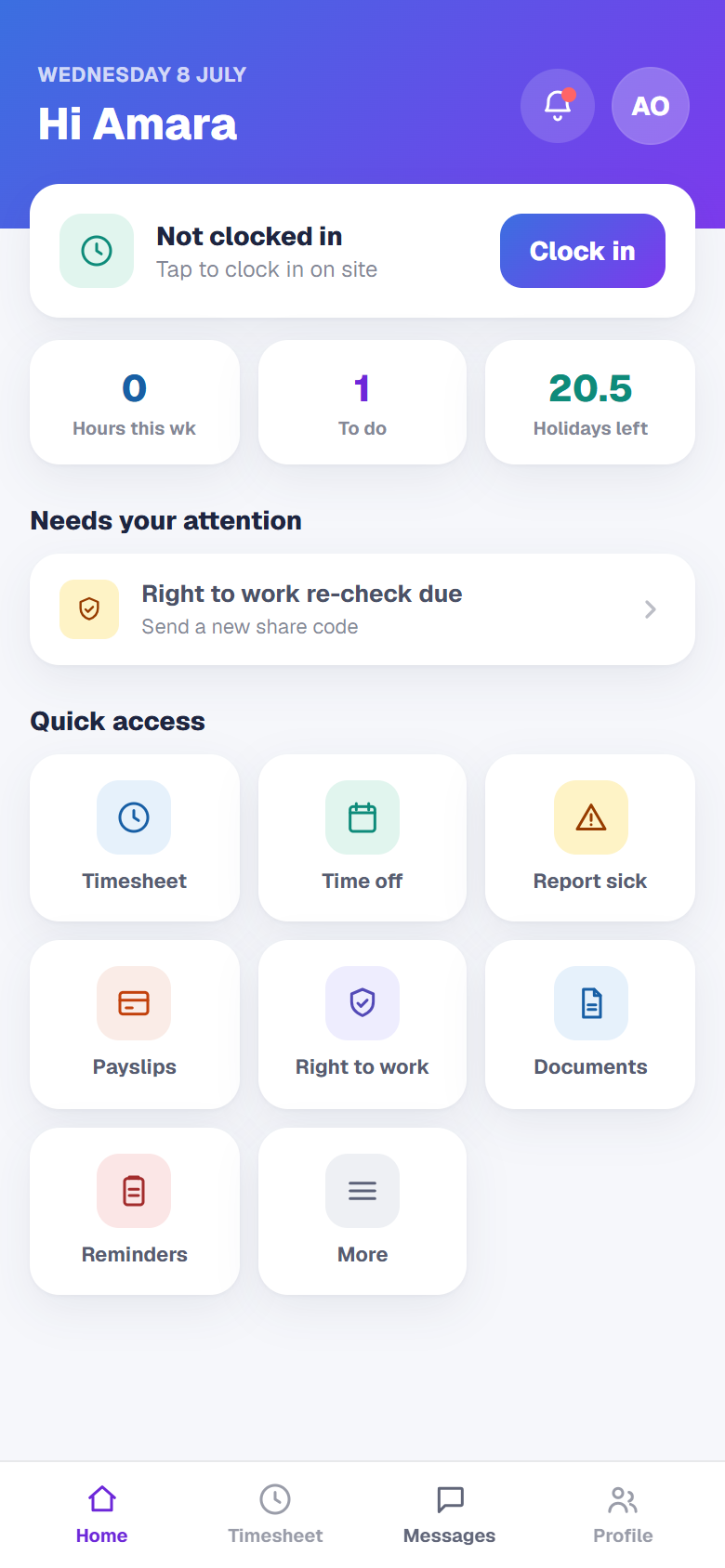
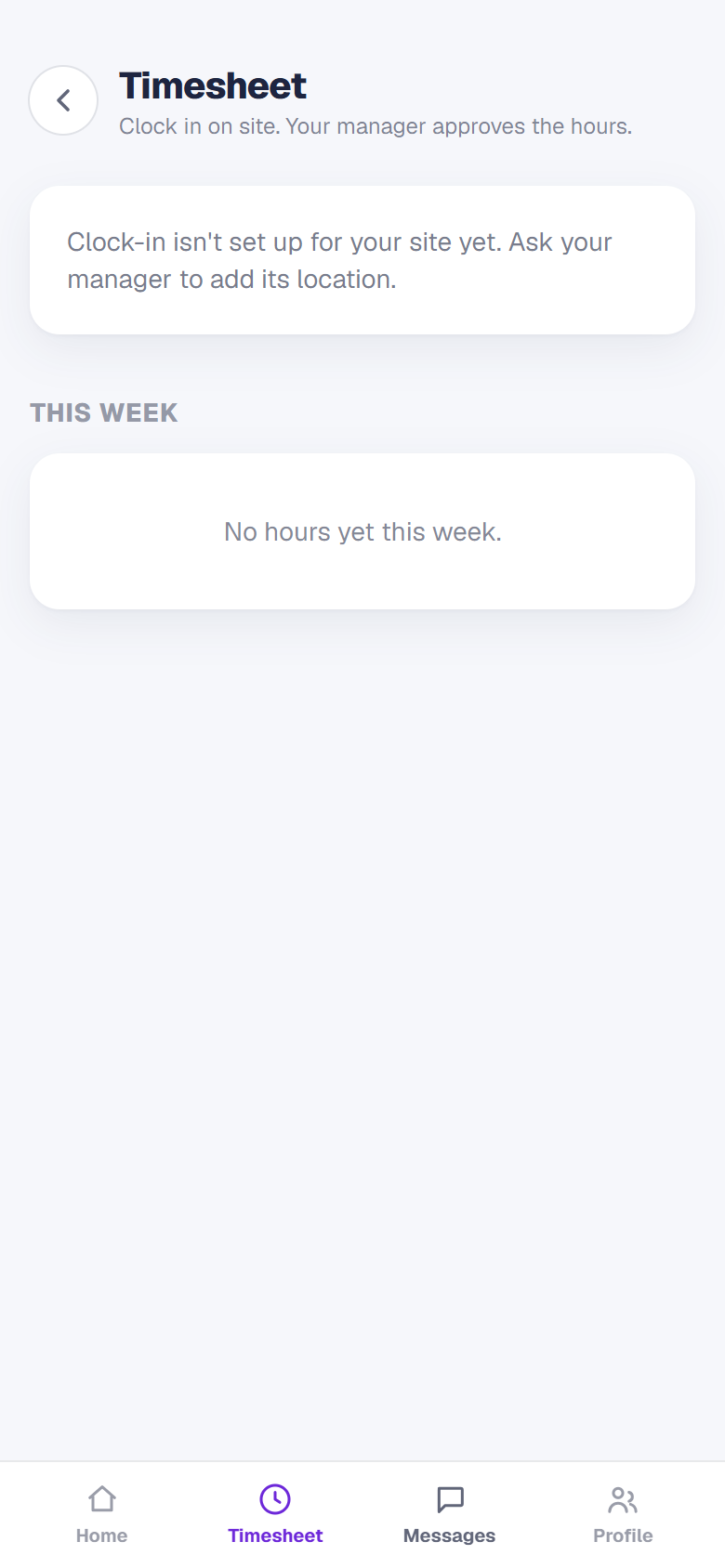
Hourly and care staff clock in and out from the app. For roles tied to a place, clock in is locked to the site or the client's home using the phone's location, so hours are recorded where the work happens.
- 3
Everything in one place
From the app your team can book time off, read payslips, view their documents, complete their right to work details and read announcements. It cuts down the day to day questions that come to you.
- 4
Notifications that matter
Staff choose which notifications they get, but a small set of important ones cannot be switched off, so essential messages always land. Once your team is on the app, most of the everyday admin looks after itself.