Every employer account is protected by two-step verification and an automatic lockout after repeated failed sign-ins.
Before you start. You have an authenticator app such as Google or Microsoft Authenticator.
Step by step
- 01
Two-step verification is on
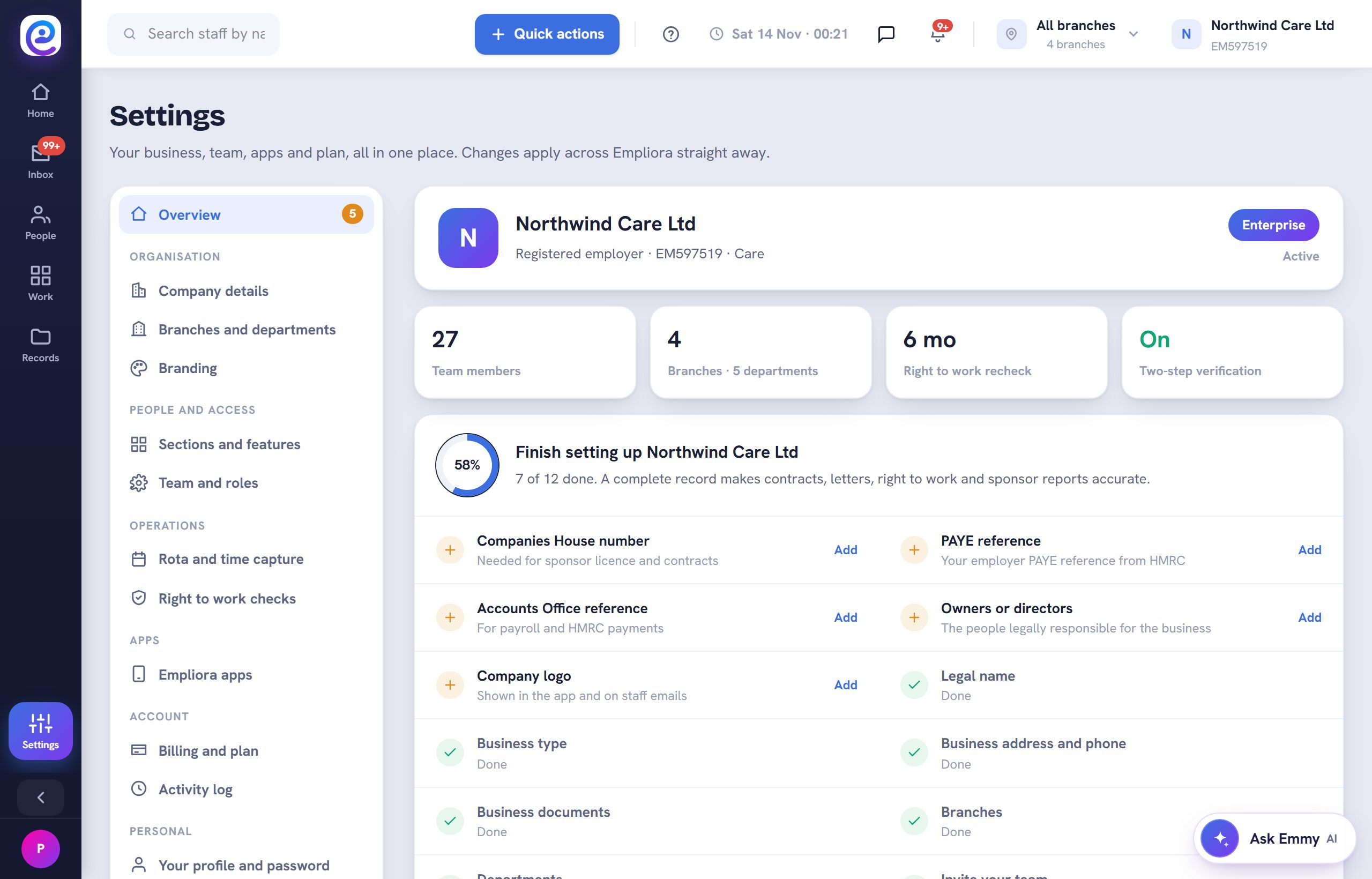
Everyone signing in to an employer account confirms a six-digit code from their authenticator app. The Settings overview shows it is on.
- 02
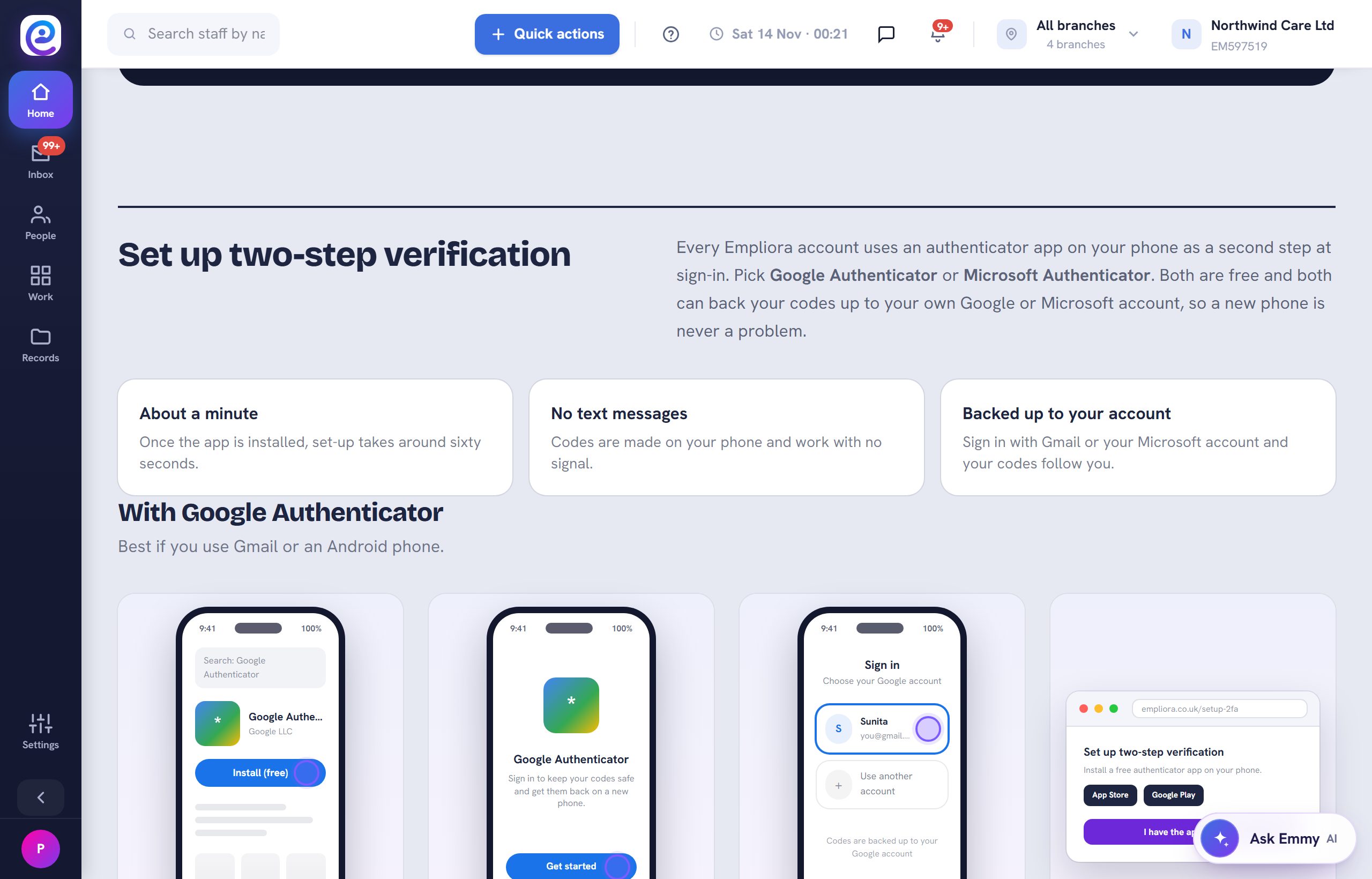
Read the set-up guide
The employer guide walks through setting up Google or Microsoft Authenticator, and what to do with a new phone.
- 03
Know the lockout rules
Five wrong passwords in 15 minutes blocks sign-in for 15 minutes. Three blocks in a day suspends the login until someone releases it.
- 04
Unlock a colleague
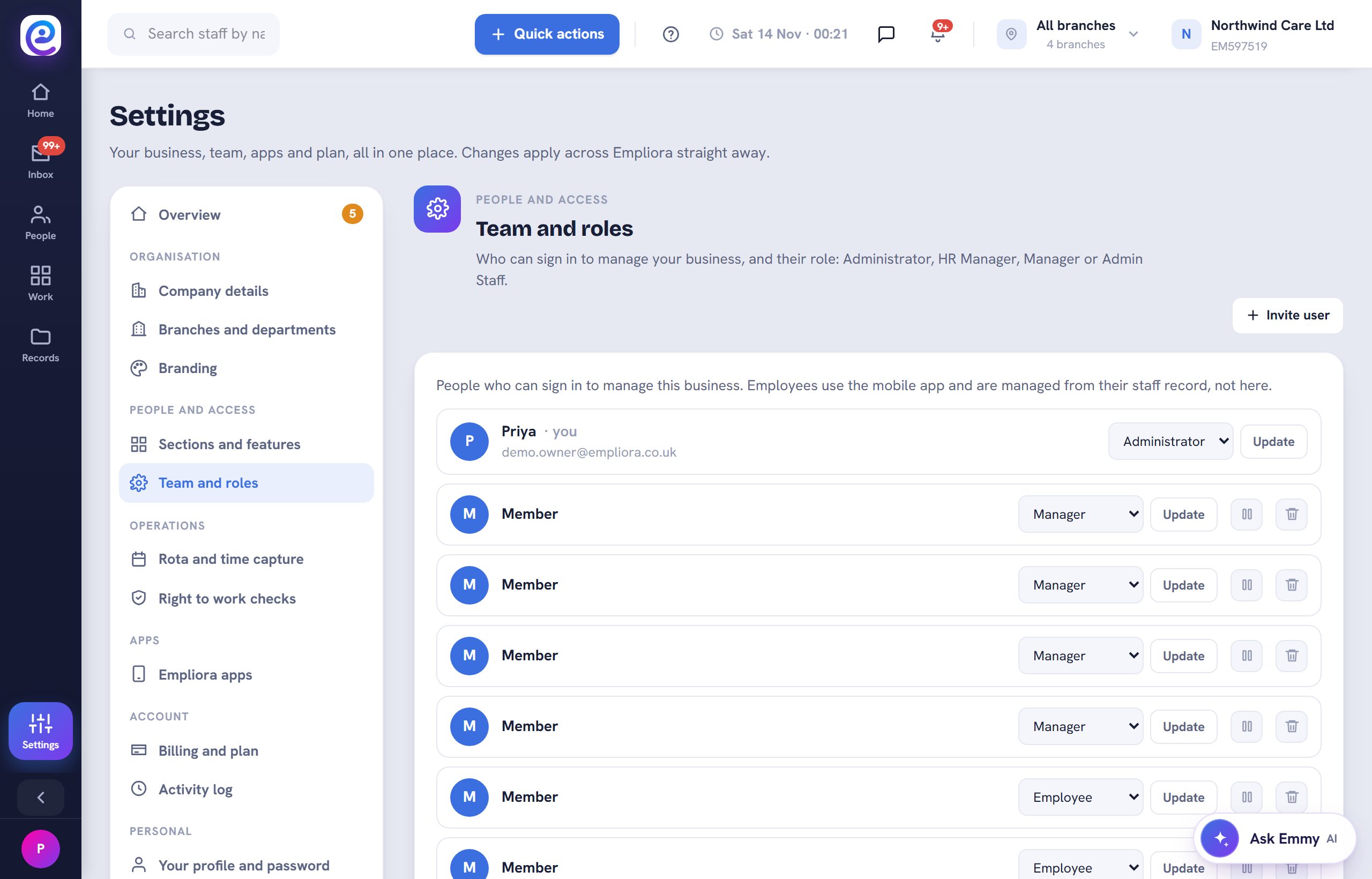
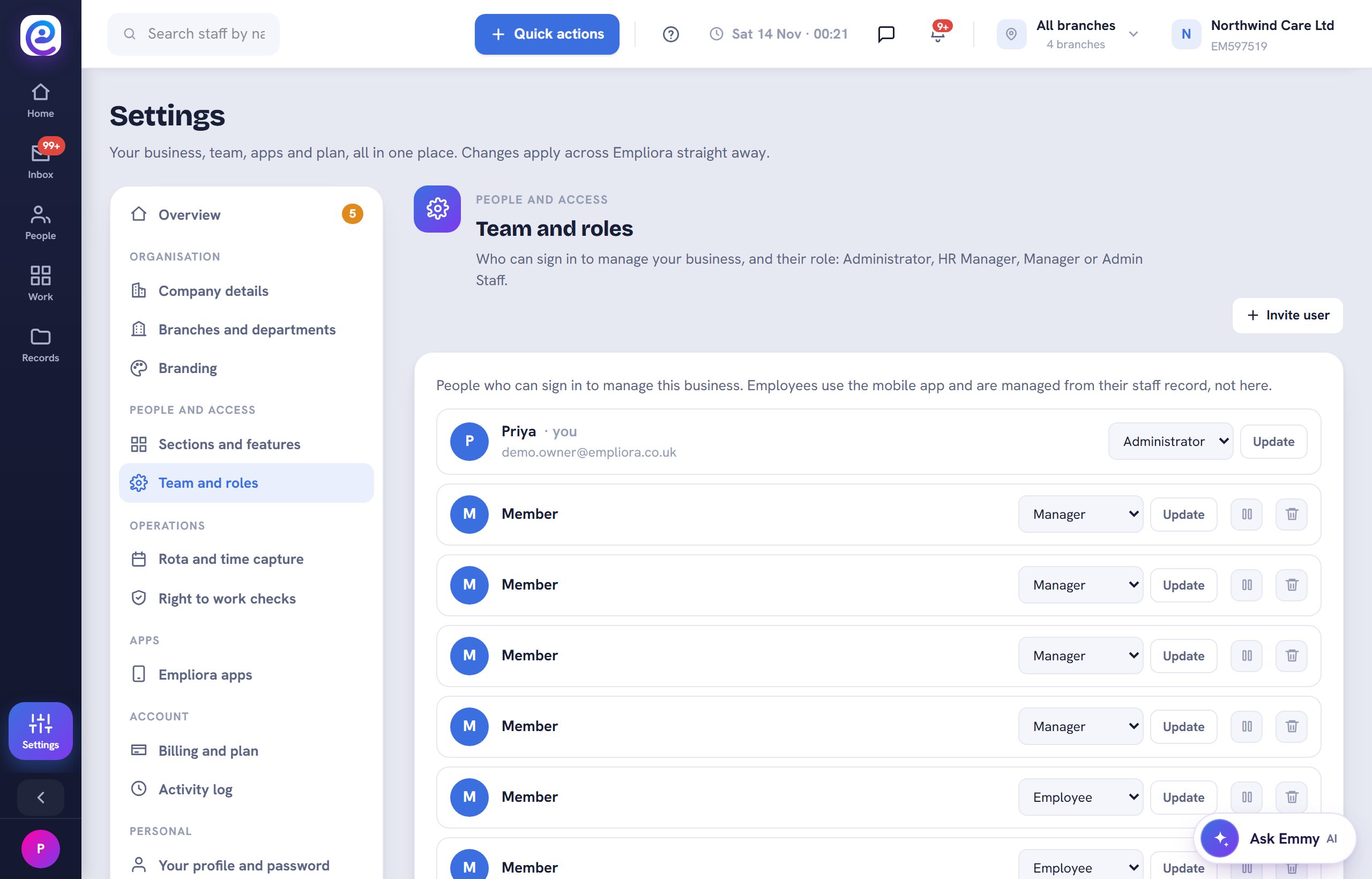
Owners and HR managers see Unlock sign-in next to a locked colleague in Team and roles, and on the staff profile under app access.
You are all set
Your team signs in with a code, and a locked colleague can be released in seconds.
Next guide
Add a new employee
Start a staff record, or send a link so the starter fills it in themselves.
Previous: Add colleagues and set their roles