Let your accountant upload payslips
8 Jul 2026 · 2 min read
Send your accountant a secure link so they upload the payslips, no login needed.
If your accountant runs payroll, they can upload the payslips for you. Empliora reads each one and files it to the right employee, just as if you had done it. No account, no login, one secure link.
- 1
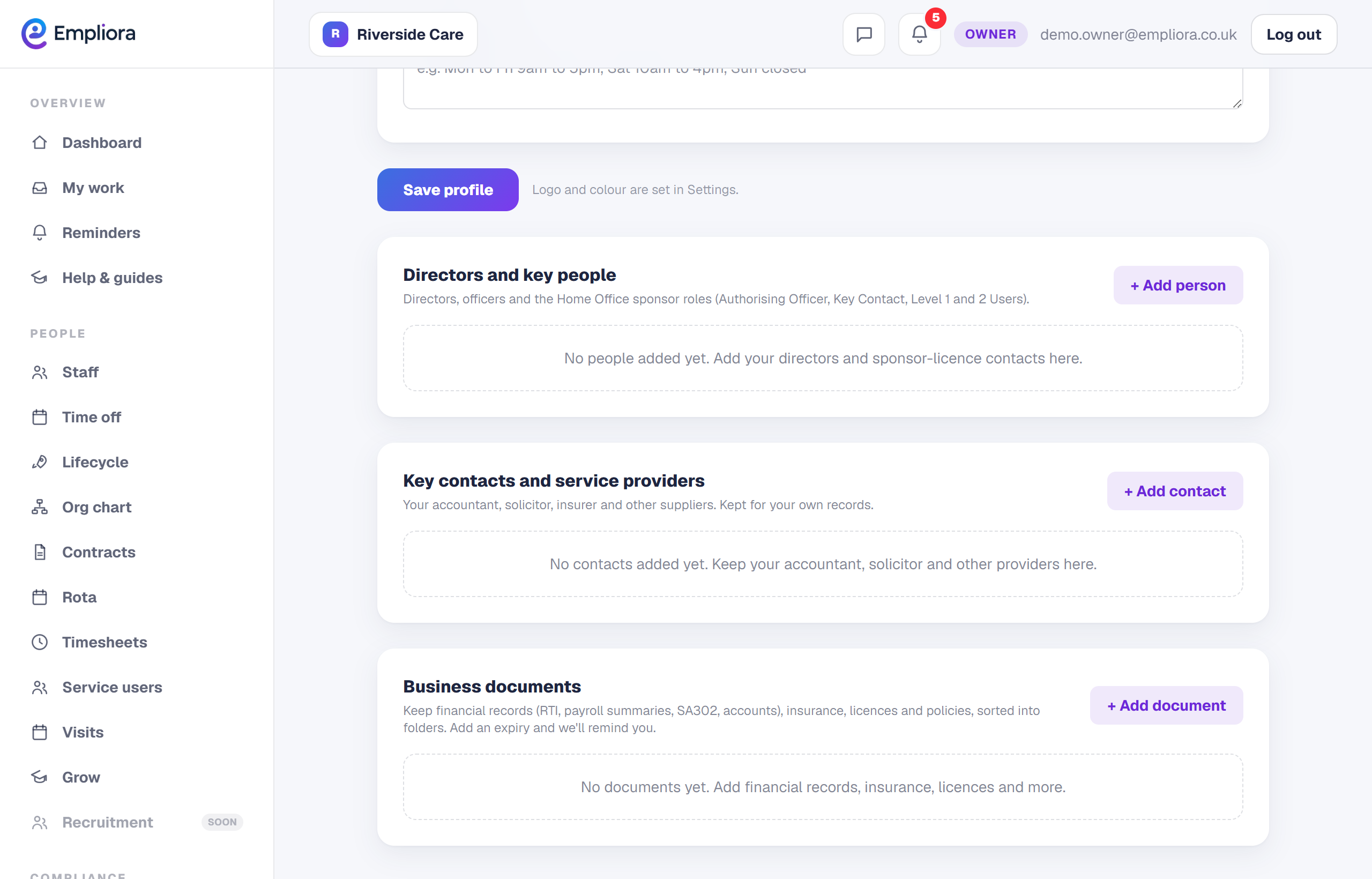
Add your accountant as a key contact
Open Business profile and add your accountant under Key contacts, with their email. This is who the upload link goes to.
- 2
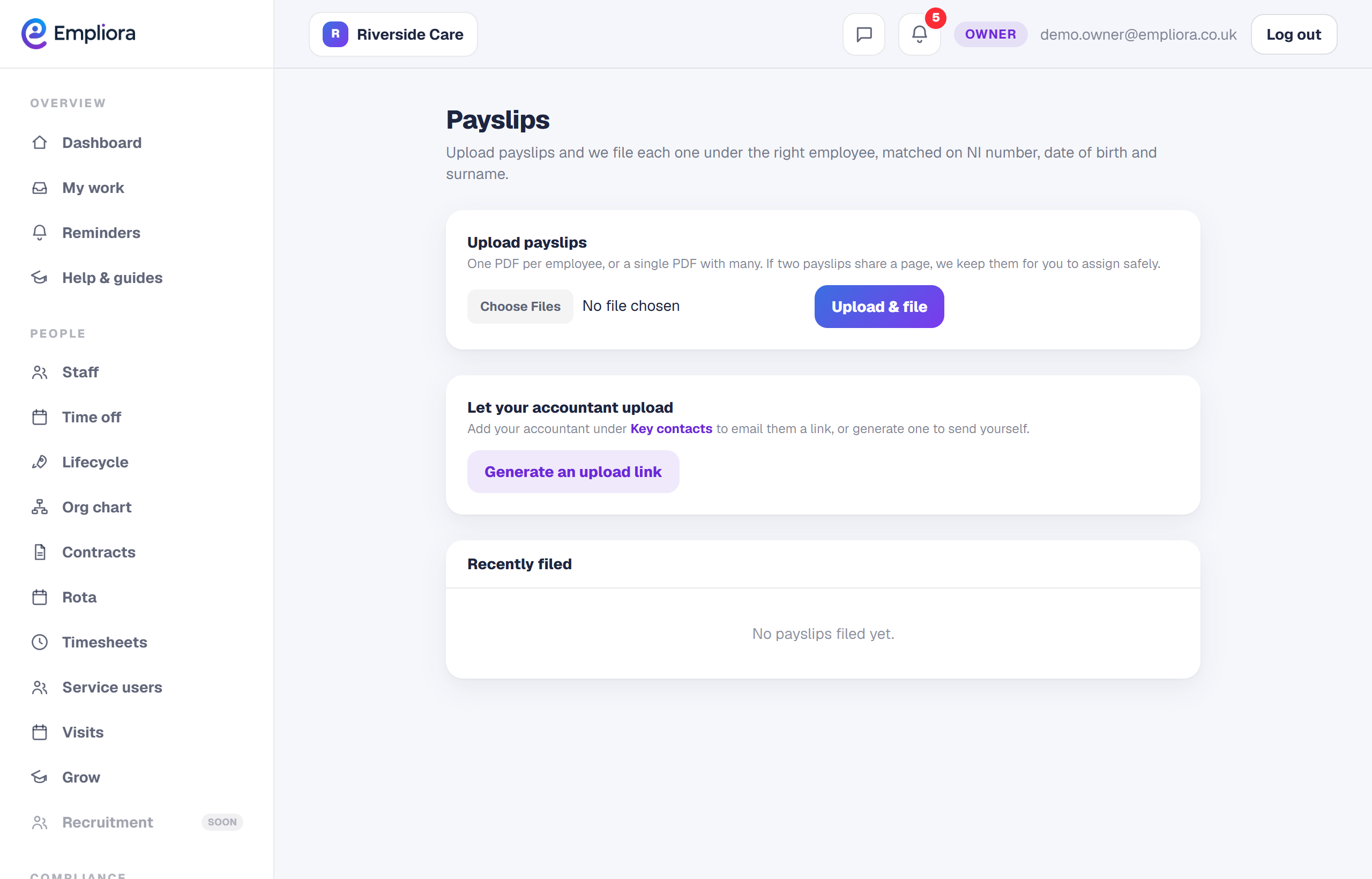
Send the upload link
On the Payslips page, choose Email upload link to accountant. Empliora sends them a secure link, and shows it to you as well so you can share it yourself if you prefer.
- 3
They upload, Empliora files
Your accountant opens the link, uploads the month's payslips and Empliora files each one automatically, matched on National Insurance number, date of birth and surname.
- 4
Let it happen every month
Empliora can send this link to your accountant automatically each month, so the payslip job takes care of itself. This is a switchable feature, so turn it on when you want it. If the accountant says the email never arrived, just press the button again to resend, or copy the link and send it yourself.