File payslips
8 Jul 2026 · 1 min read
Upload payslips and Empliora files each one under the right person, matched automatically.
Payslips can be a fiddly monthly job. Empliora reads each payslip and files it to the right employee, matched on National Insurance number, date of birth and surname. Your staff then see their own payslips in the app.
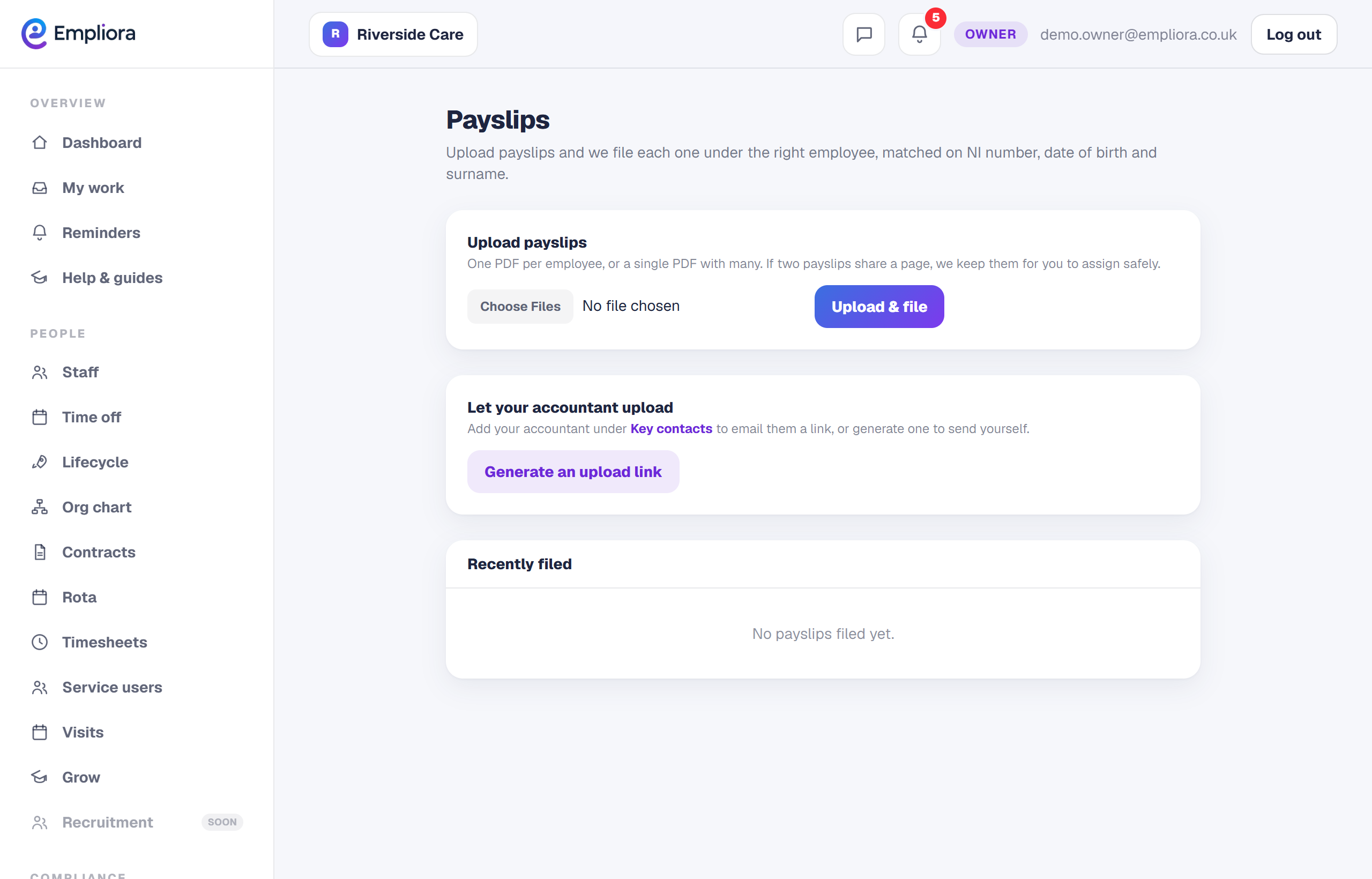
- 1
Open Payslips
Go to Payslips from the menu.
- 2
Upload the files
Drop in the PDFs. You can add one file per person, or a single PDF that holds many. Empliora splits and sorts them for you.
- 3
Check anything set aside
If Empliora is not completely sure who a payslip belongs to, it puts it in Needs assigning rather than guess. Pick the right person from the list and it is filed safely.
- 4
See what has been filed
Recently filed shows each payslip, who it went to and how it was matched. Your staff see their own copies in the app straight away. If your accountant runs payroll, you can let them upload the payslips for you. See the guide on the accountant upload link.