A simple applicant tracker that hands successful candidates straight to onboarding.
Before you start. You know the role you are hiring for.
Step by step
- 01
Open Recruitment
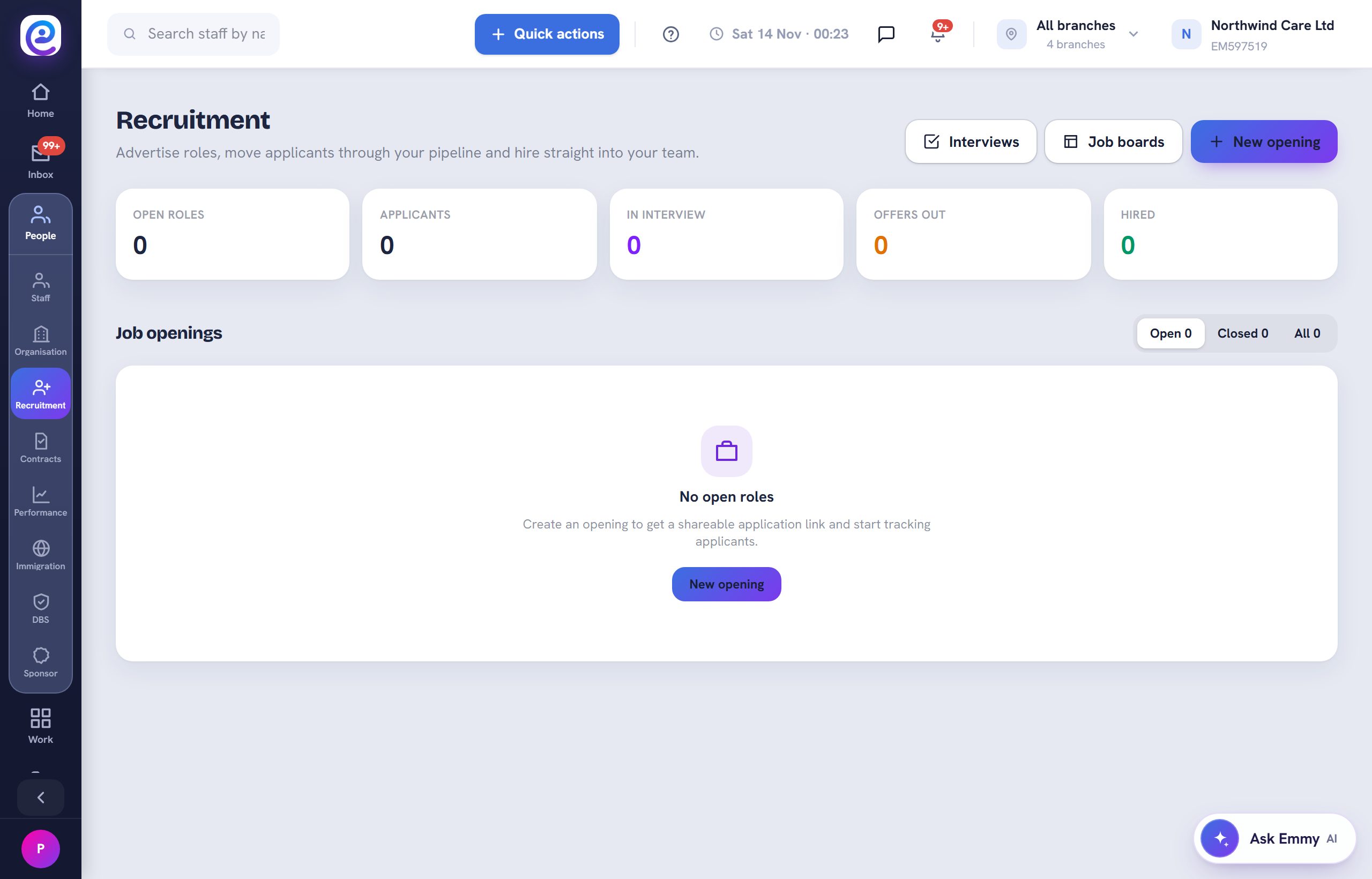
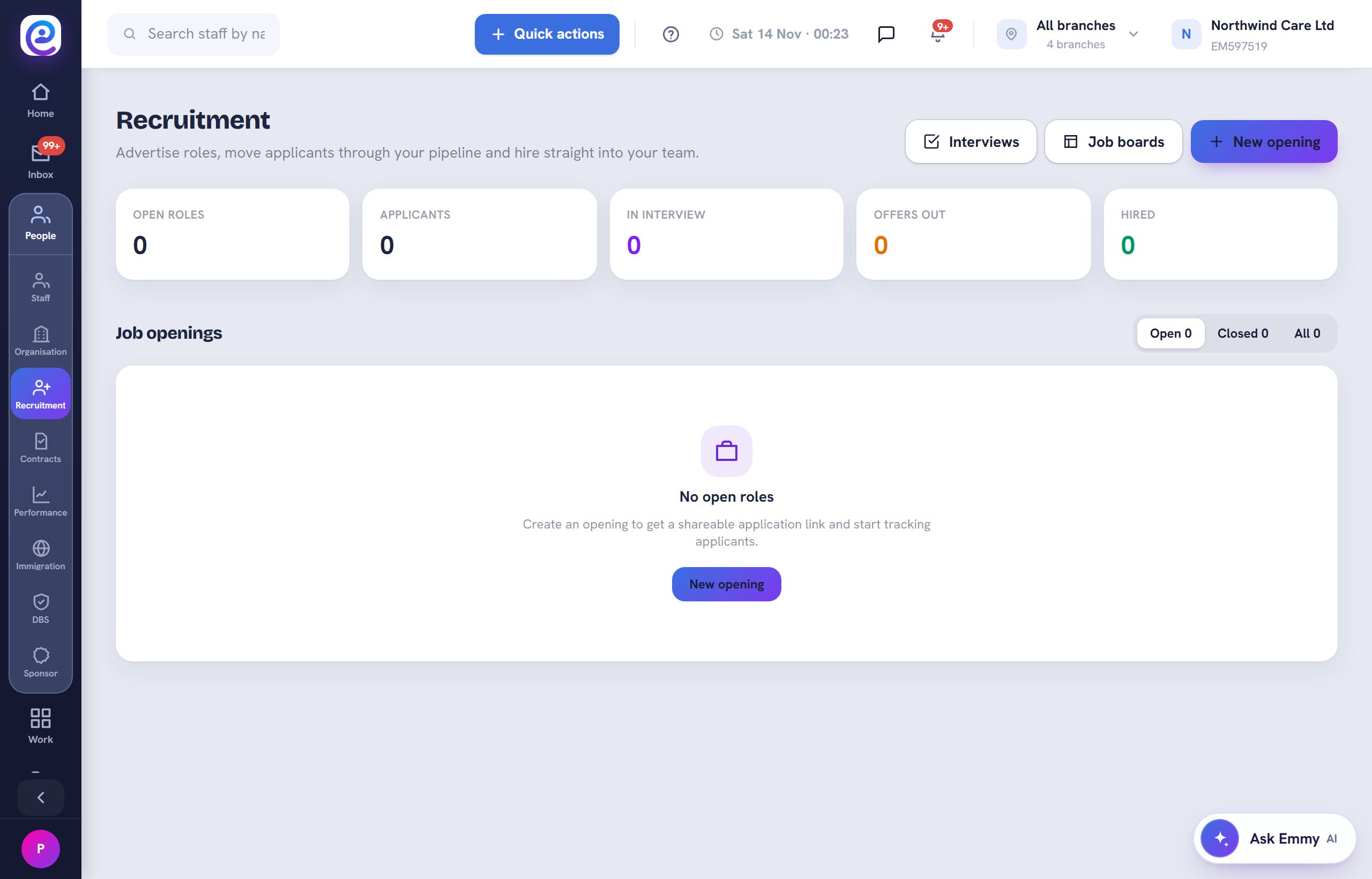
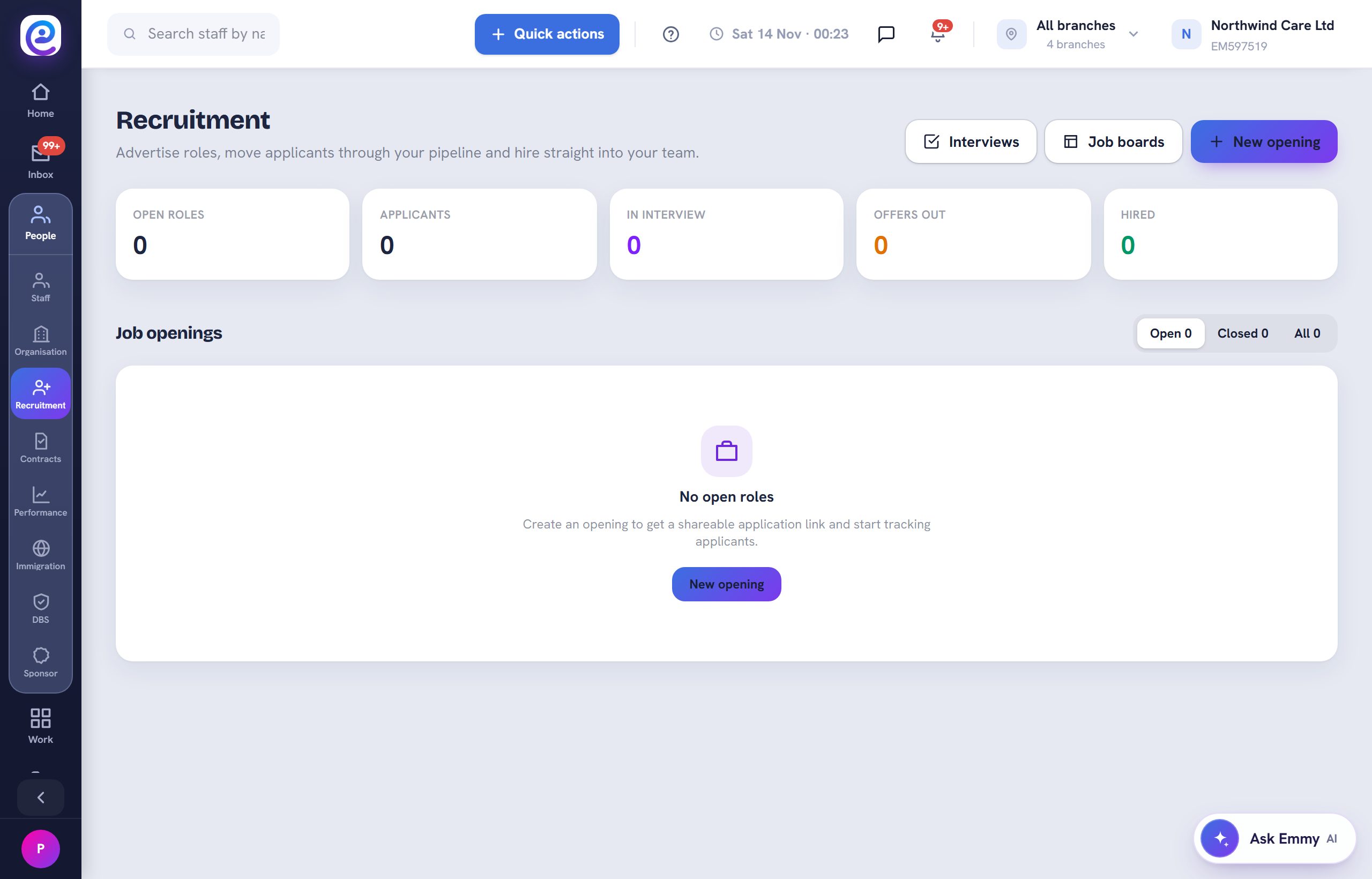
Open People, then Recruitment. Your openings are listed as Open, Closed or All.
- 02
Create an opening
Select New opening and add the role, branch, pay and description.
- 03
Run interviews
Open Interviews to schedule and score candidates with an interview scorecard.
- 04
Hire into onboarding
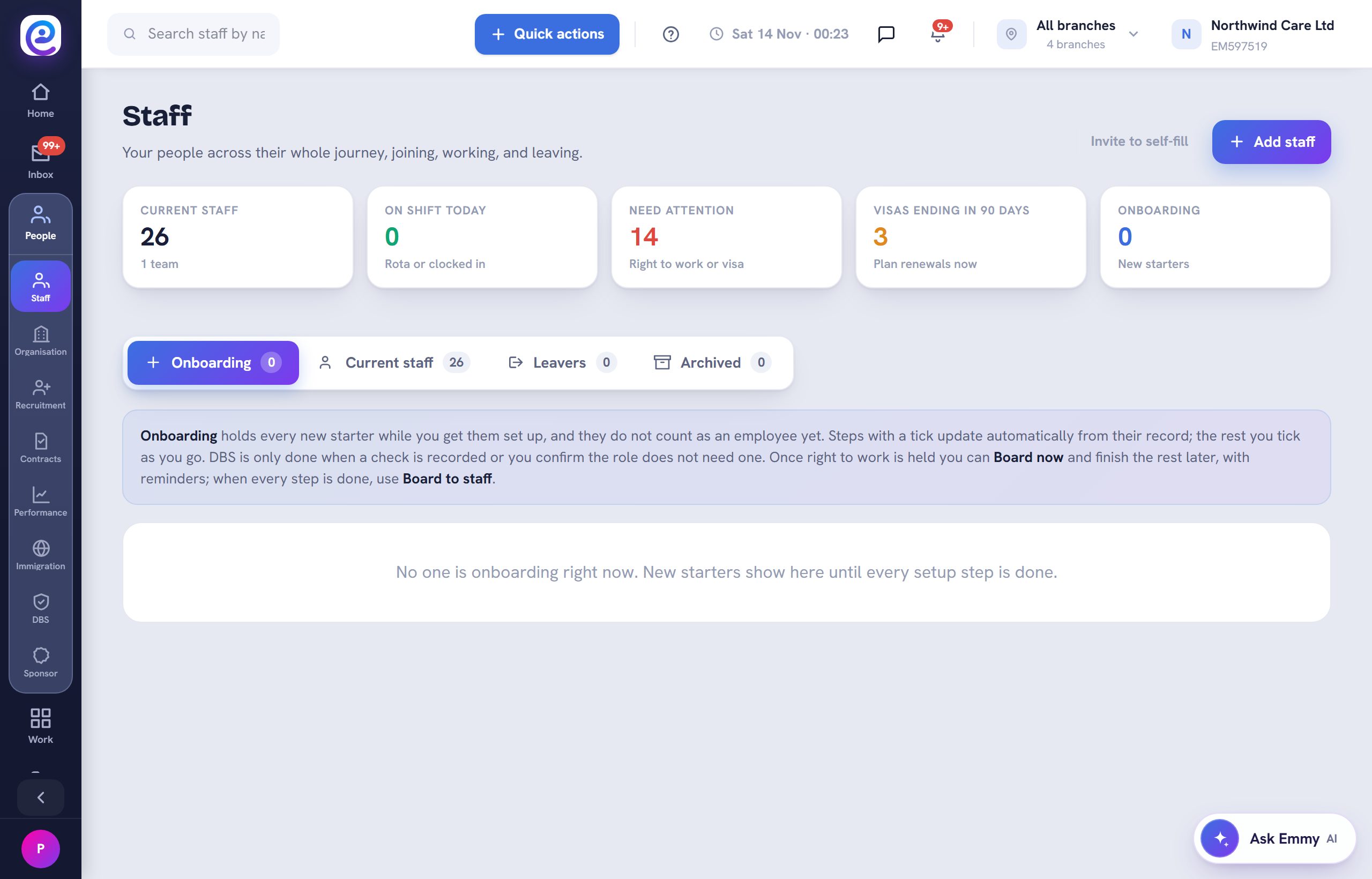
Move the successful applicant to Hired. They land in Onboarding ready for their checks.
You are all set
The hired candidate appears in the Onboarding tab.
Next guide
Offboard a leaver
Mark a leaver, work the final steps and keep the record on file.
Previous: Run a performance review