Plan the rota
8 Jul 2026 · 1 min read
Build the week's shifts, see everyone's hours, and copy last week in one click.
The rota is a simple weekly grid: your people down the side, the days across the top. Add shifts where you need them, keep an eye on everyone's hours, and copy last week when the pattern repeats.
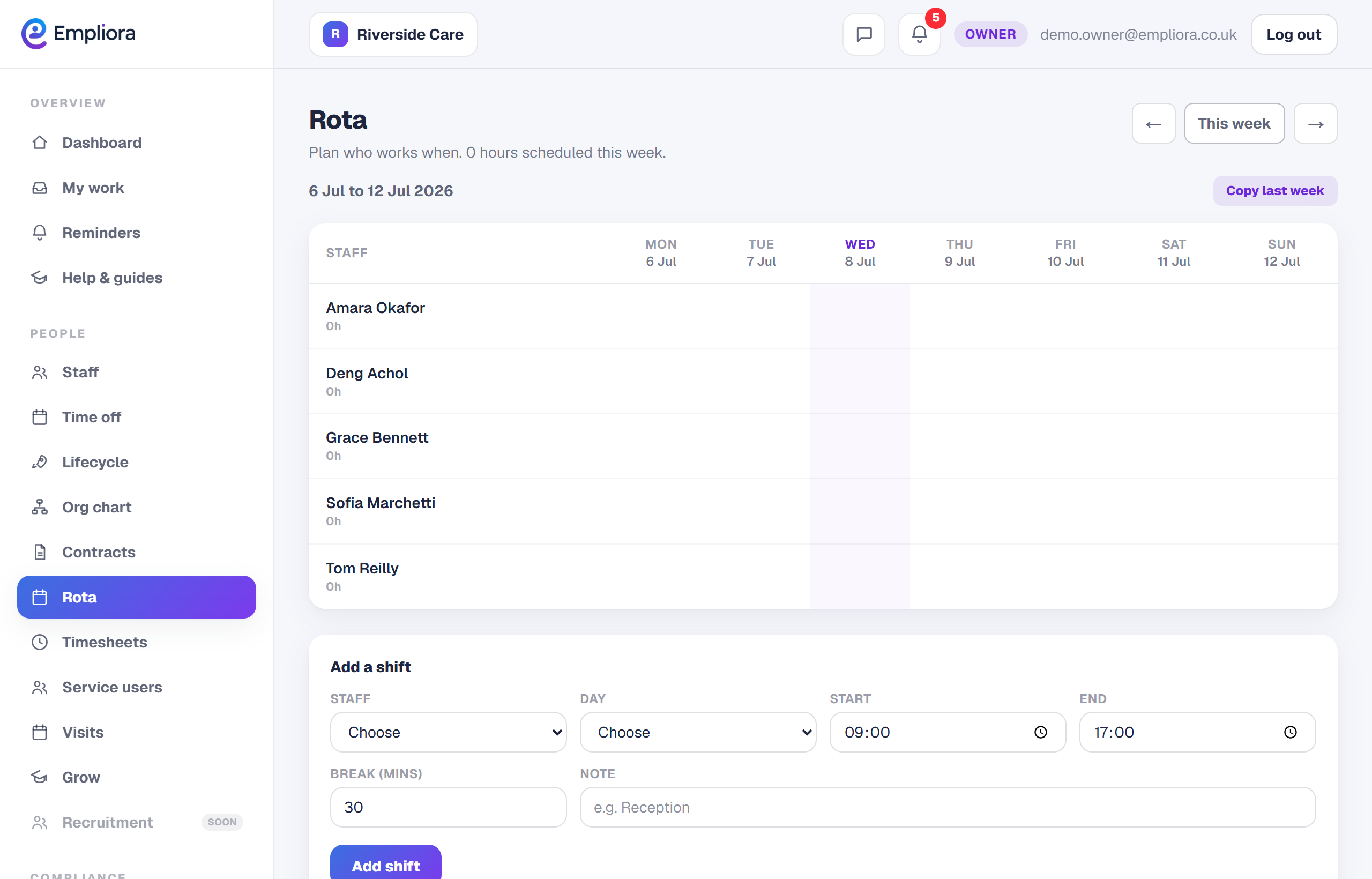
- 1
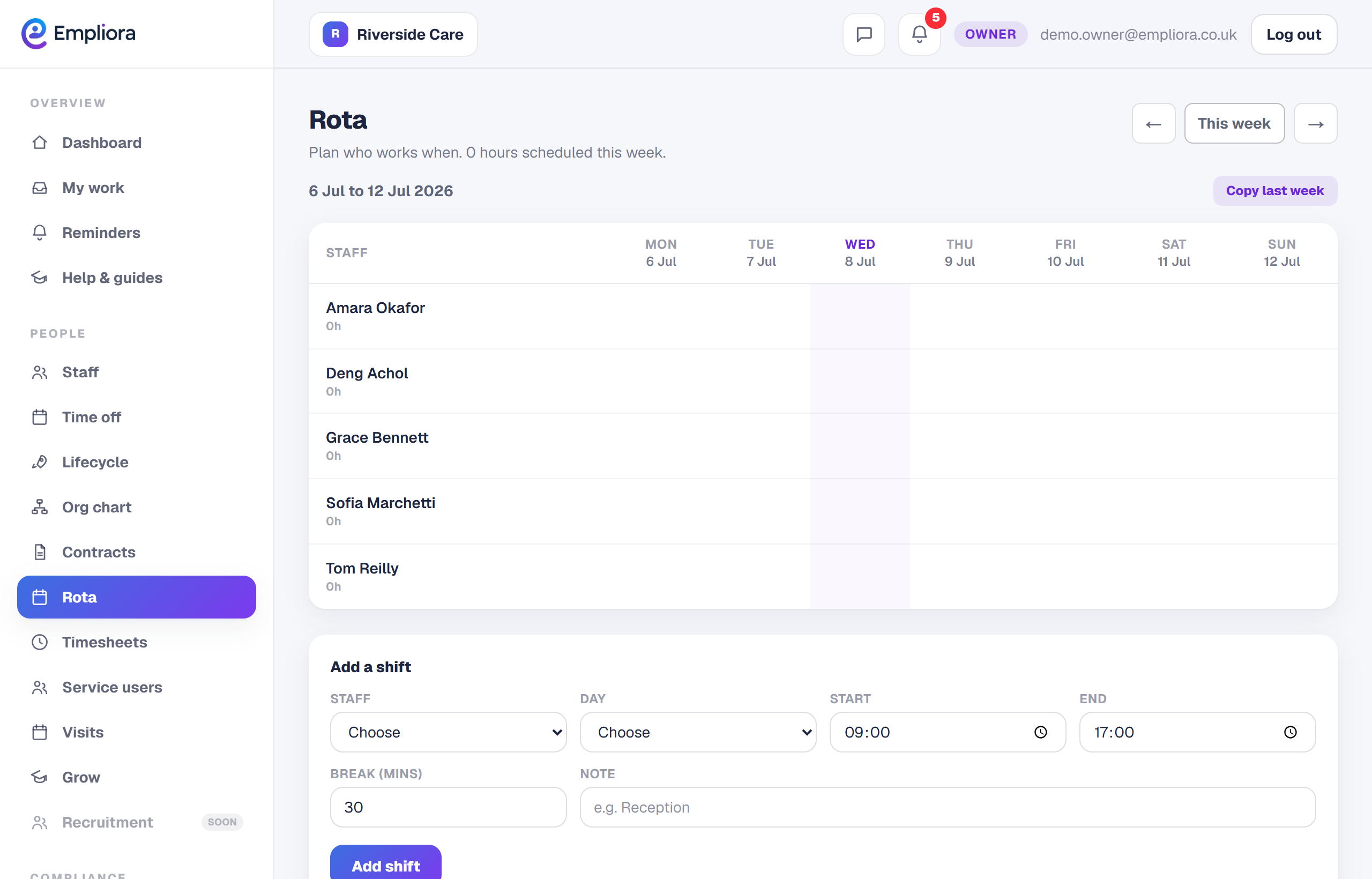
Add a shift
On the week's grid, add a shift to a person on a day. Set the start and end times, any break, and the location if you work from more than one site.
- 2
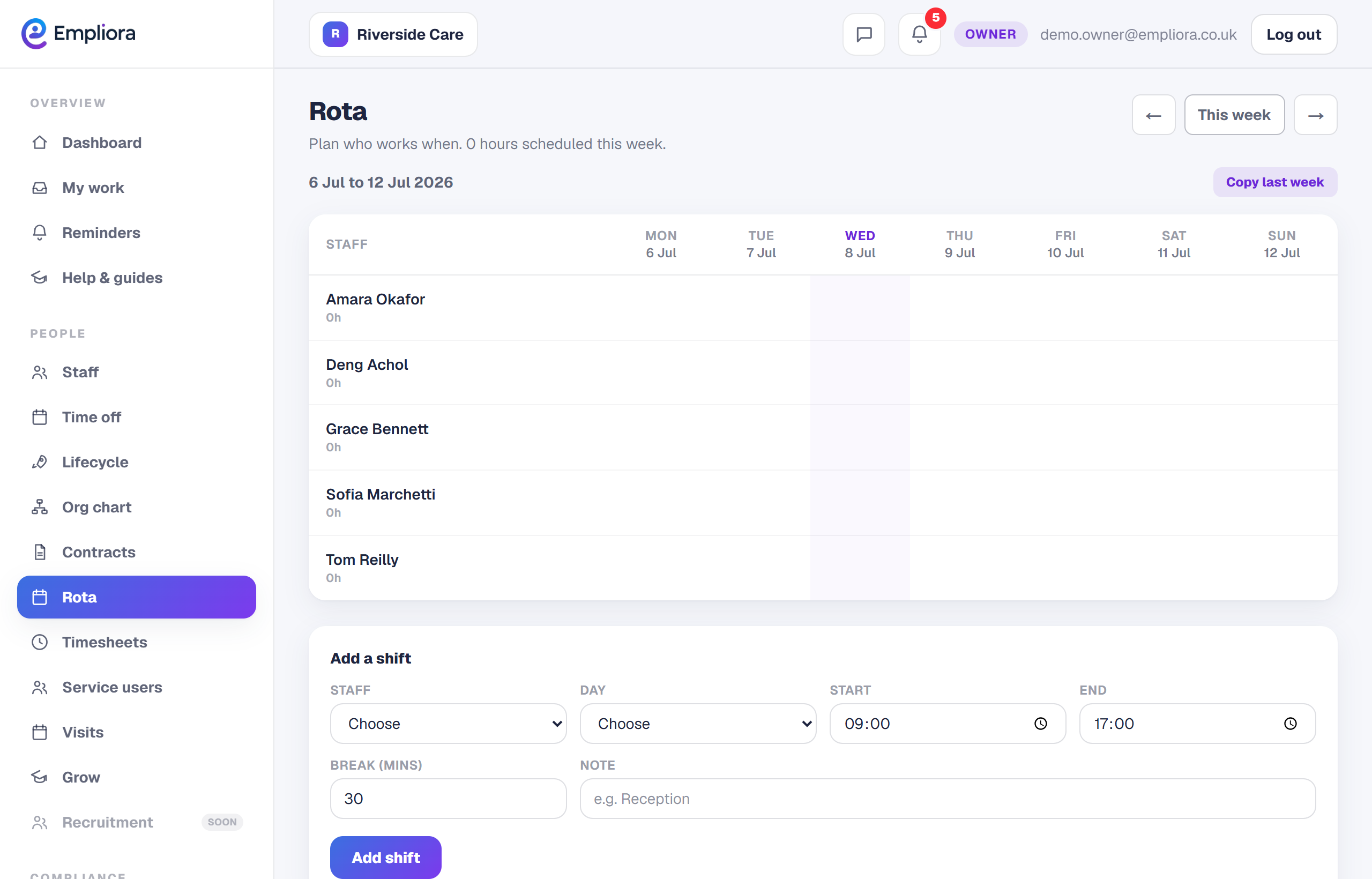
Watch the hours add up
As you build the week, Empliora totals each person's hours and the whole team's, so you can balance the rota without a calculator.
- 3
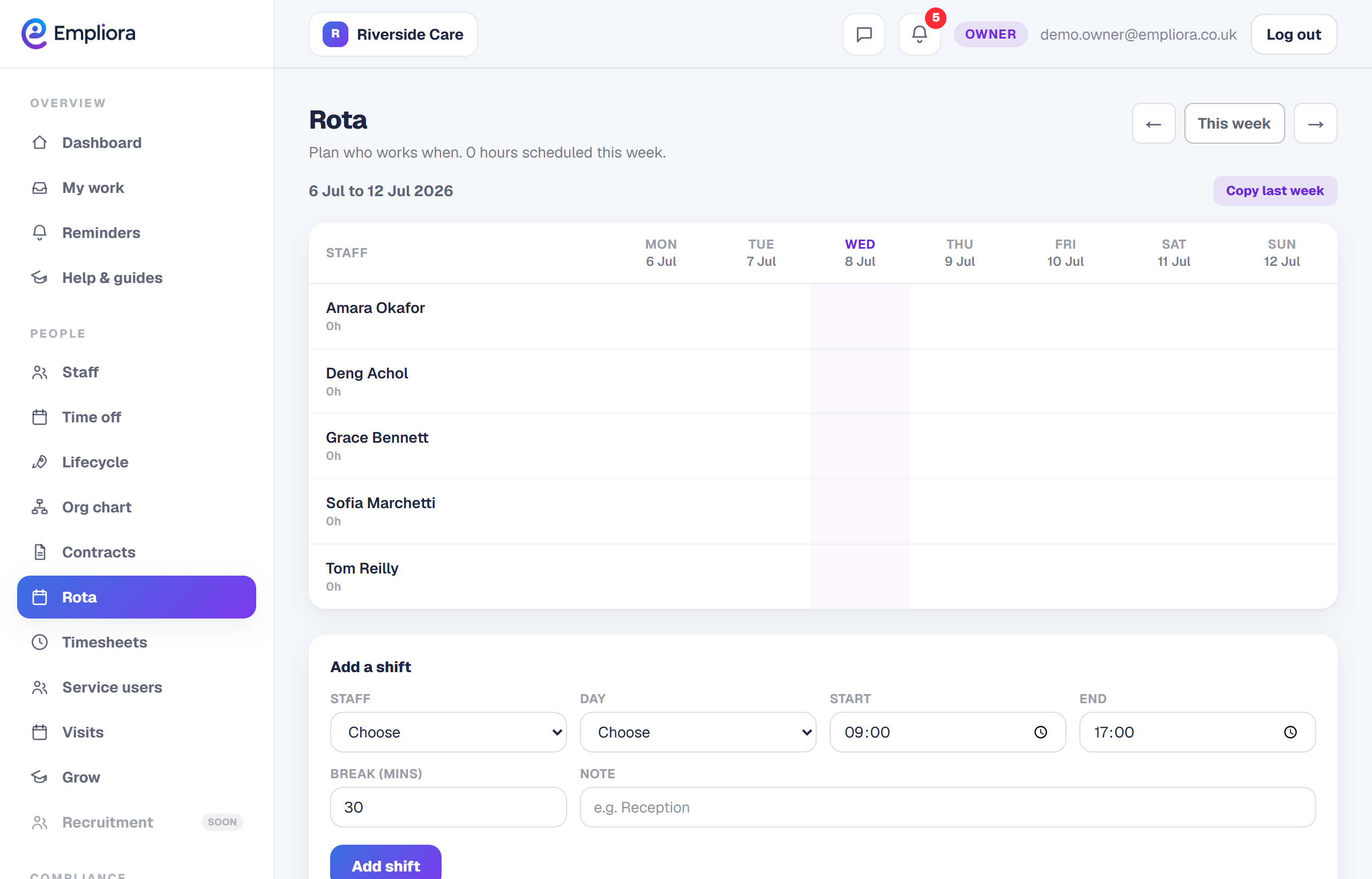
Copy last week
Where the pattern repeats, use Copy last week to bring the previous week across, then tweak what has changed. It saves rebuilding a rota from scratch. Move between weeks with the arrows to plan ahead as far as you need.