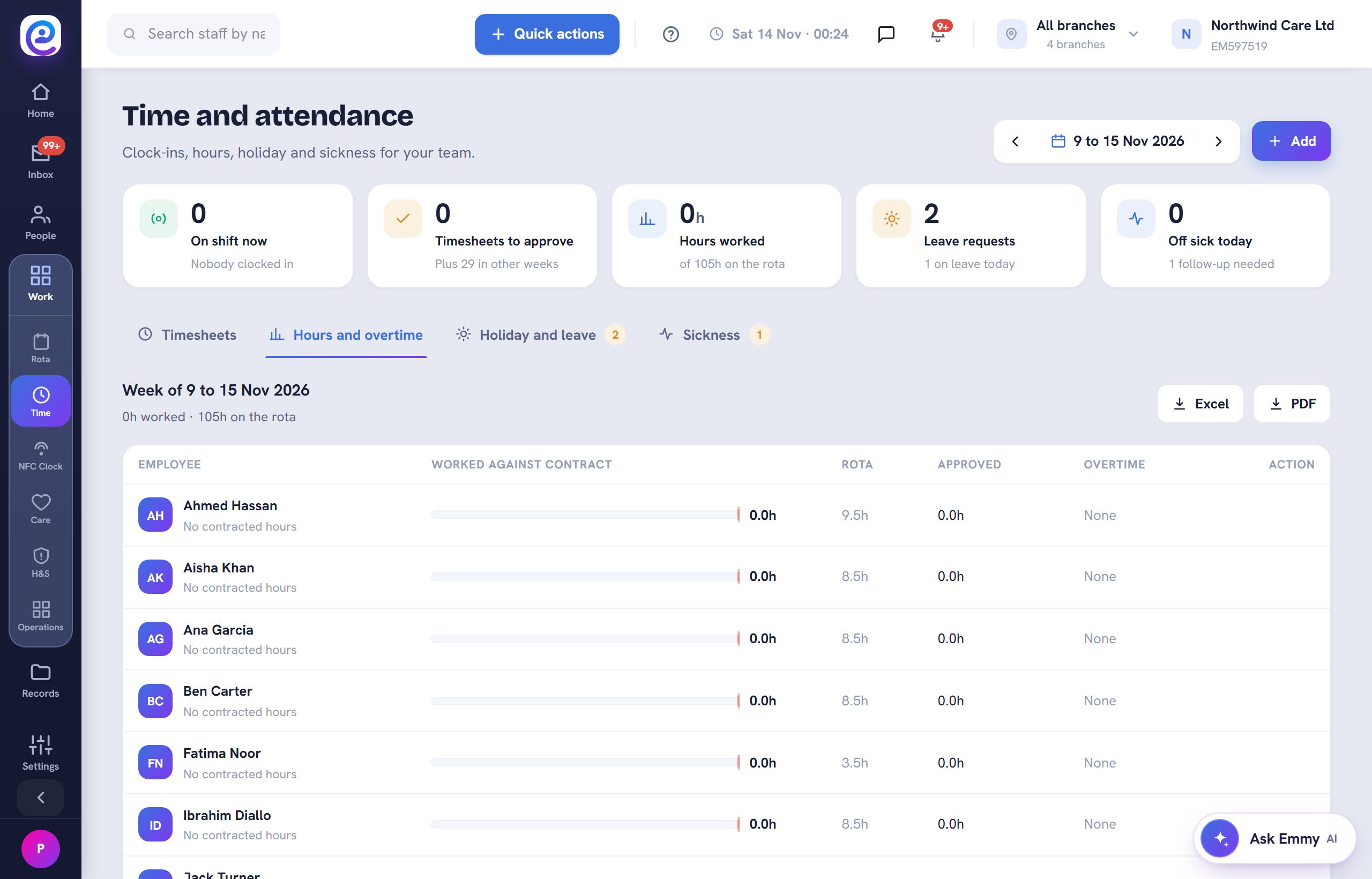
Once hours are approved, send them to your accountant or payroll team without retyping anything.
Before you start. Your accountant is saved as a key contact.
Step by step
- 01
Open Hours and overtime
In Work, then Time, open Hours and overtime for a per-person summary with gross pay.
- 02
Check the totals
Hourly staff show hours times their rate. Salaried staff show their period salary plus any overtime.
- 03
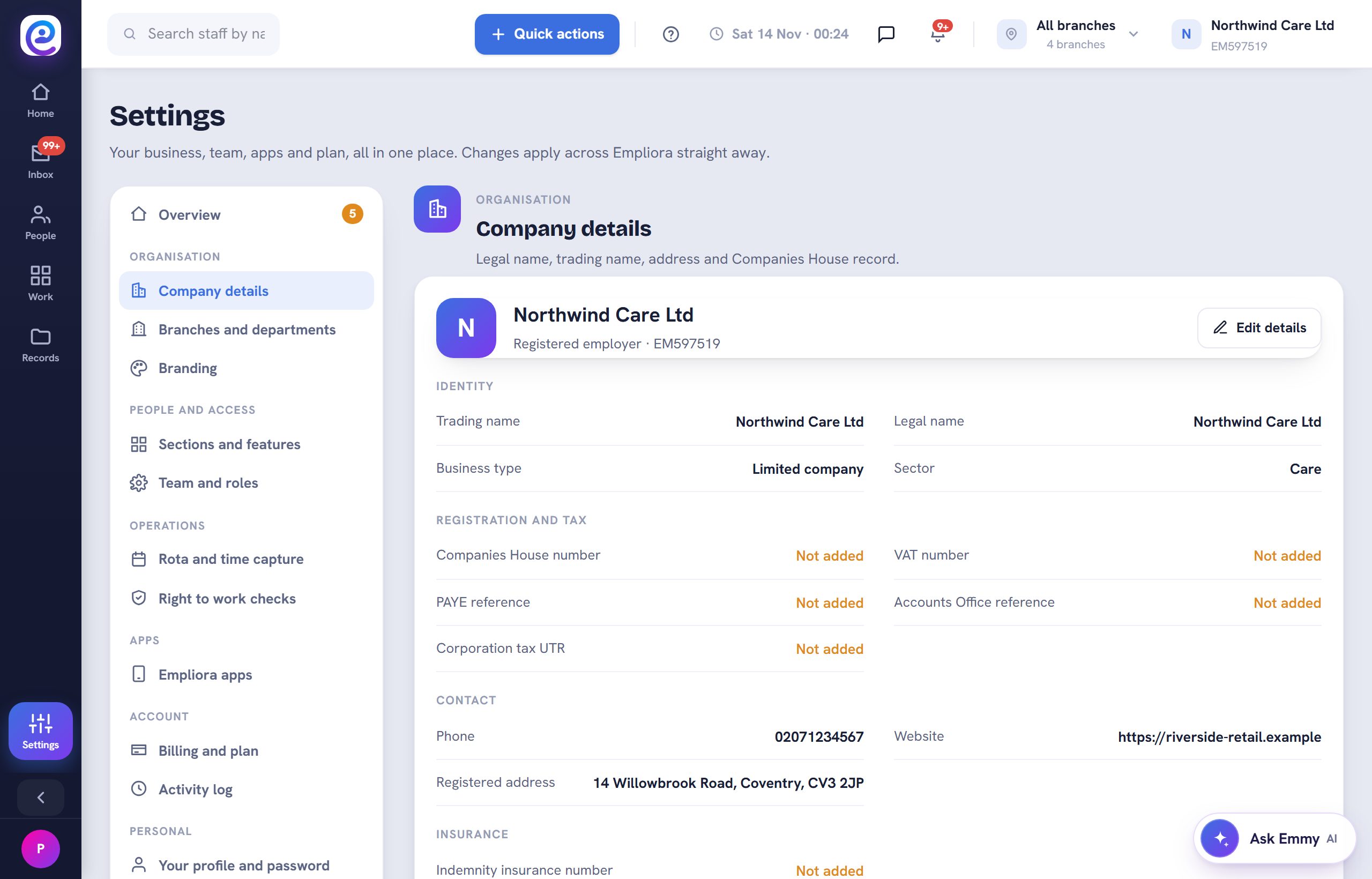
Save your accountant
Add your accountant under Settings, Company details, Key contacts, so the hours go to the right inbox.
You are all set
Your accountant receives the approved hours as PDF and Excel.
Next guide
Set up time off and approve requests
Allowances, approvals and live balances, including bank staff accrual.

Previous: Approve timesheets