Sickness records work out Statutory Sick Pay for you using the rules in force on the dates of absence.
Before you start. The absence has started or been reported.
Step by step
- 01
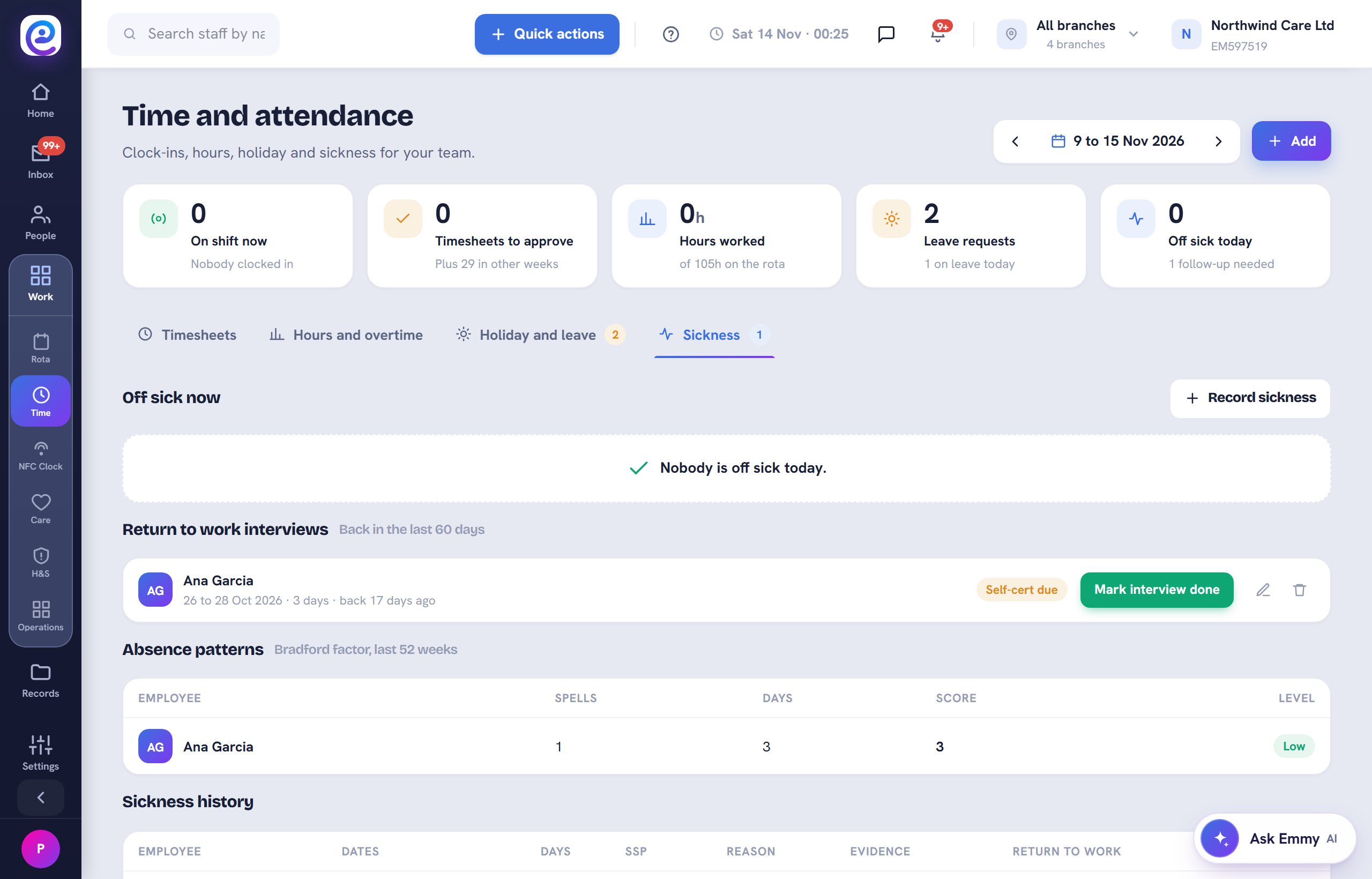
Open Sickness
In Work, then Time, open Sickness. Current absences and follow-ups are listed.
- 02
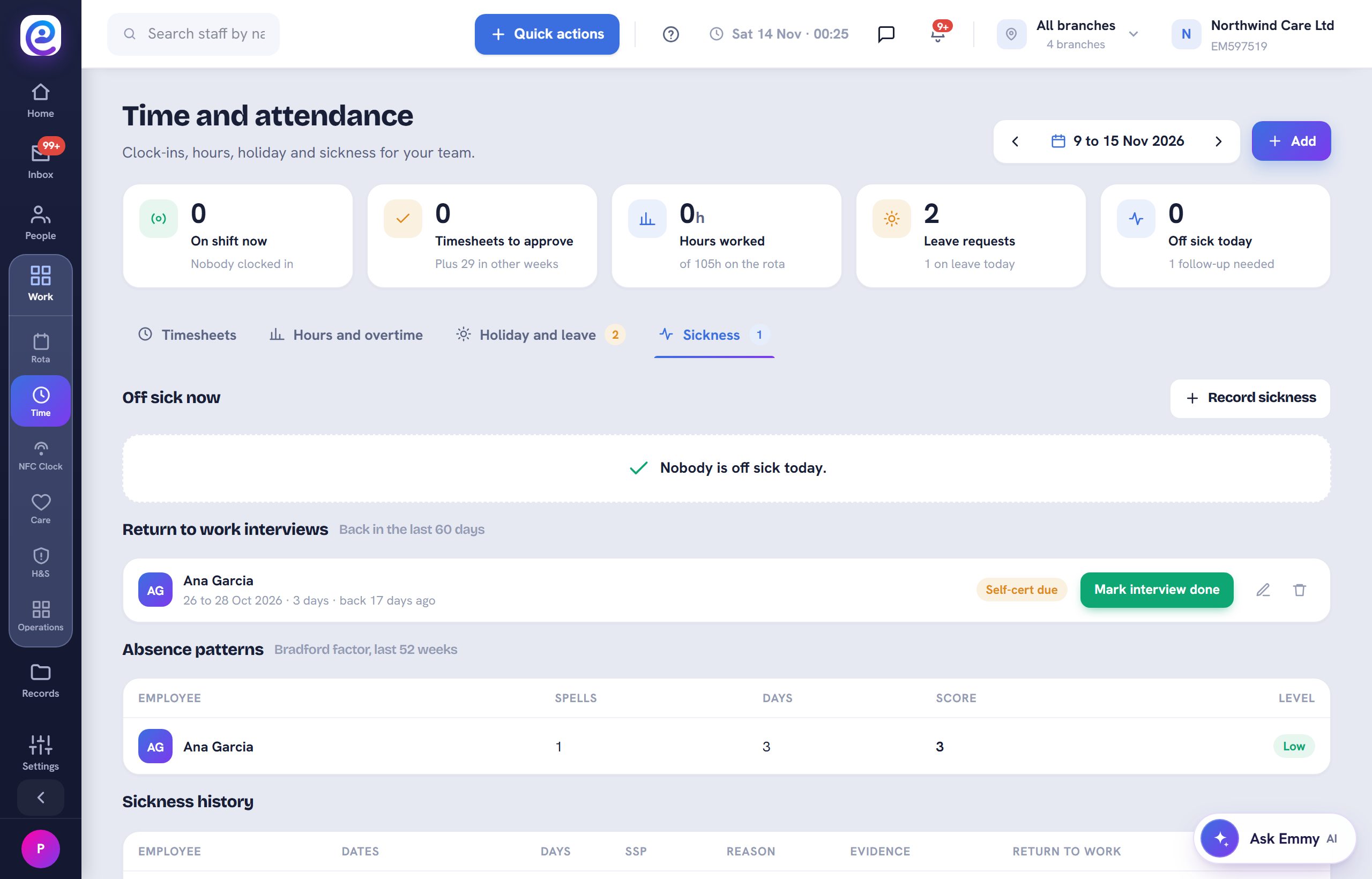
Record the absence
Select Add and record the first day, reason and any fit note. Evidence is kept on the record.
- 03
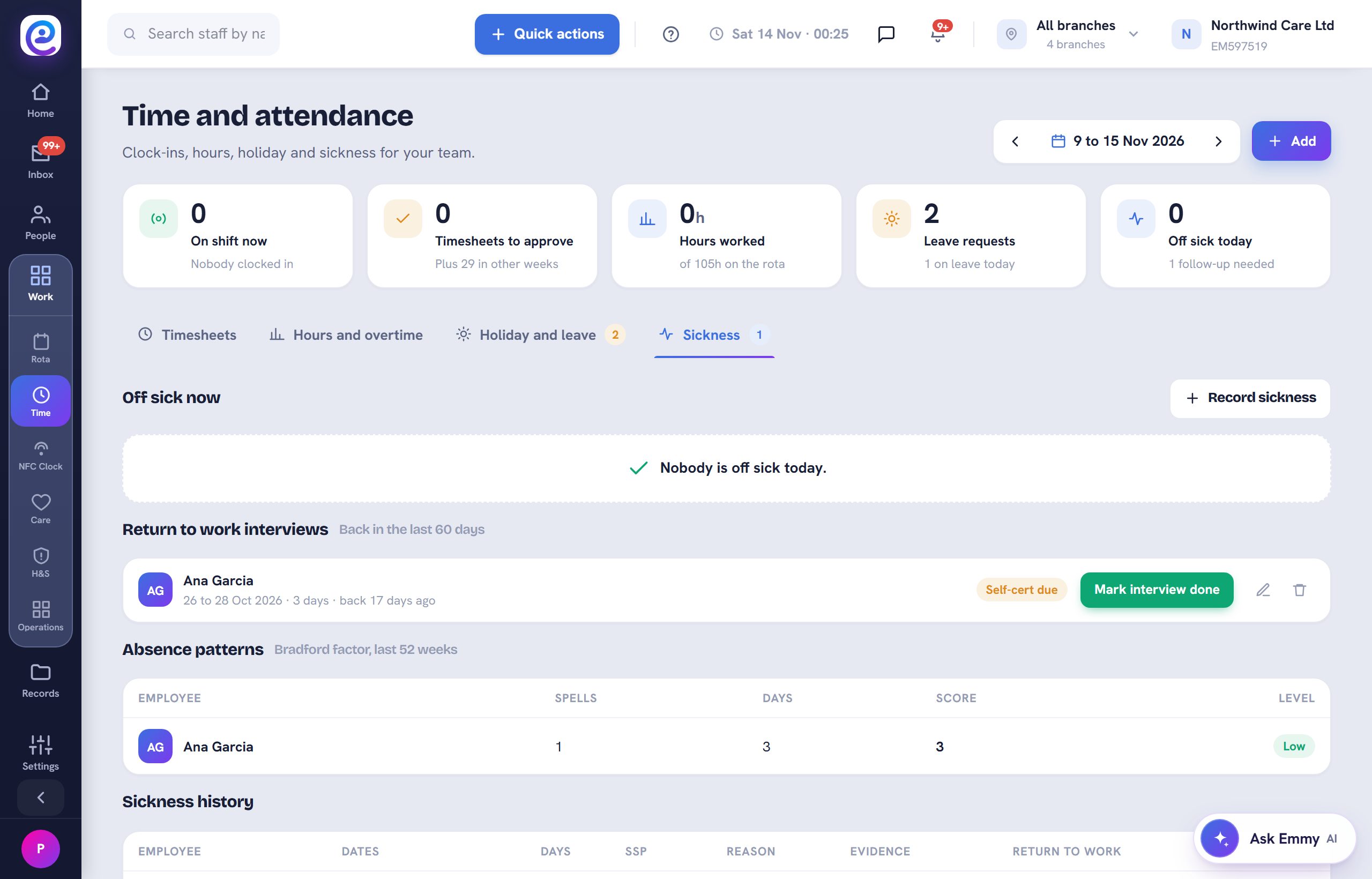
See the SSP
From 6 April 2026 SSP is paid from the first day with no lower earnings limit, at the lower of the weekly rate or 80 percent of average earnings.
- 04
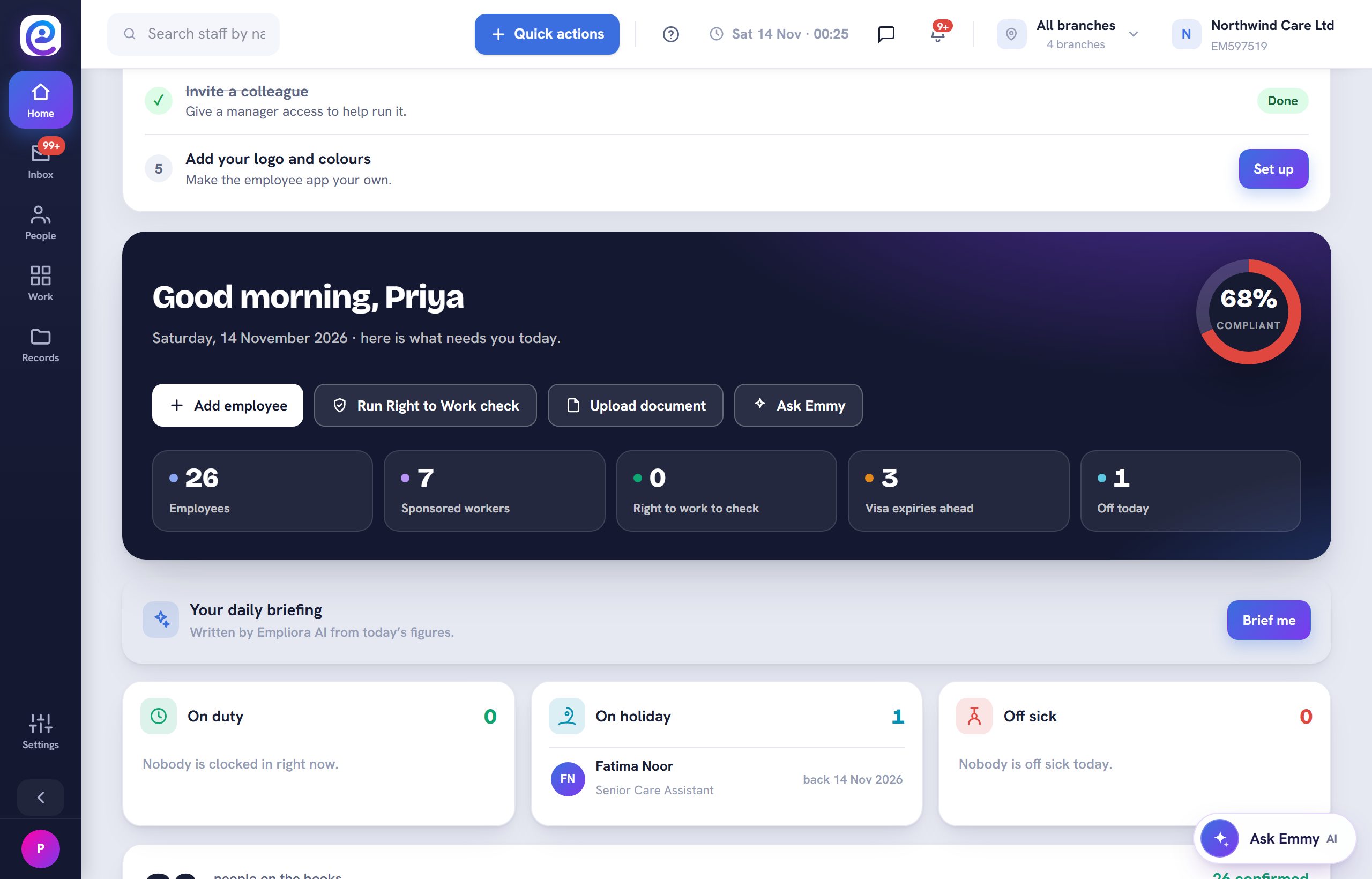
Spot long absence
Long sickness and maternity show on the home page as On long leave, so nobody is forgotten.
You are all set
The absence shows with its SSP and any follow-up you need to make.
Next guide
Set up the clock-in kiosk
Clock the whole team in from one tablet, a tap tag or a face.
Previous: Set up time off and approve requests