Check a sponsored salary
8 Jul 2026 · 1 min read
Check a Skilled Worker salary against the threshold and the going rate before you commit.
Before you assign a certificate of sponsorship, the salary has to clear both the general threshold and the going rate for the role. The salary checker does the sums for you, so you can be confident before you commit.
- 1
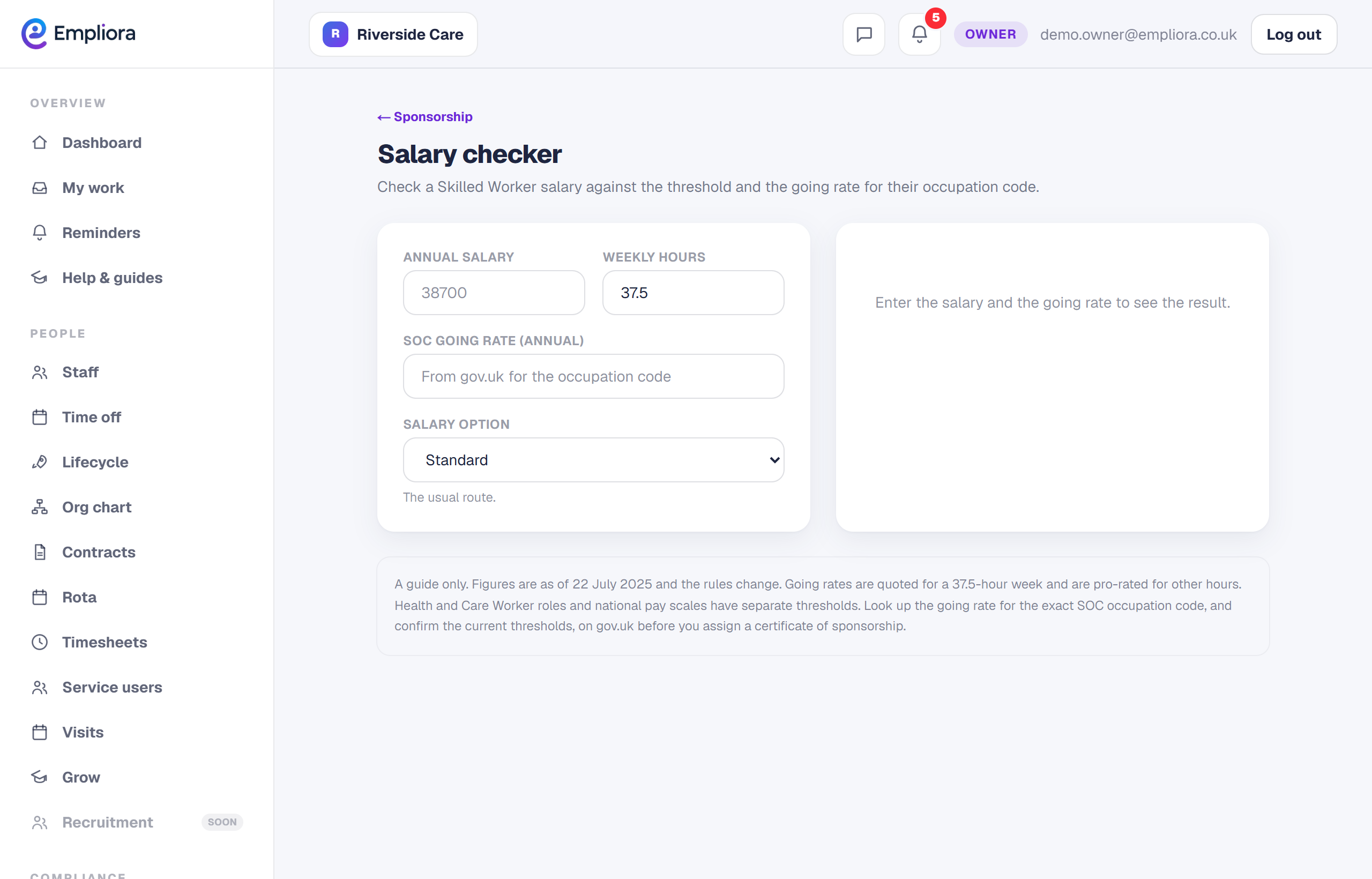
Open the salary checker
Open Salary checker from the sponsorship area.
- 2
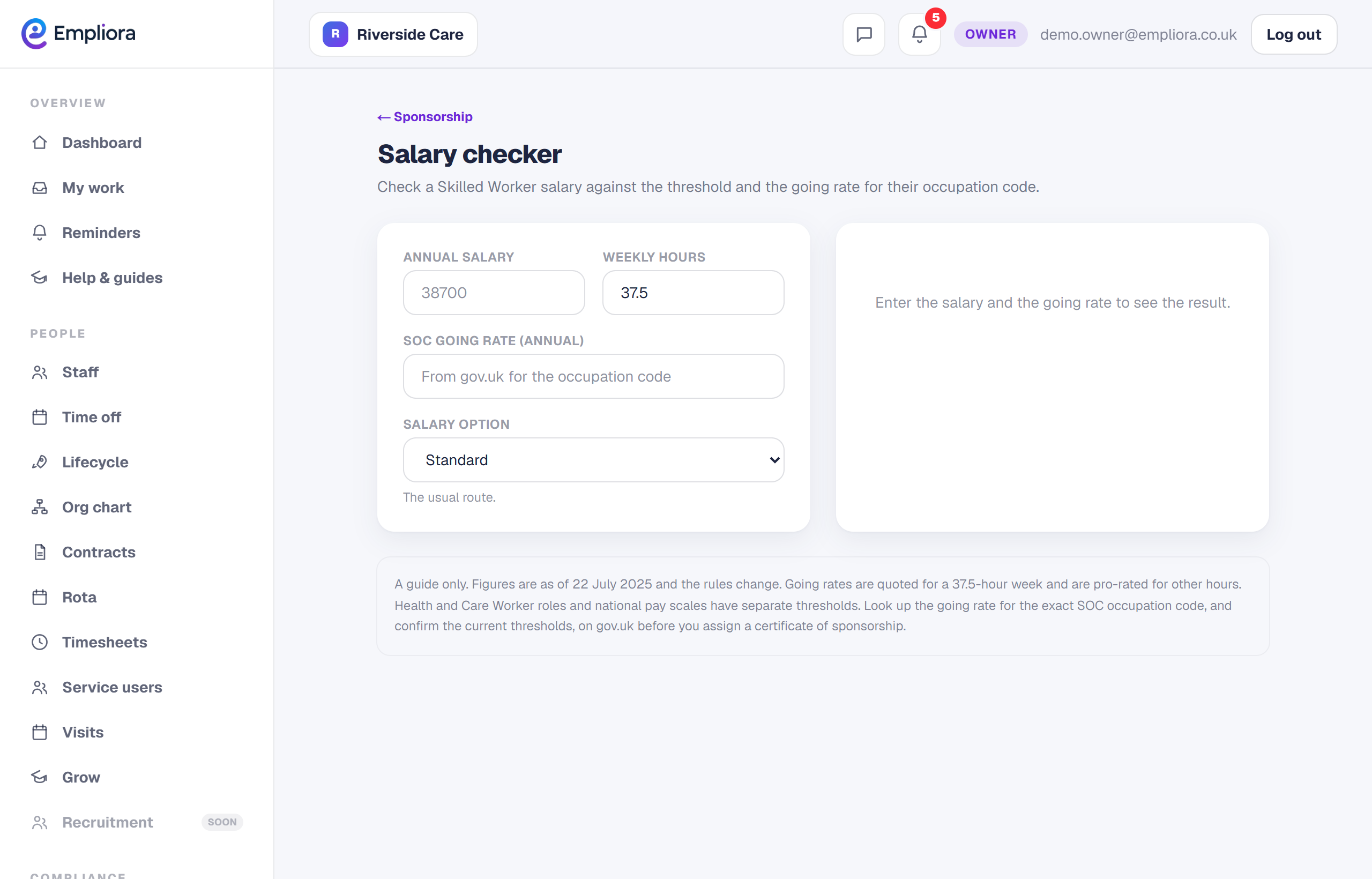
Enter the role and pay
Enter the occupation code, the salary and the hours. Empliora compares it against the threshold and the going rate for that occupation and tells you whether it clears.
- 3
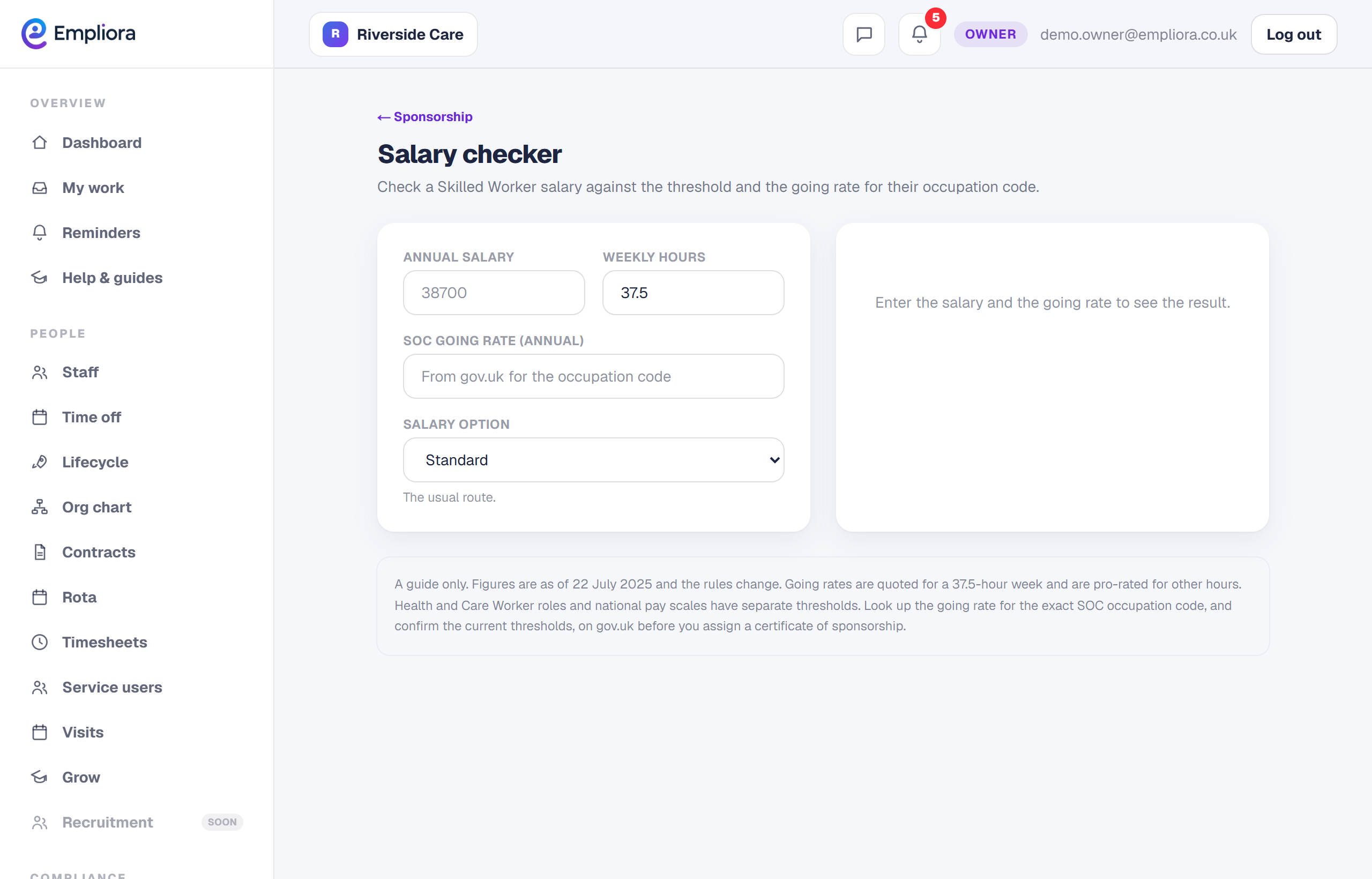
Confirm on gov.uk before you commit
The checker is a guide. Thresholds and going rates change, and some routes such as Health and Care Worker have their own rules. Always confirm the going rate for the exact occupation code on gov.uk before you assign a certificate. A quick check here can save an expensive mistake later.