Track certificates of sponsorship
8 Jul 2026 · 1 min read
Keep a record of every CoS you assign, who it is for and where it is up to.
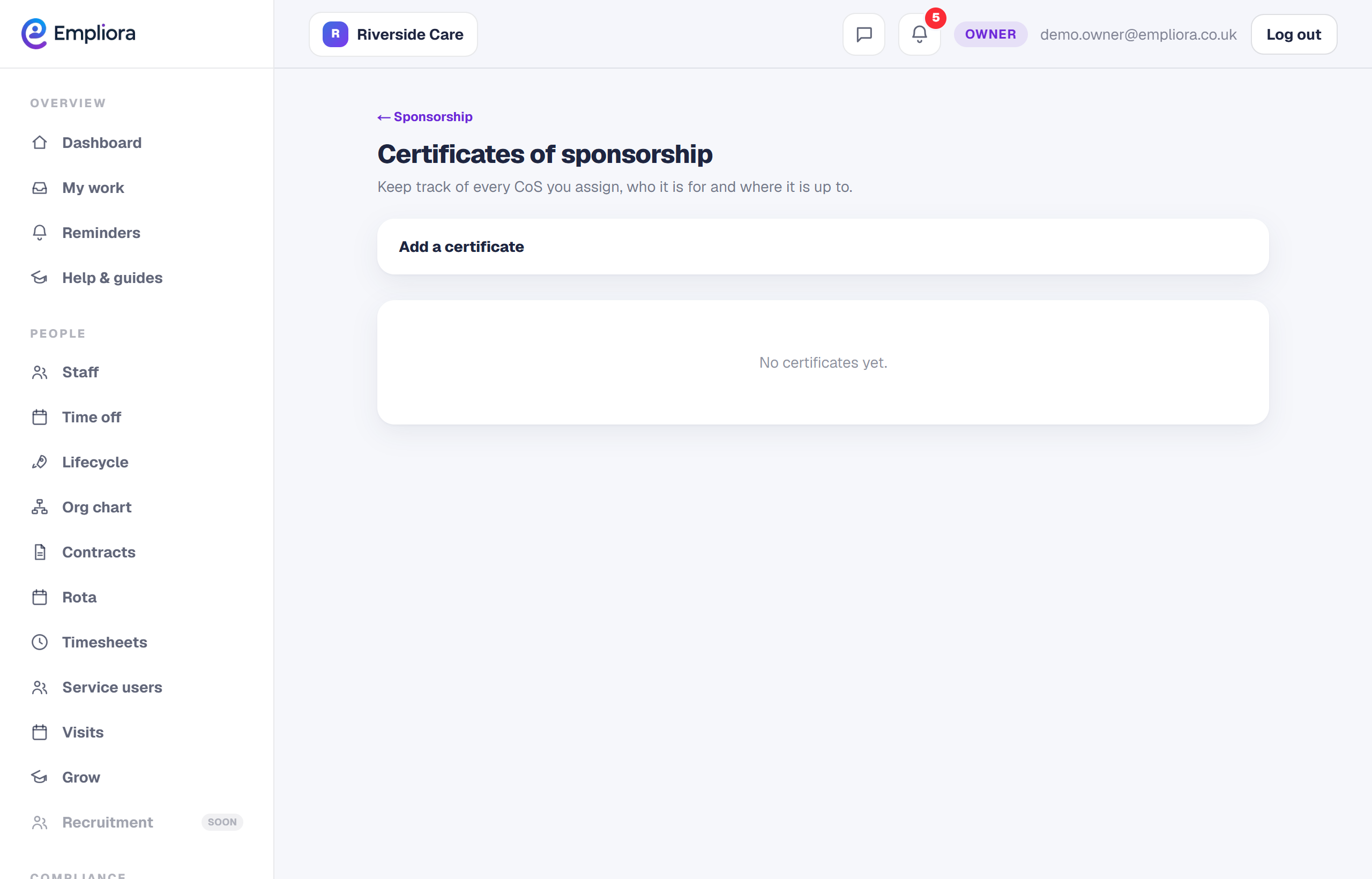
Every certificate of sponsorship you assign needs to be tracked. Empliora keeps them in one list, with who each is for, the salary and occupation code, and its current status, so you always know where things stand.
- 1
Add a certificate
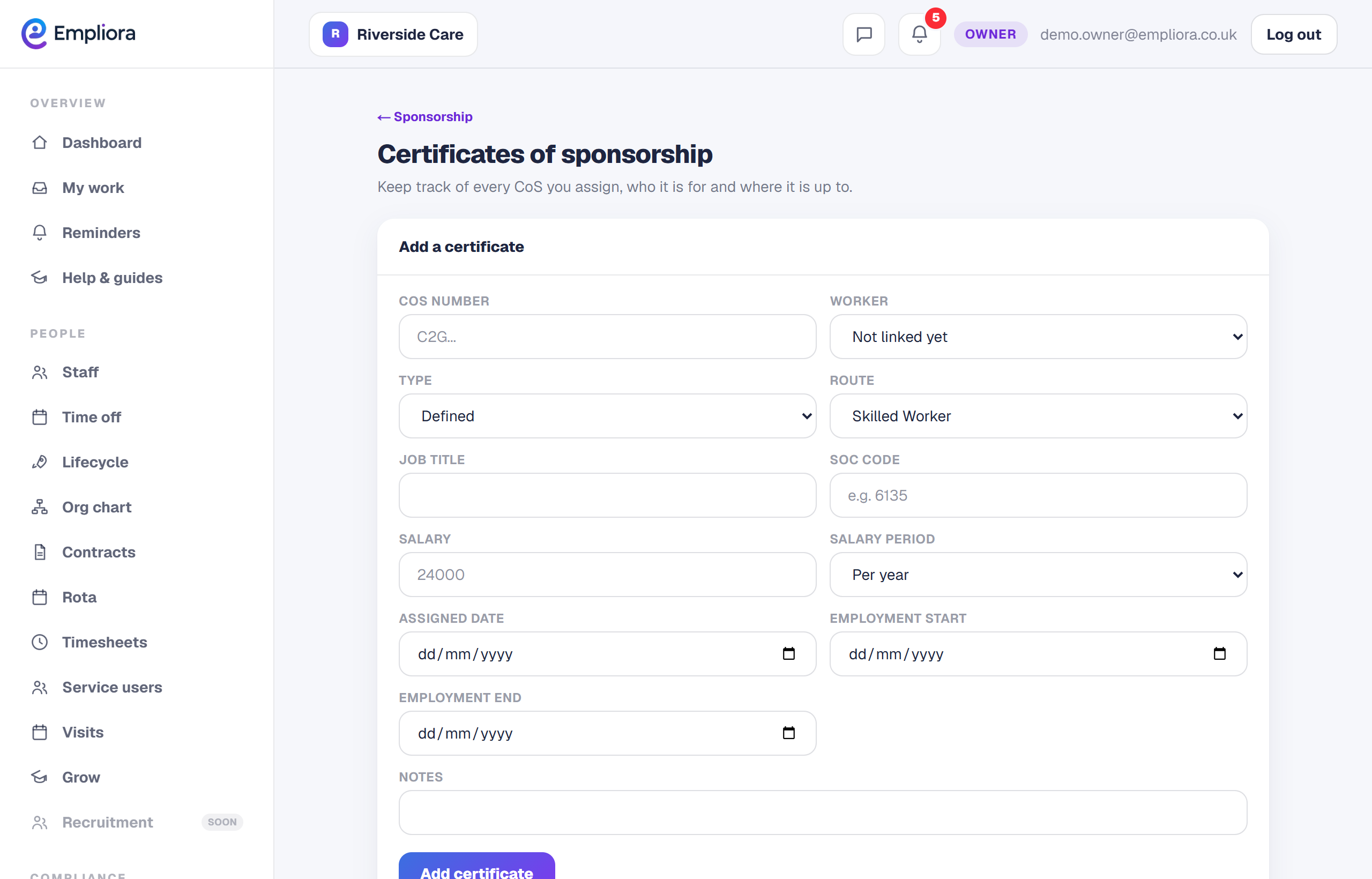
Open Certificates of sponsorship and choose Add a certificate. Enter the CoS number and link it to the worker.
- 2
Record the job details
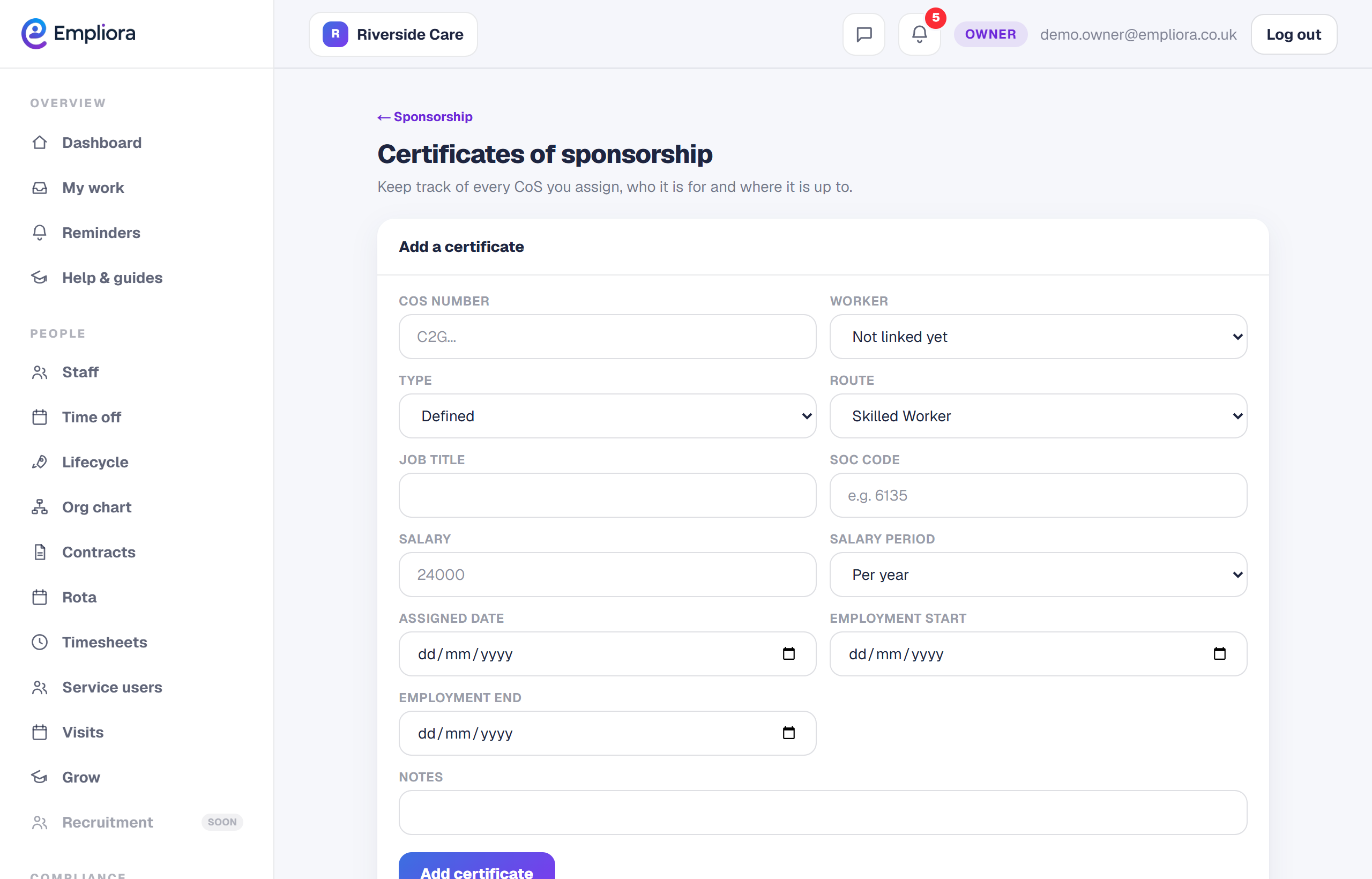
Add the route, occupation code, job title, salary and the assigned, start and end dates. These are the details that matter if you are ever asked to show a certificate is being used correctly.
- 3
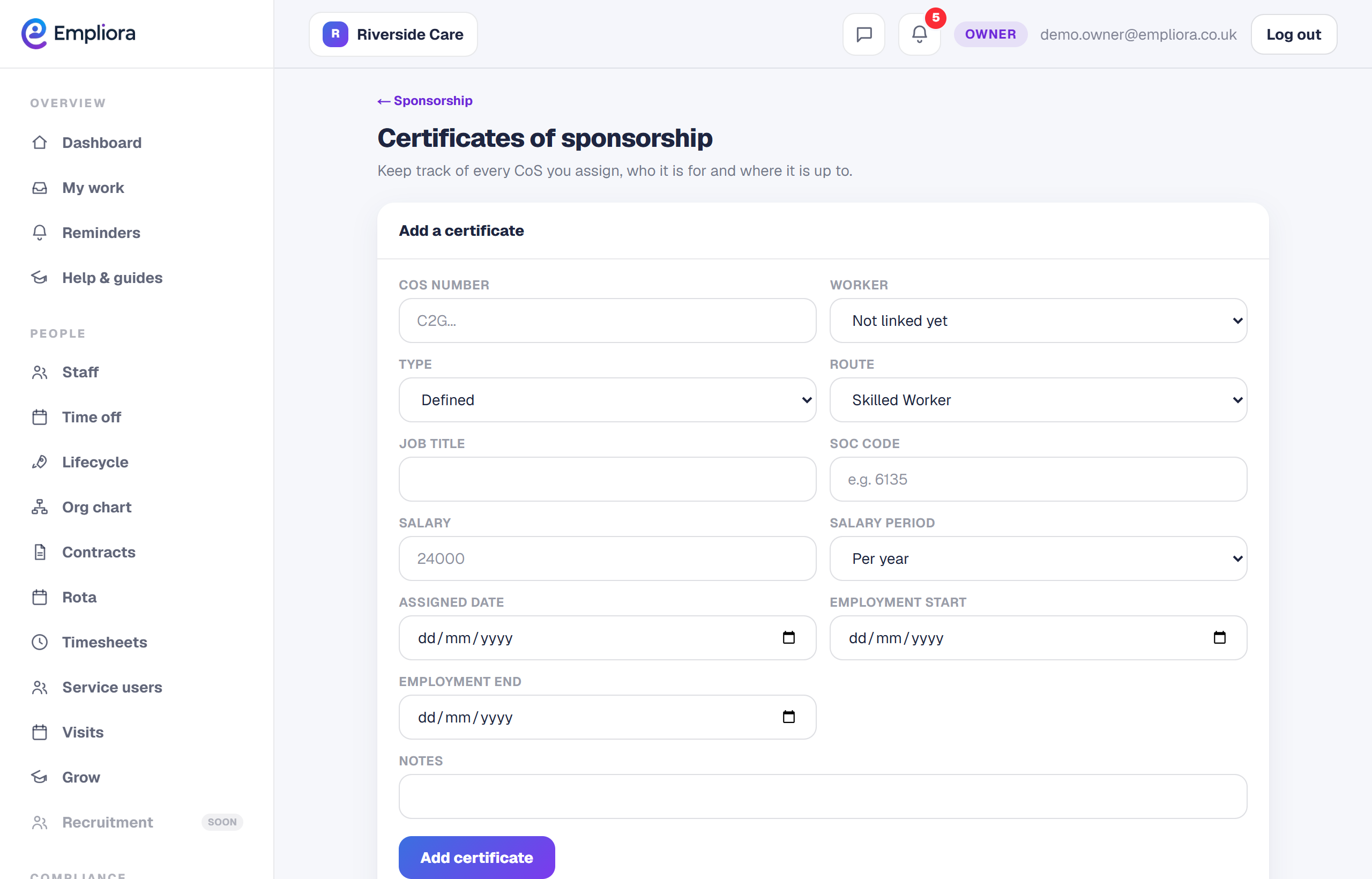
Move it through its stages
As things happen, set the status: Assigned, Used, Withdrawn or Expired. The list stays a true picture of every certificate you hold. Before you assign a certificate, it is worth running the salary through the salary checker to confirm it meets the threshold and going rate.