Set up your sponsor licence
8 Jul 2026 · 2 min read
Record your licence, name your key people and see your sponsored workers in one place.
If you hold a sponsor licence, this is your home for it. Record the licence itself, confirm your key roles are filled, and see every sponsored worker and their certificate at a glance. It is also where Empliora watches your licence expiry for you.
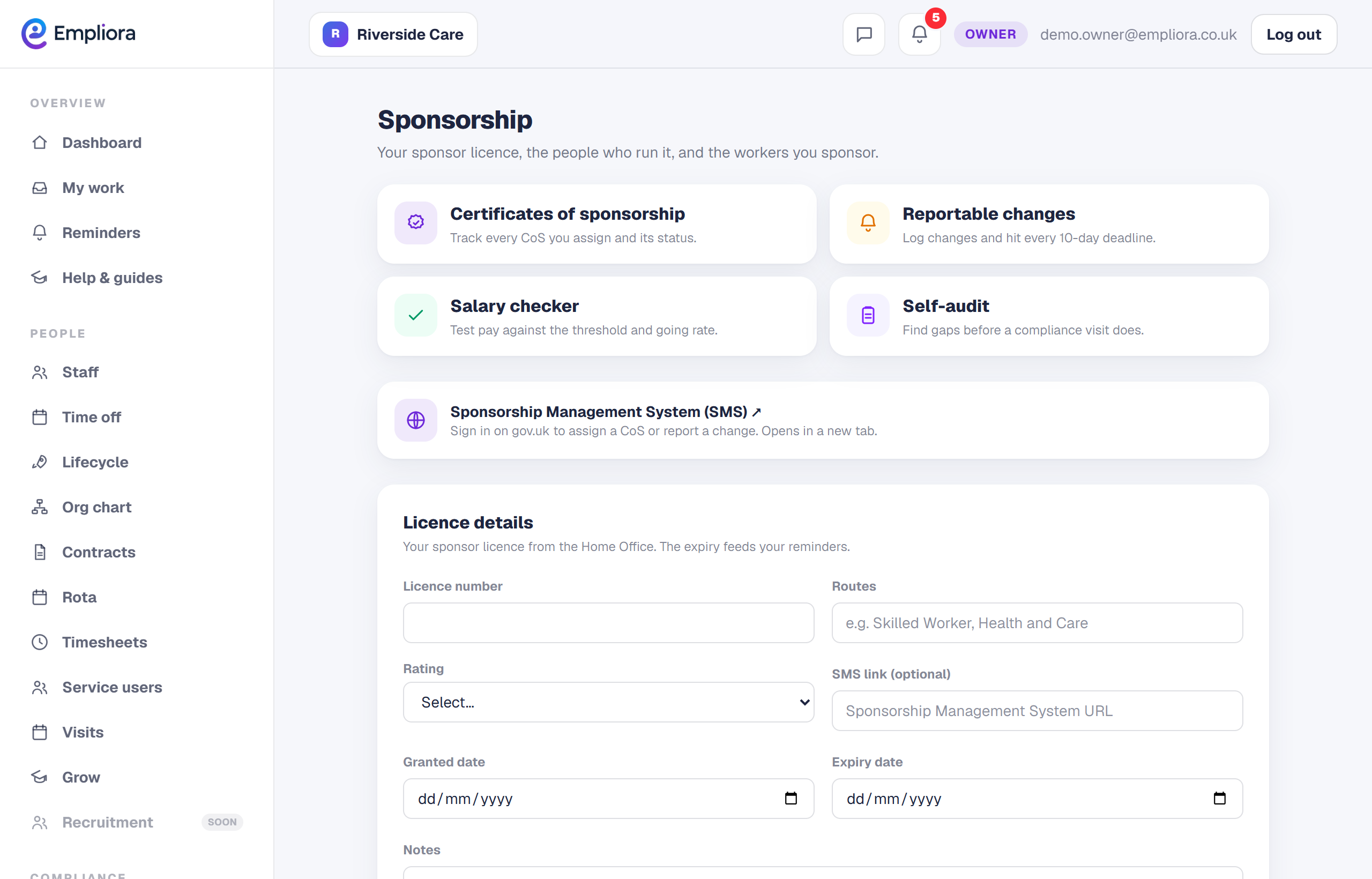
- 1
Record your licence
Open Sponsorship and enter your licence number, the routes it covers, your rating, the granted and expiry dates, and the link to your Sponsorship Management System. This is the record everything else hangs off.
- 2
Check your key roles are filled
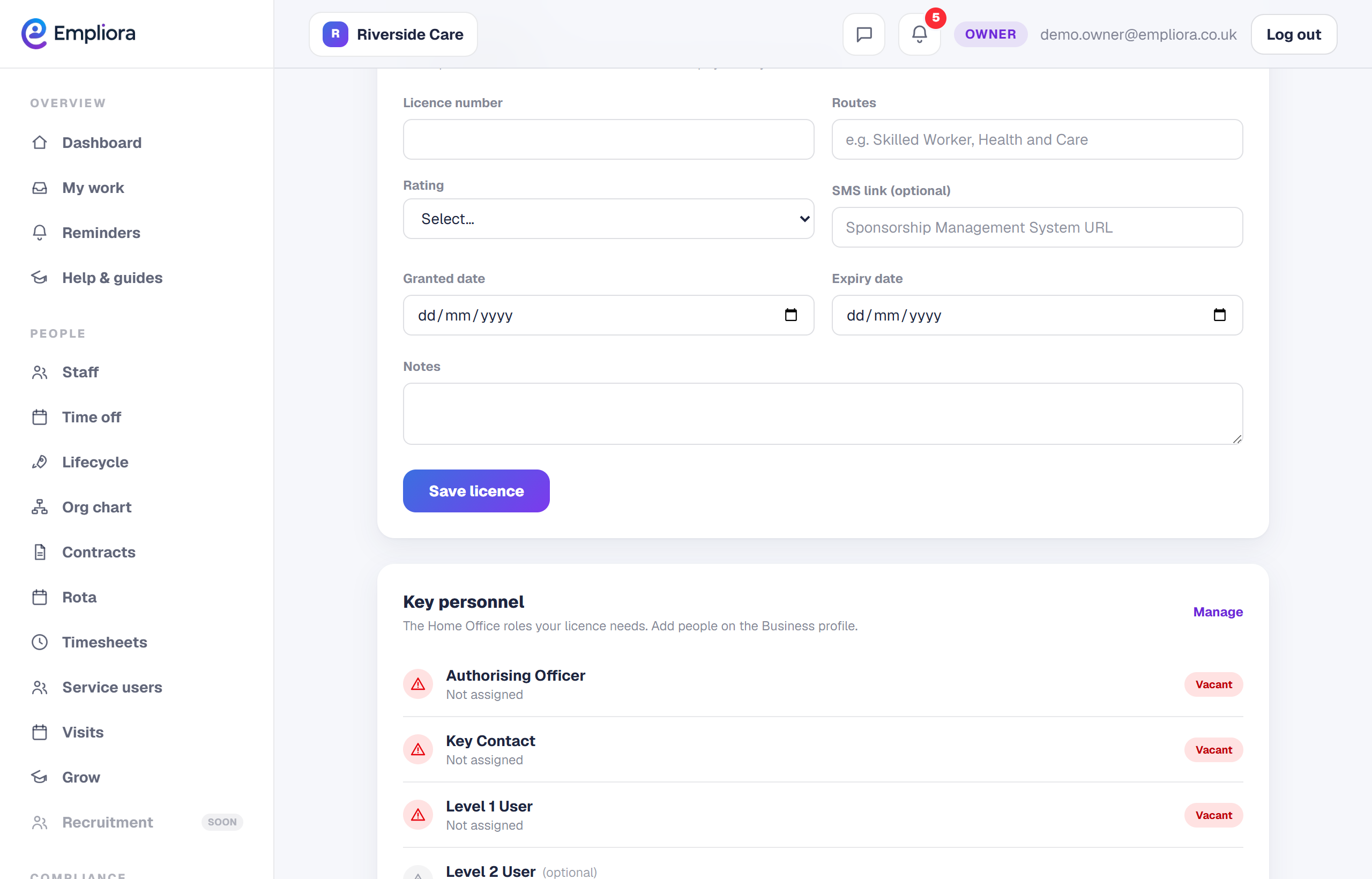
The Home Office expects named people in the key roles: Authorising Officer, Key Contact and Level 1 User, with a Level 2 User optional. Empliora shows which roles are filled from your key people, so you can spot a gap.
- 3
See your sponsored workers
The page lists your sponsored workers and shows which of them have a certificate of sponsorship on file, so you can see where a record is missing.
- 4
Let the expiry countdown run
Empliora counts down to your licence expiry and reminds you in good time, so a renewal never creeps up on you. From here you can track certificates of sponsorship, report changes to the Home Office, and run a self-audit, each covered in its own guide.