Run a right to work check
8 Jul 2026 · 5 min read
Check a share code against gov.uk and let Empliora file the official evidence, set the follow-up date and keep you audit-ready.
Getting a right to work check wrong is one of the most expensive mistakes an employer can make: a civil penalty of up to £60,000 per illegal worker, and for sponsors it puts your licence at risk. The good news is that when it is done properly it gives you a "statutory excuse", a complete legal defence. Empliora runs the check, saves the official gov.uk evidence to the person's record, sets the follow-up date and reminds you before it lapses, so you get the defence without keeping any paperwork yourself. Here is the whole flow.
- 1
Know when to run one
Run a check on every new starter **before their first day**, and re-check anyone whose right to work is time-limited before it expires. British and Irish citizens still need a check, you just record it as a manual document check. Doing it before day one is what secures your statutory excuse.
- 2
Start a check for someone
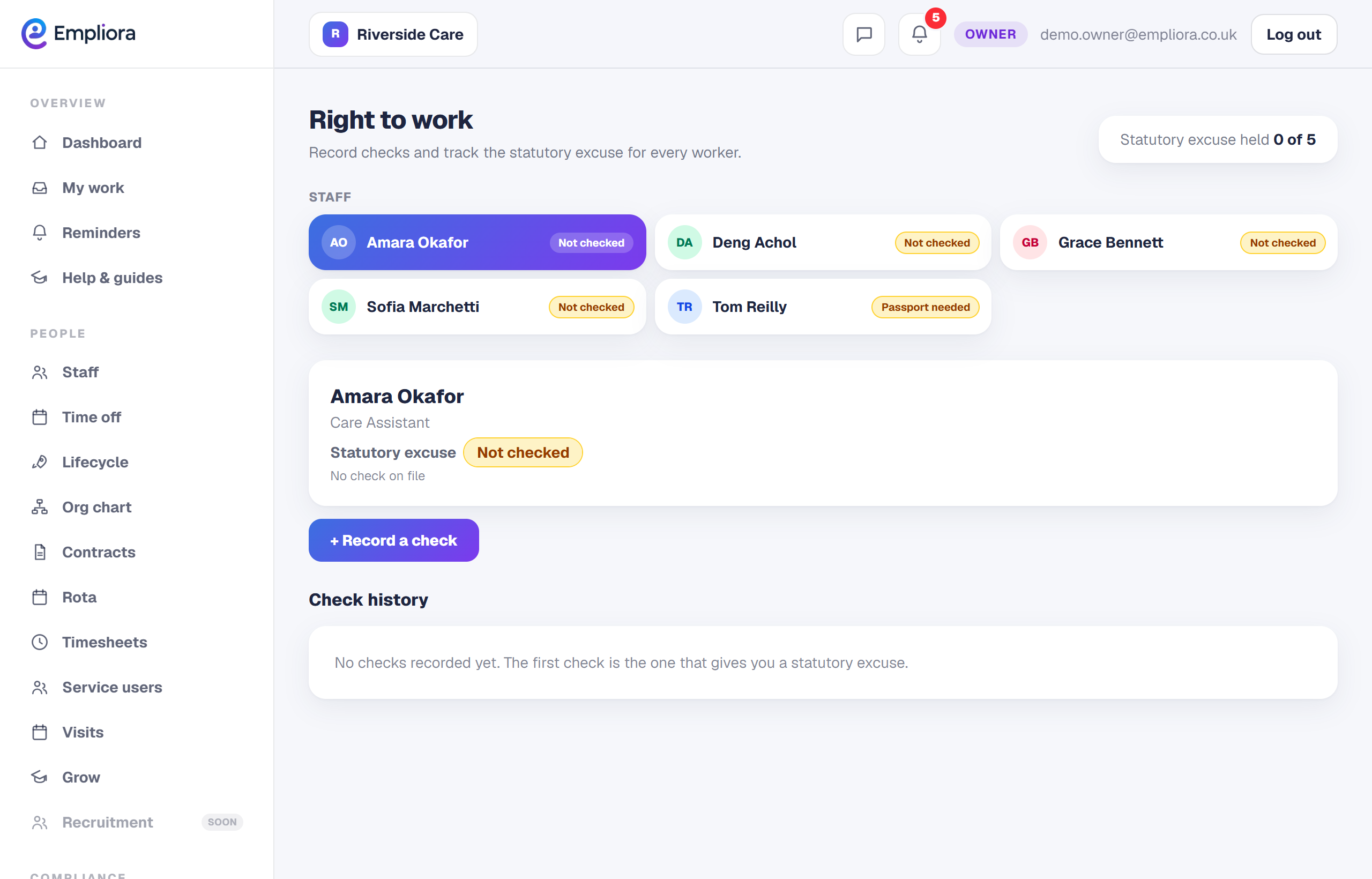
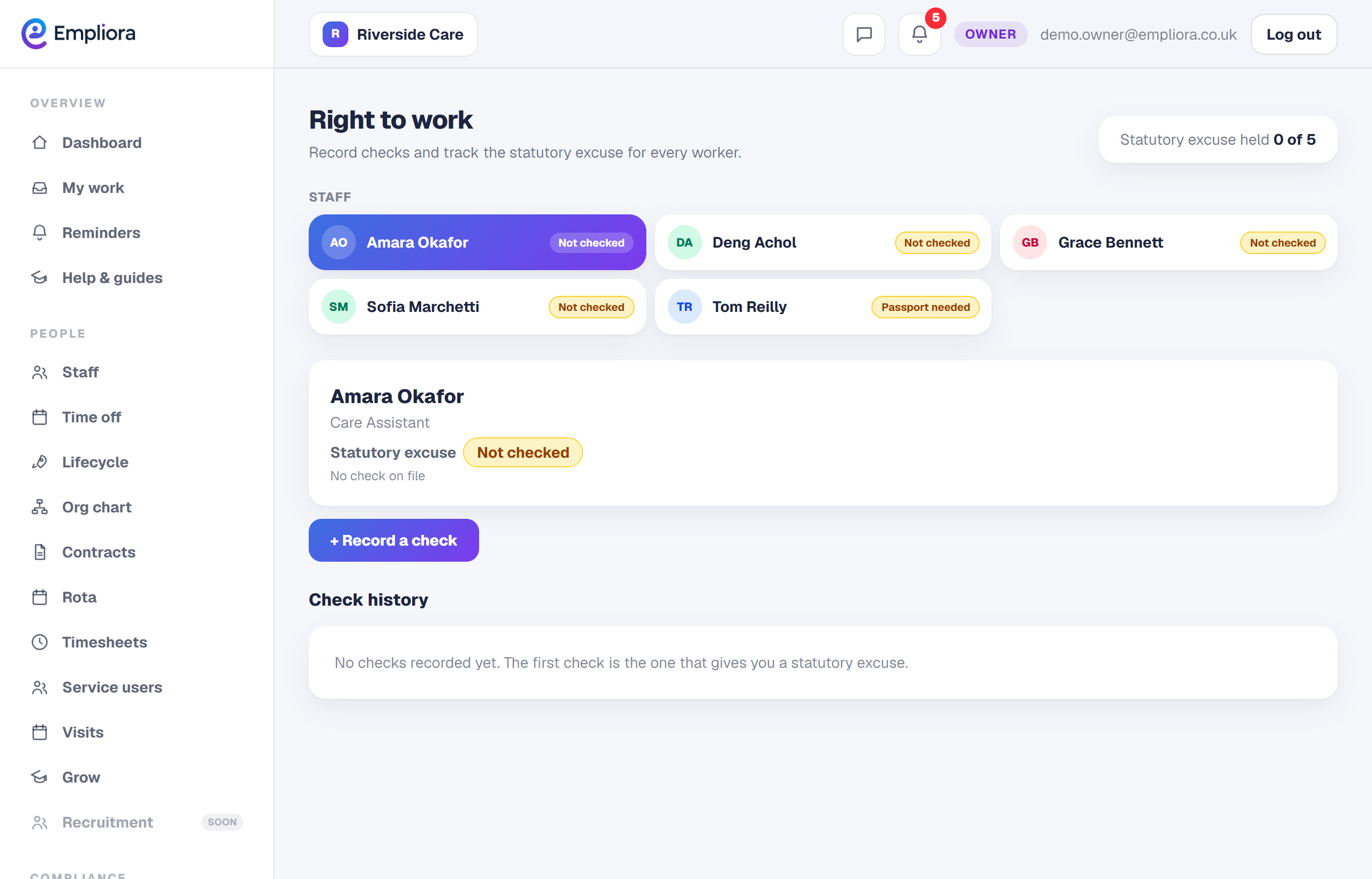
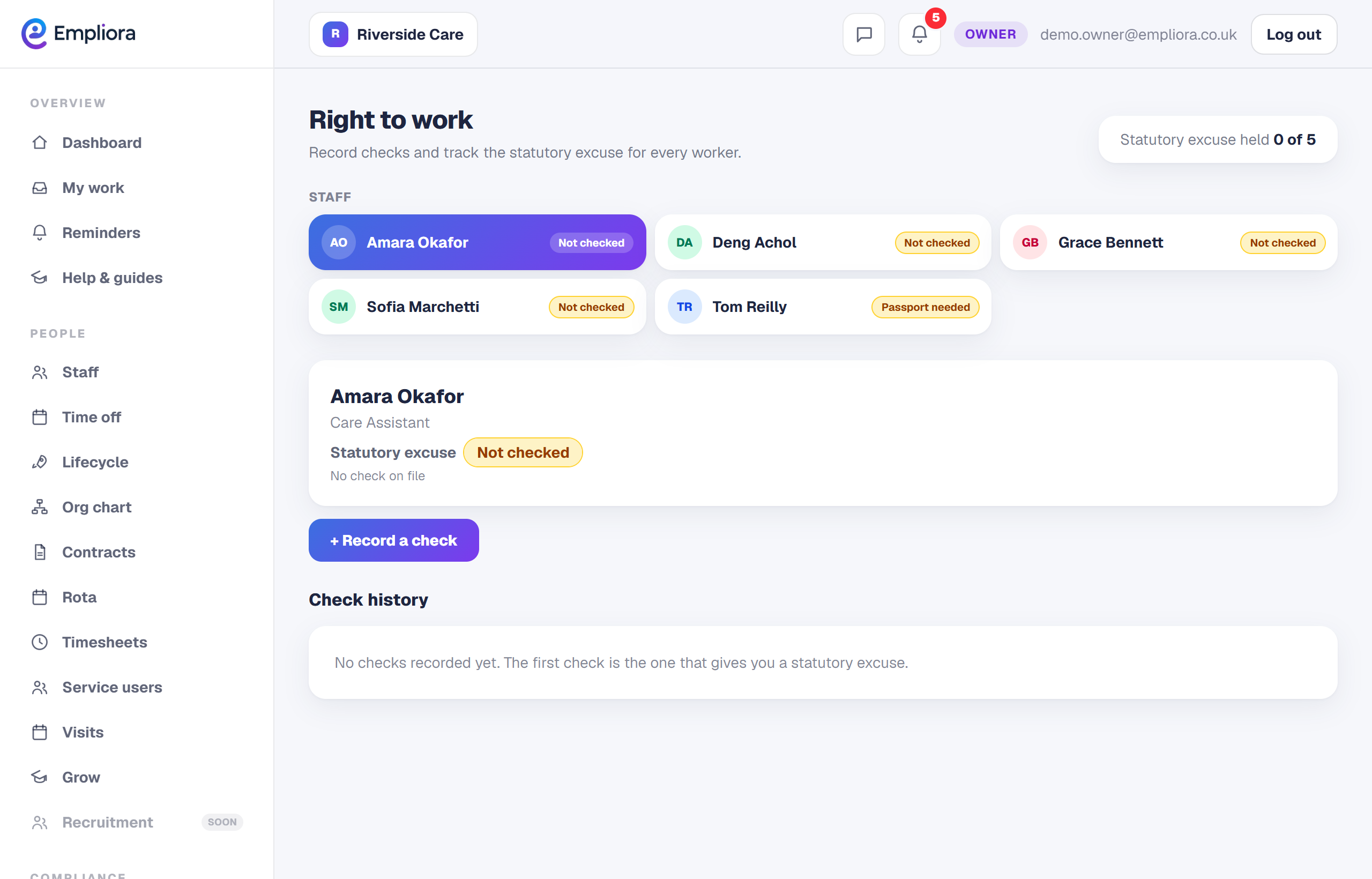
Open **Right to work**, find the person and select **Record a check**. If they are not on the system yet, add them first from Staff, it takes a minute, then come back here.
- 3
Choose the type of check
Pick the route that fits the person: - **Online share code check** for most people with a biometric residence permit, settled status or an eVisa. This is the quickest and Empliora does the lookup for you. - **Manual document check** for British and Irish citizens (passport) and anyone whose document cannot be checked online.
- 4
Do the online share code lookup
Enter the person's **share code** and **date of birth**. Empliora sends this to the gov.uk "View a job applicant's right to work" service, reads back the result and saves the official PDF straight to their documents, no copying details across by hand.
- 5
Read the result
Check the result carefully. It will say the person has the right to work, and whether there are **conditions** (for example a visa with a work-hour limit) or a **time limit**. Confirm the photo on screen matches the person in front of you or on a video call, this photo check is a legal requirement, not an optional extra.
- 6
Or record a manual document check
For a manual check, confirm three things: you have seen the **original** document (not a copy), the **photo matches** the person, and the document has **not been tampered with**. Tick each box, upload a clear scan, and Empliora keeps it as your dated evidence.
- 7
Mark the check as verified
Once the evidence is filed, mark the check against the Home Office document with a single tap. This is the tick your future self, or a Home Office officer, looks for to see the check was completed properly.
- 8
Let the follow-up look after itself
Where a check only gives a **time-limited** right, Empliora sets the follow-up date automatically, for example six months on for a List B document, or the visa expiry date, and reminds you well before it is due. You never have to diary it yourself.
- 9
Stay audit-ready
Every check, its date, the evidence PDF and who ran it is stored on the person's record and in your audit log. If the Home Office ever visits, you can produce the full history in seconds instead of digging through a filing cabinet. That is the whole check: the person is cleared to work, the official evidence is filed, the follow-up is set, and you are covered.