Never miss a visa expiry. Workers are emailed at each stage as well as you.
Before you start. The worker's immigration status is recorded on their profile.
Step by step
- 01
Open the Visas tab
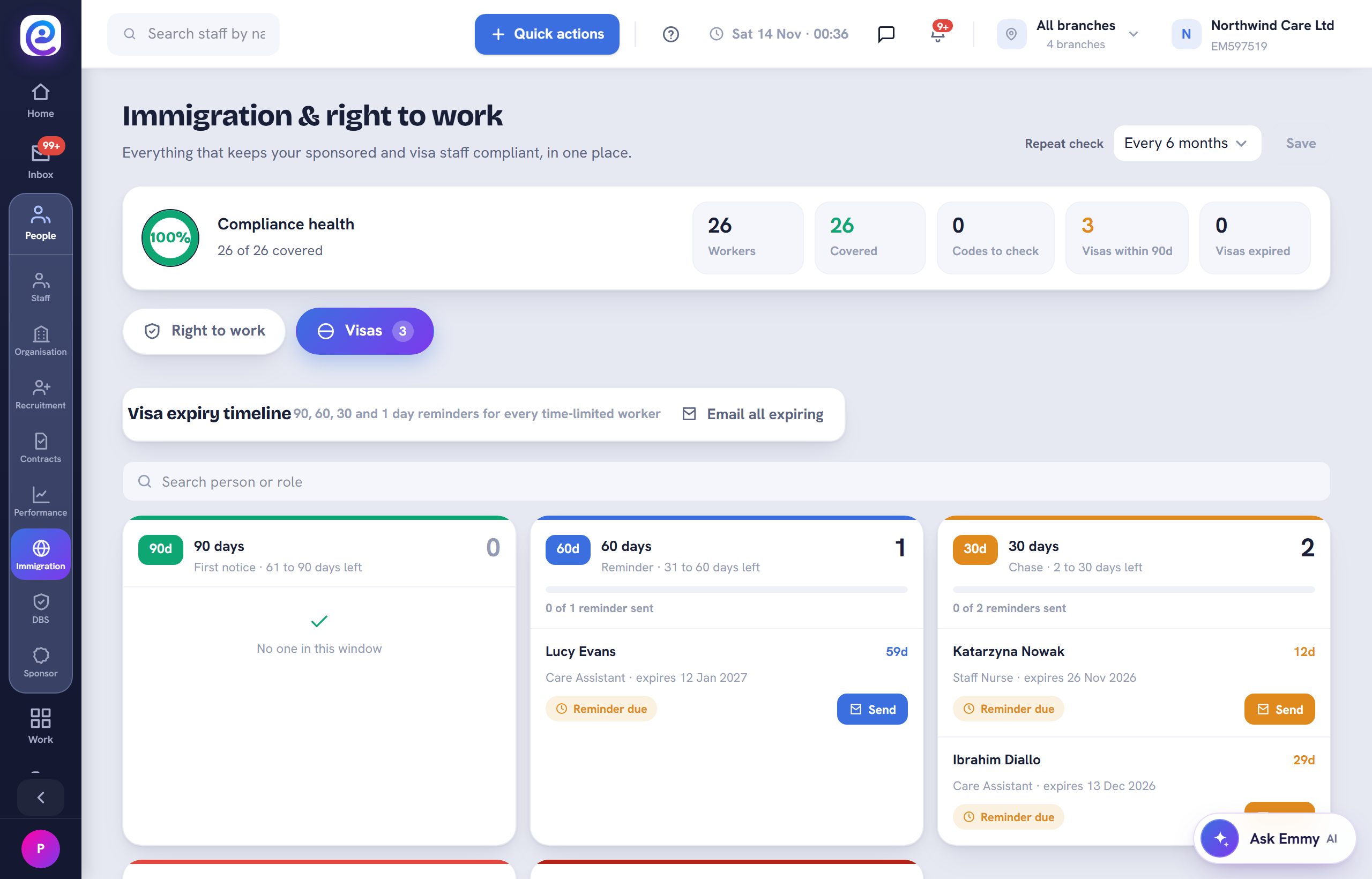
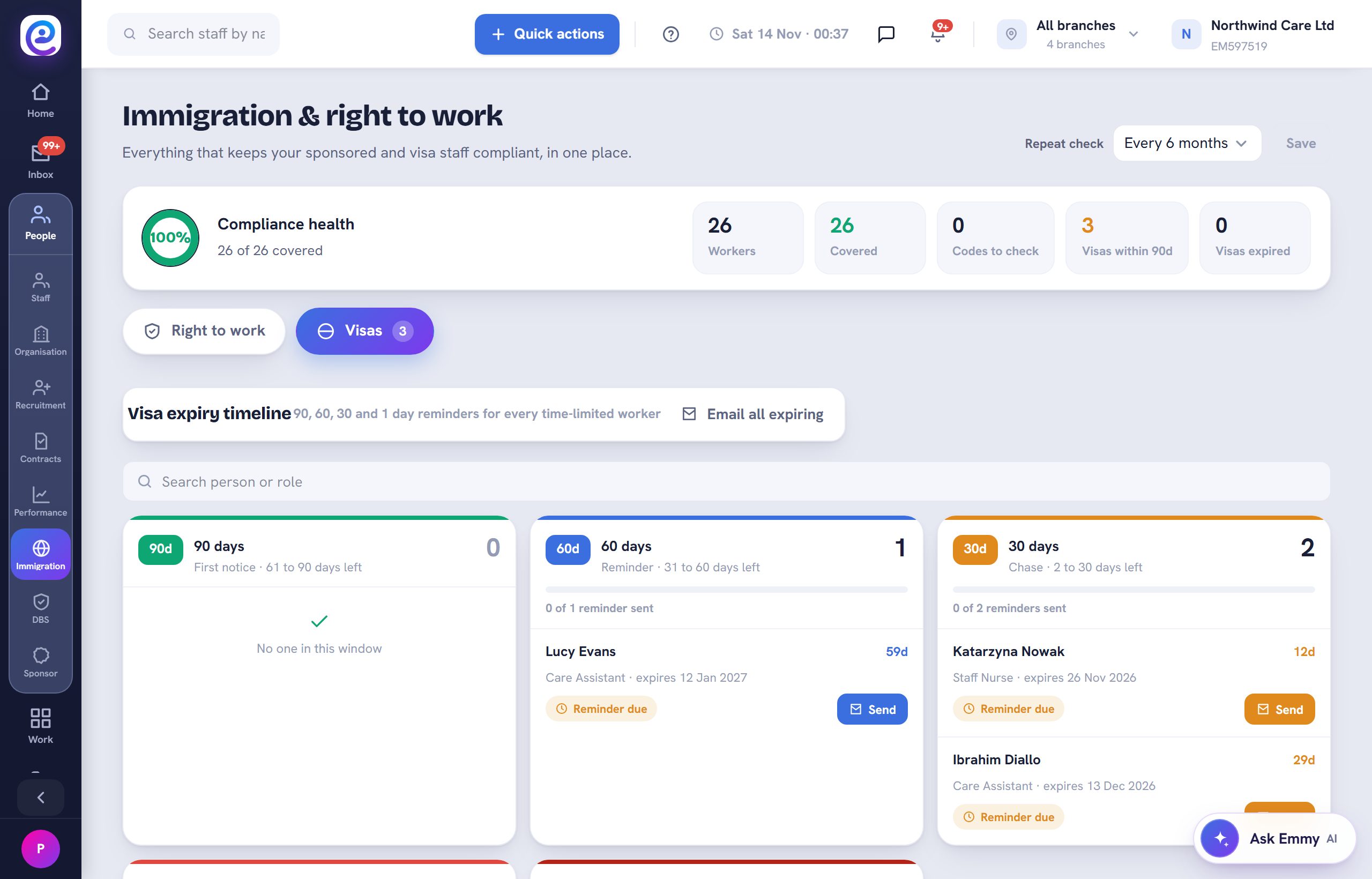
In People, then Immigration, open Visas. The expiry timeline groups workers into 90, 60, 30 and 1 day windows.
- 02
Send the reminders
Select Send on a worker, or Email all expiring, to remind everyone who needs to act. Each reminder sent is recorded.
- 03
Use the register
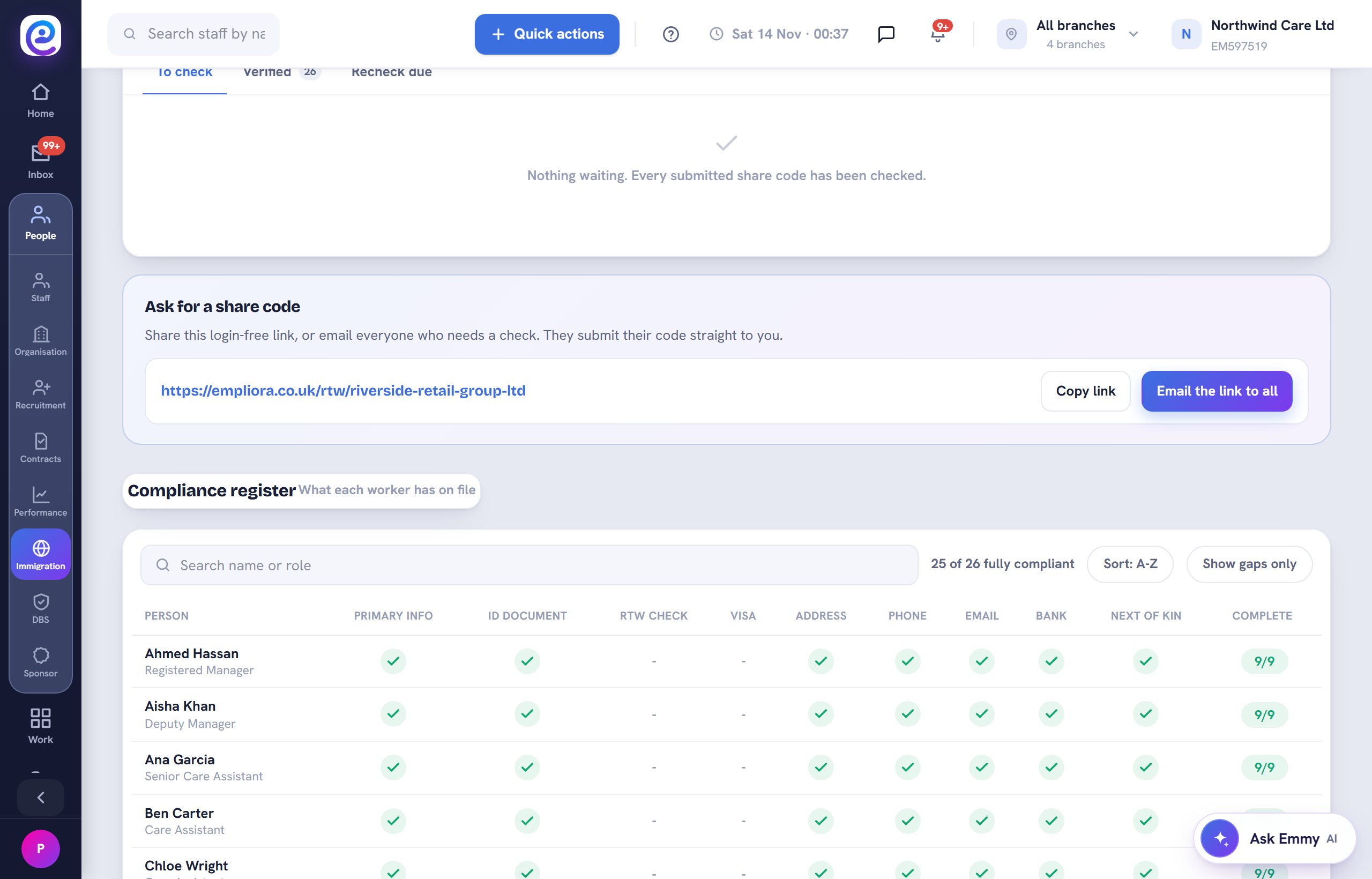
On the Right to work tab, the compliance register shows what each worker has on file. Use Show gaps only to see where to act.
You are all set
Each visa shows its stage, and reminders go out on time.
Next guide
Use the document vault
Every document by branch, with expiry dates and reminders.

Previous: Manage DBS checks