Use the document vault
8 Jul 2026 · 2 min read
Store company and employee documents in one place, with expiry reminders built in.
Empliora gives you two document stores that work the same way: one for each employee, and one for the business. Both remind you before anything expires, so a lapsed certificate never catches you out.
- 1
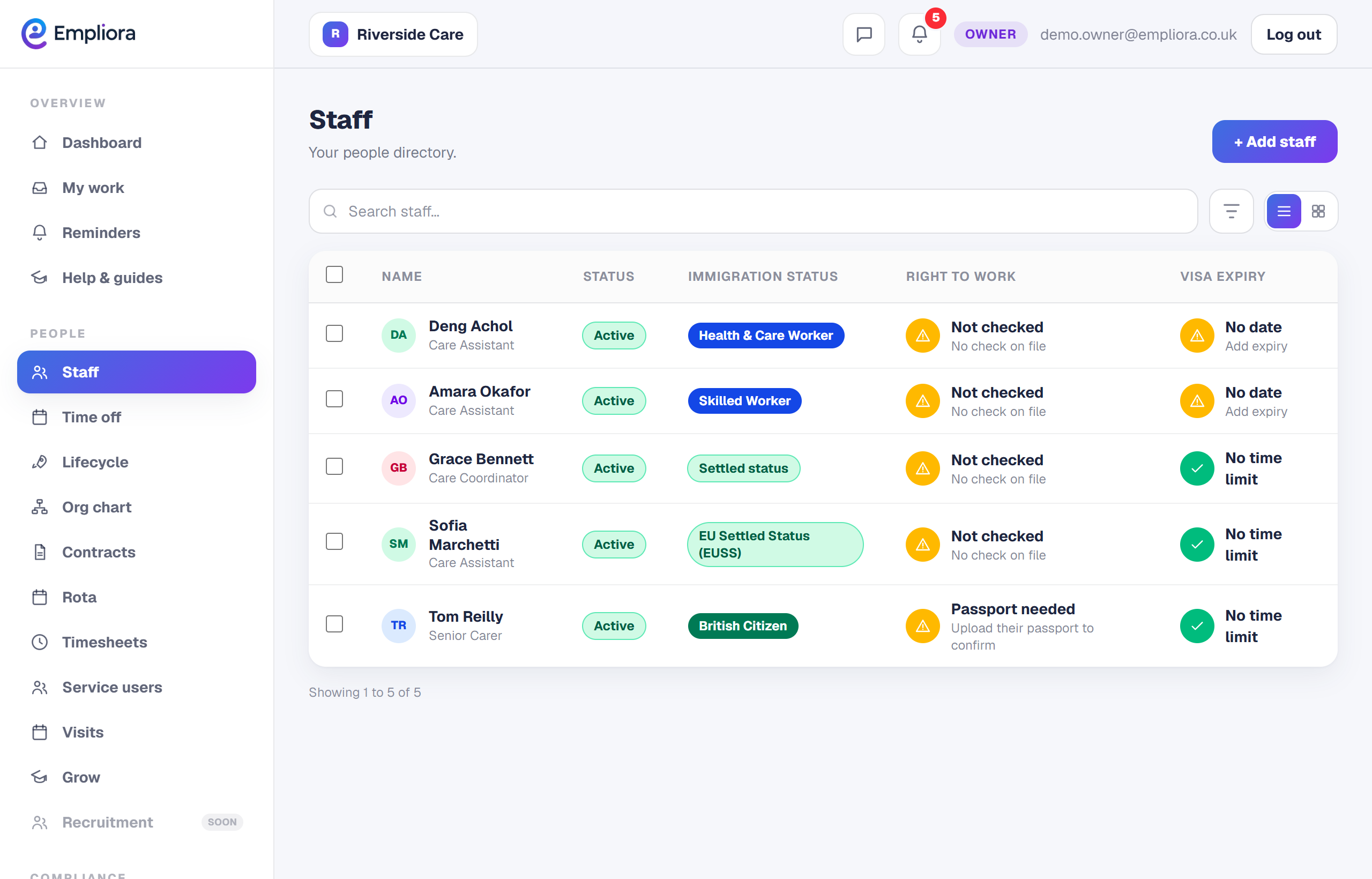
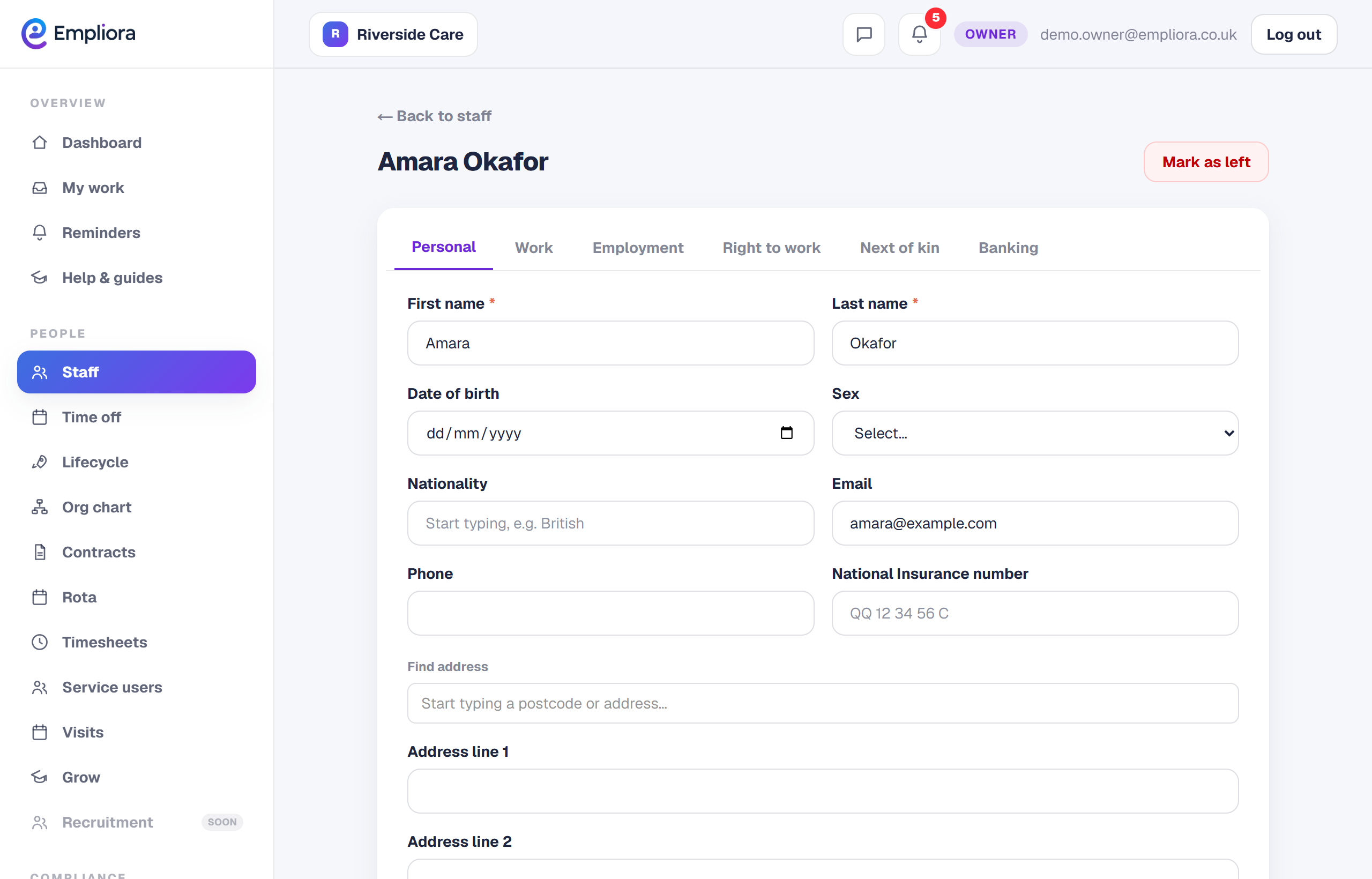
Store documents against a person
Open someone's record to store documents that belong to them, such as a passport, visa or signed contract. Right to work evidence is filed here automatically when you run a check.
- 2
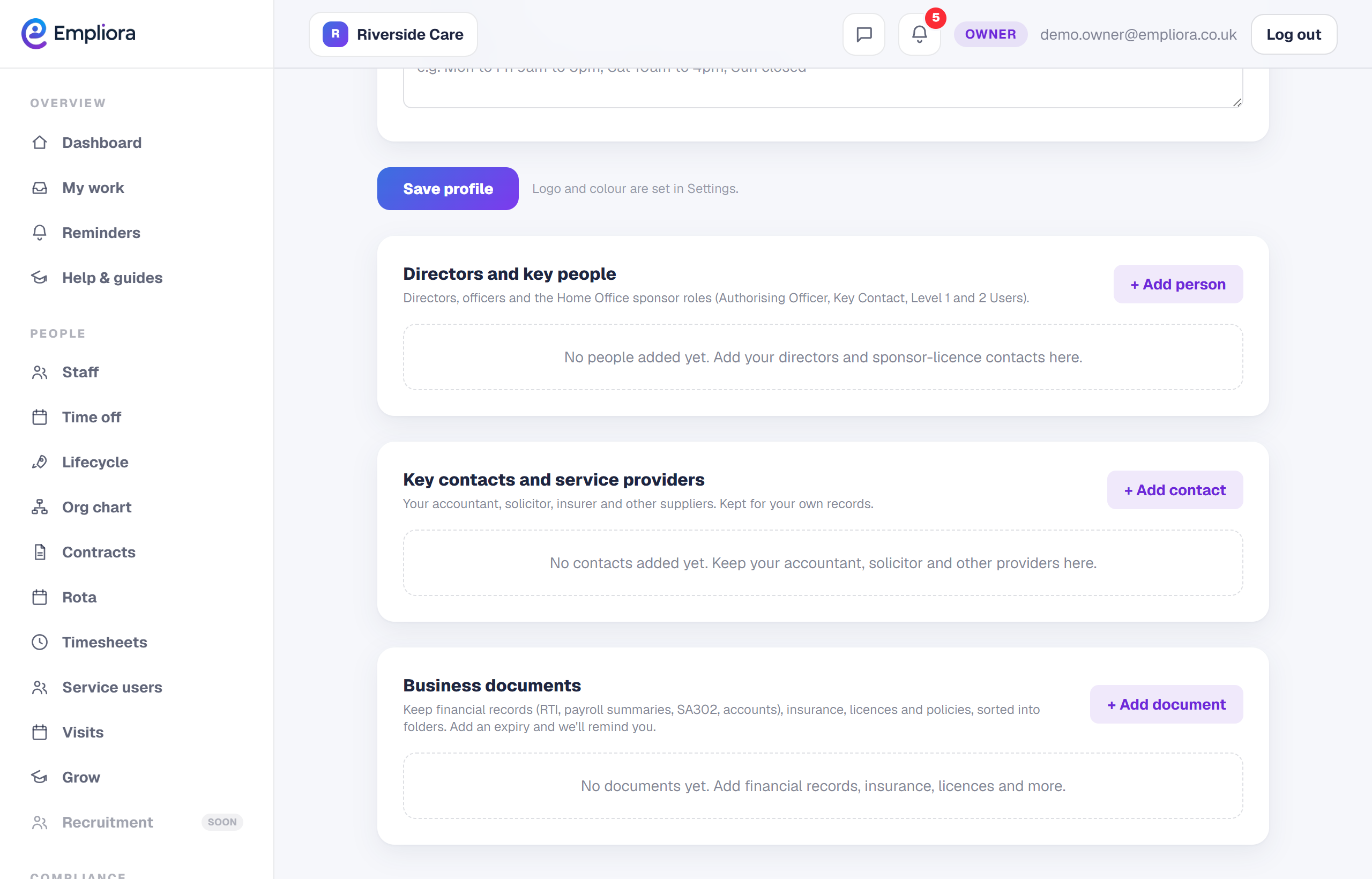
Store documents for the business
Business documents live under your Business profile. These are things like insurance, licences and financial records. Financial paperwork such as RTI, payroll summaries, SA302 and accounts has its own folder, so it is easy to find.
- 3
Add an expiry date as you upload
When a document has an expiry, add the date as you upload it. Empliora then reminds you before that date, so you renew in good time rather than after the fact.
- 4
Let the reminders do the watching
Anything with an expiry appears in your Reminders as the date approaches, in the same list as everything else, so there is only one place to look. That is both vaults. Upload as you go, add the dates, and Empliora keeps the whole set current.