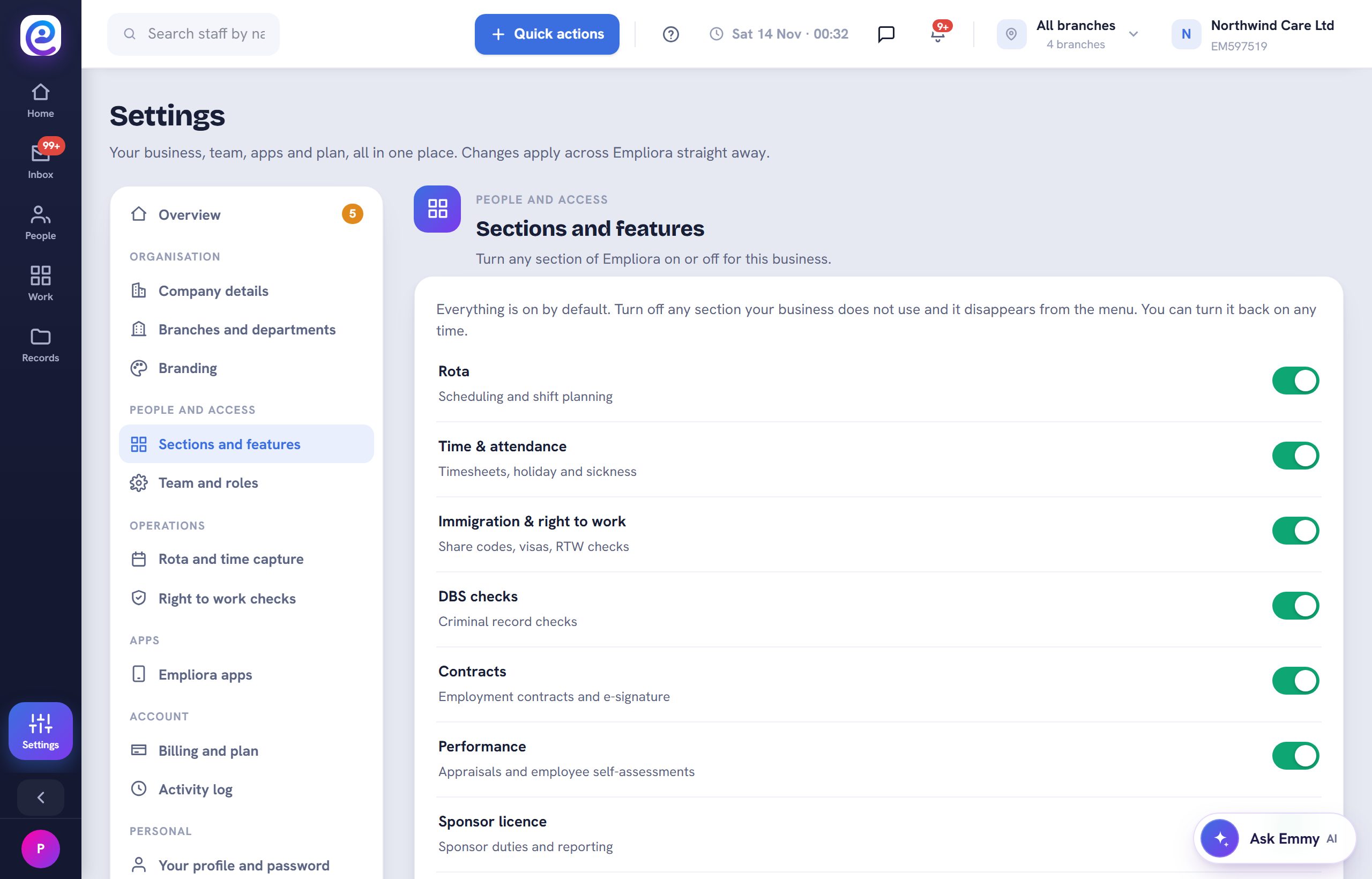
Switch off what you do not need and the menu stays simple for everyone.
Before you start. You are the owner or an admin.
Step by step
- 01
Open Sections and features
Go to Settings, then Sections and features.
- 02
Switch a section
Turn a section on or off. Its menu items appear or disappear for your whole team.
You are all set
The left rail only shows the sections you have switched on.
Next guide
Manage your plan and billing
Your plan, add-ons and invoices in one place.

Previous: Build a report