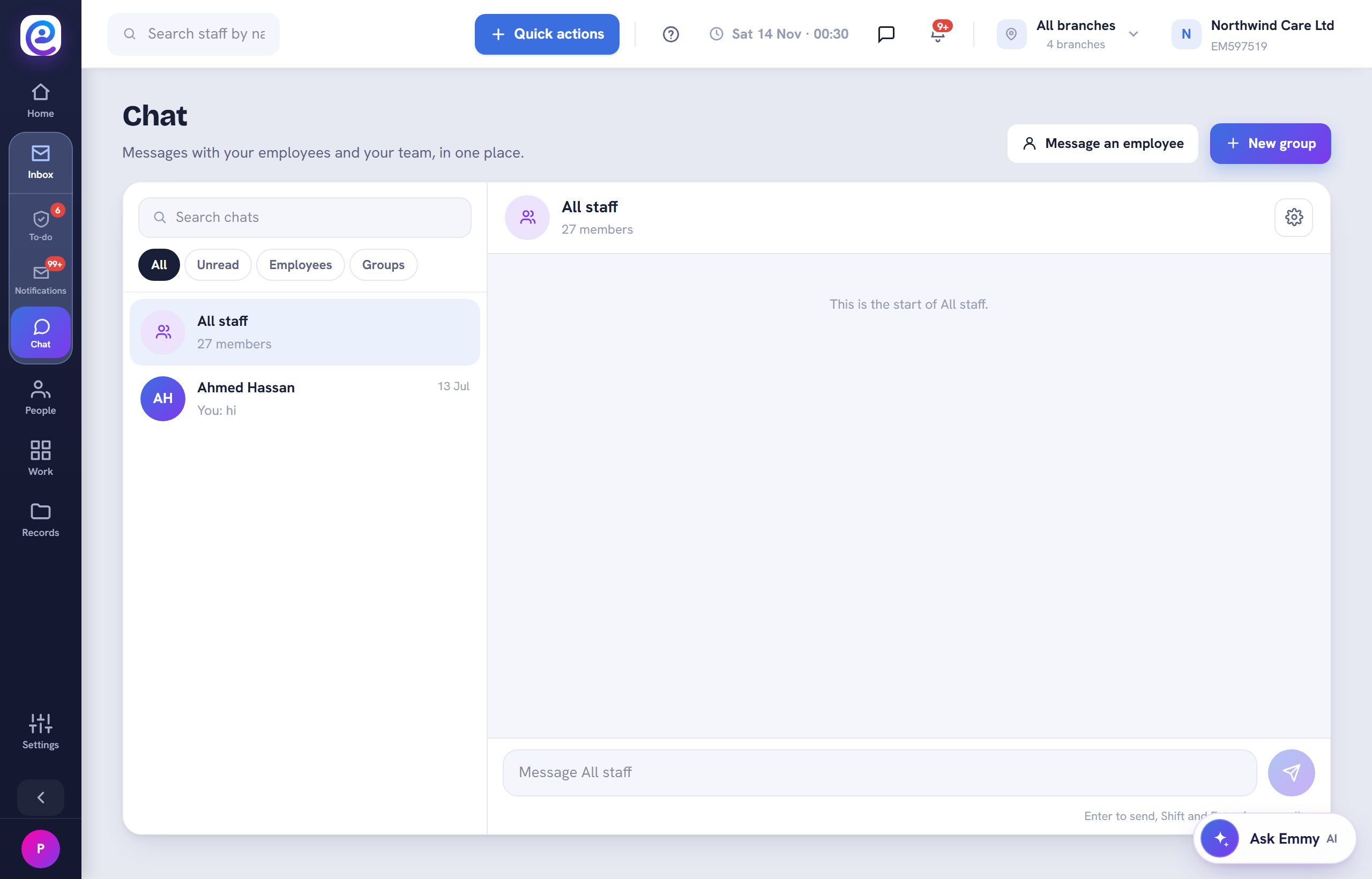
Message employees on their phones without sharing personal numbers.
Before you start. Your staff have the Empliora app.
Step by step
- 01
Open Chat
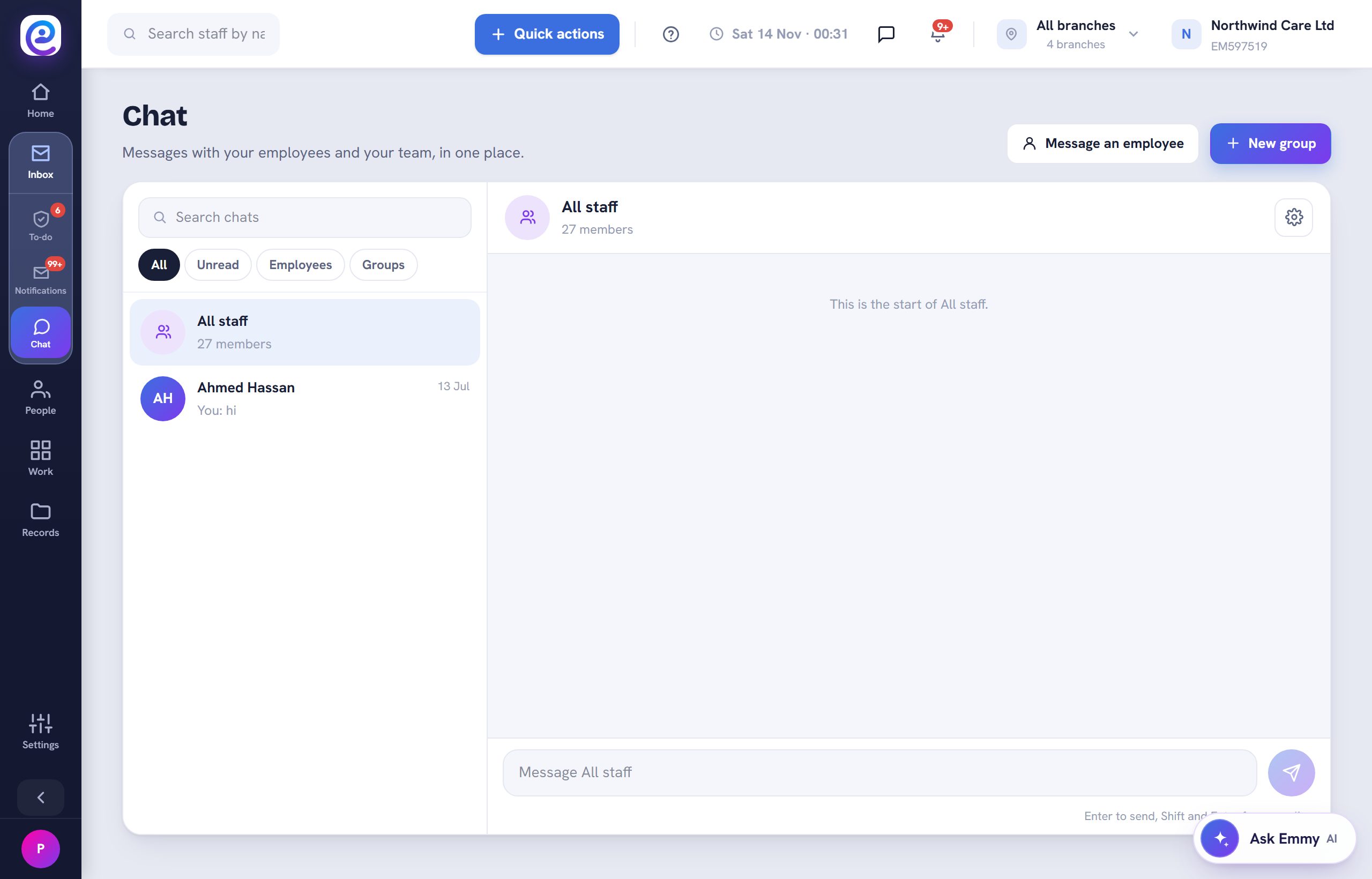
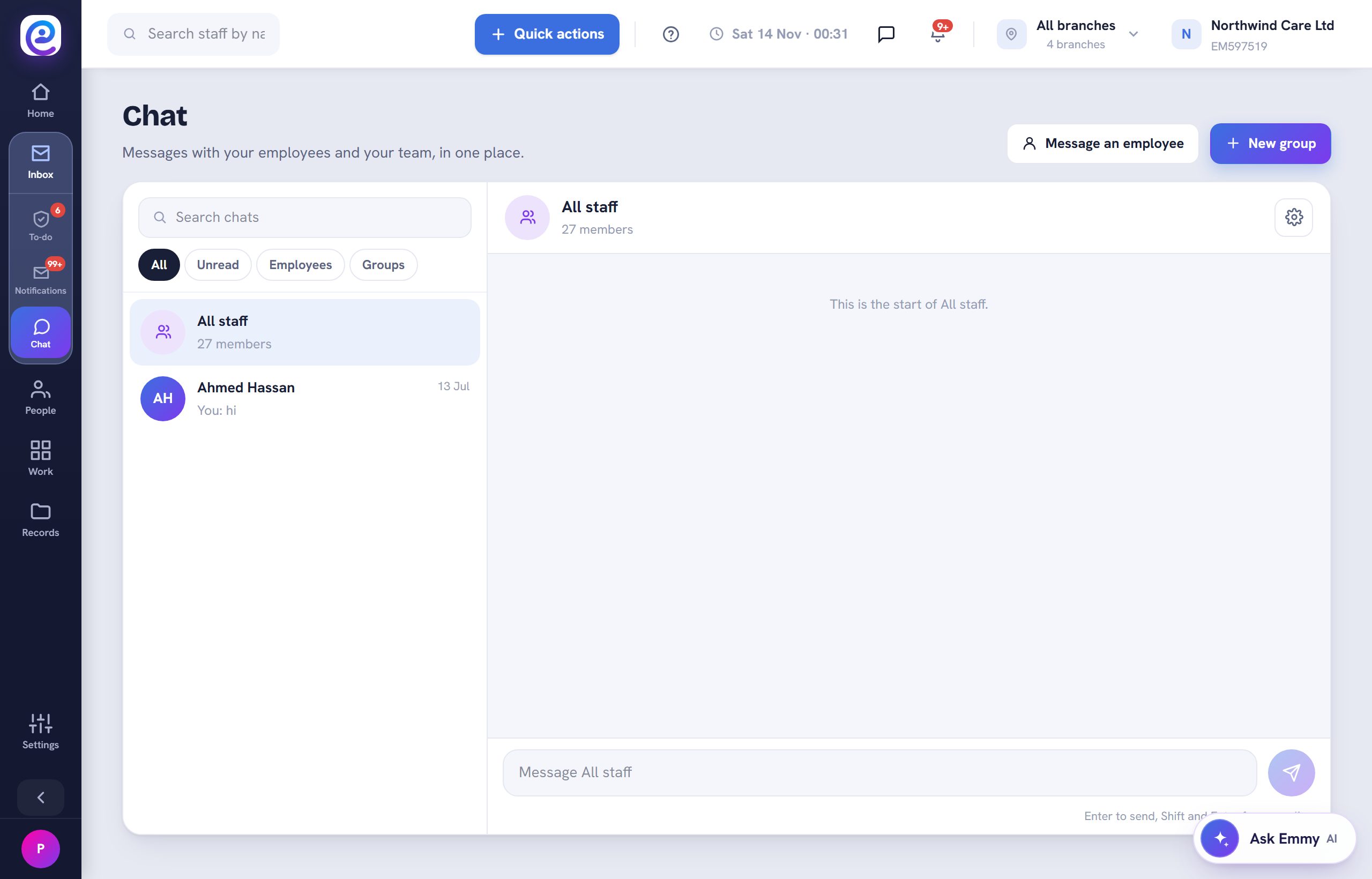
Open Inbox, then Chat, or use the chat icon in the top bar.
- 02
Message an employee
Select Message an employee and pick the person. They are notified on their phone.
- 03
Create a group
Select New group for a team or branch. Everyone is in All staff by default.
You are all set
Messages show Seen once read.
Next guide
Message the whole team
Reach everyone at once through the All staff group.

Previous: Use templates, policies and the handbook