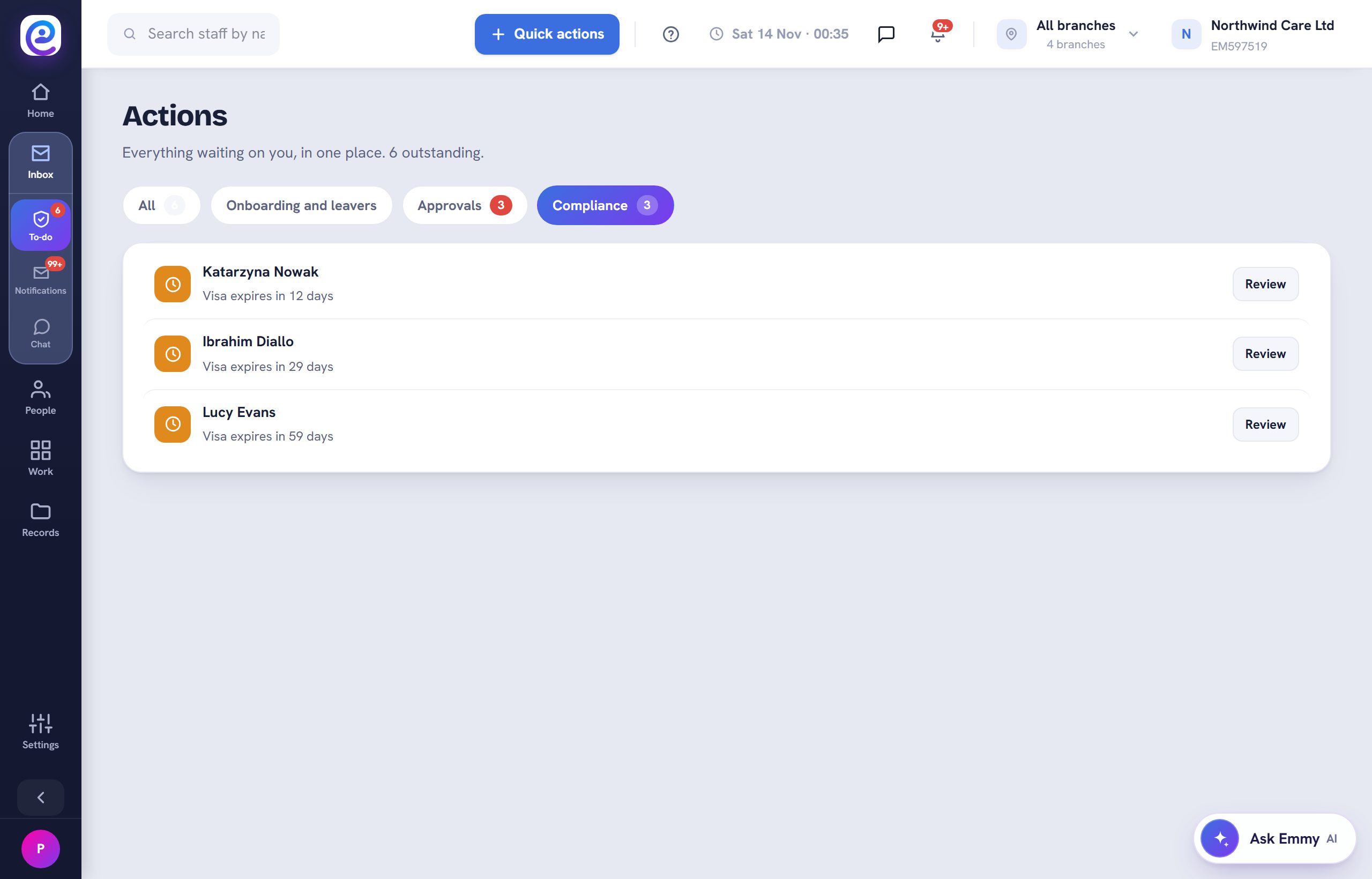
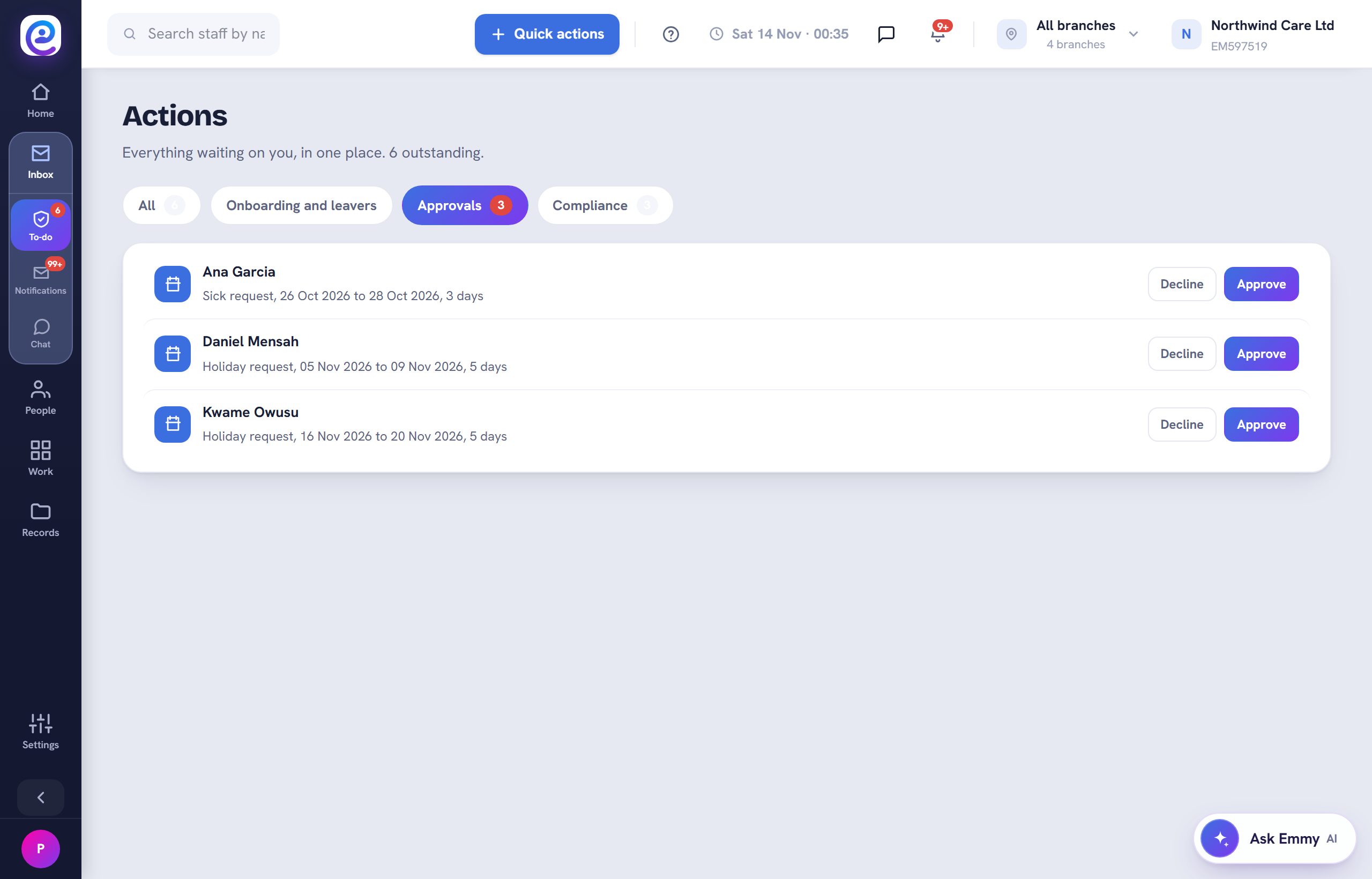
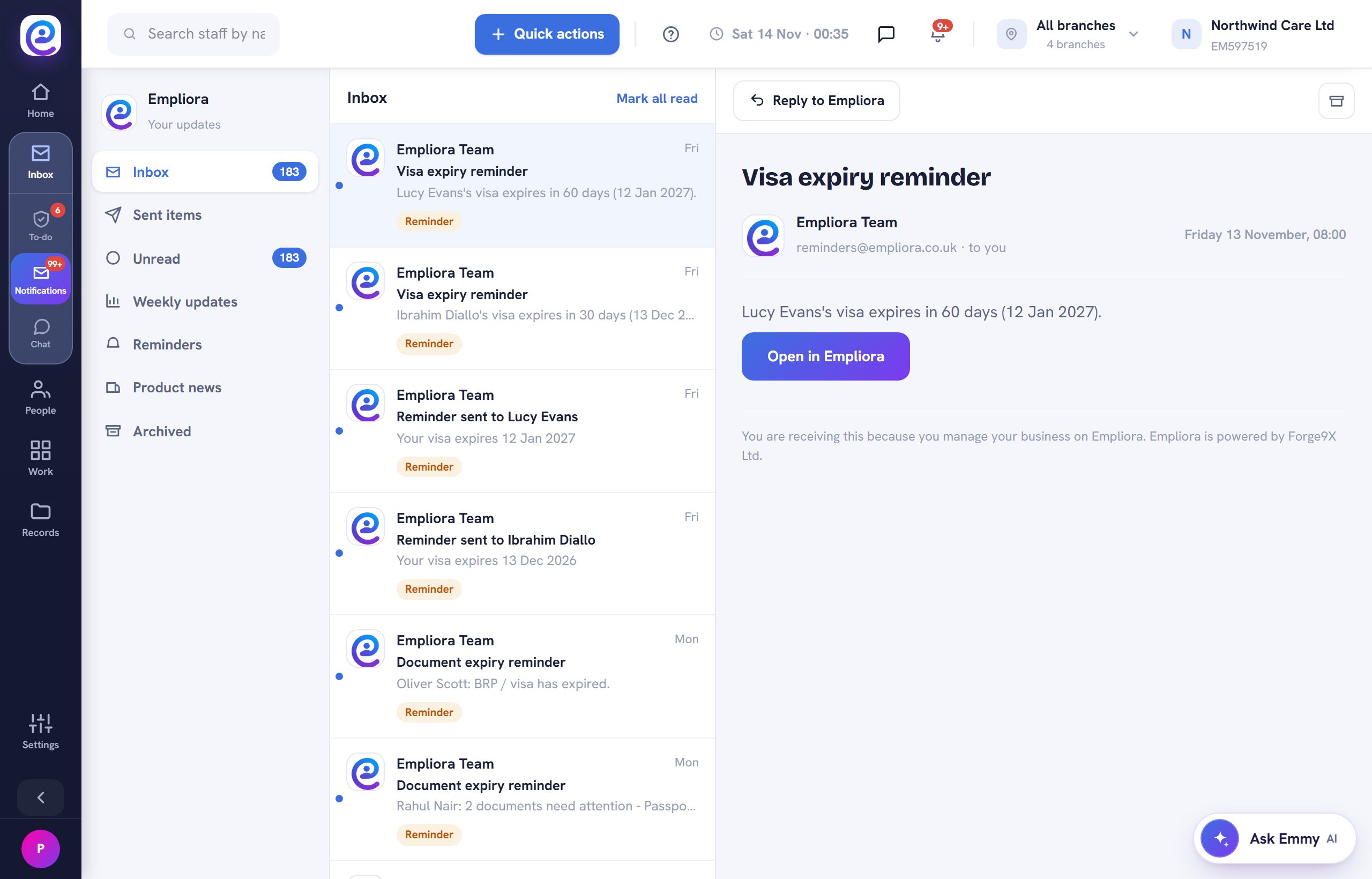
Two lists keep everything that needs you in one place.
Before you start. Nothing, you can start now.
Step by step
- 01
Open To-do
Open Inbox, then To-do. Approvals, onboarding, leavers and compliance items wait here.
- 02
Approve in one click
Approve or decline requests straight from the list.
- 03
Read notifications
Open Notifications for reminders, weekly updates and product news. Mark them read or archive them.
You are all set
Your To-do count drops as you work the list.
Next guide
Build a report
22 ready reports with filters, exported as PDF or Excel.

Previous: Message the whole team